D–9
D
Wireless Multiple Flash-unit Photography
Advanced Wireless Lighting
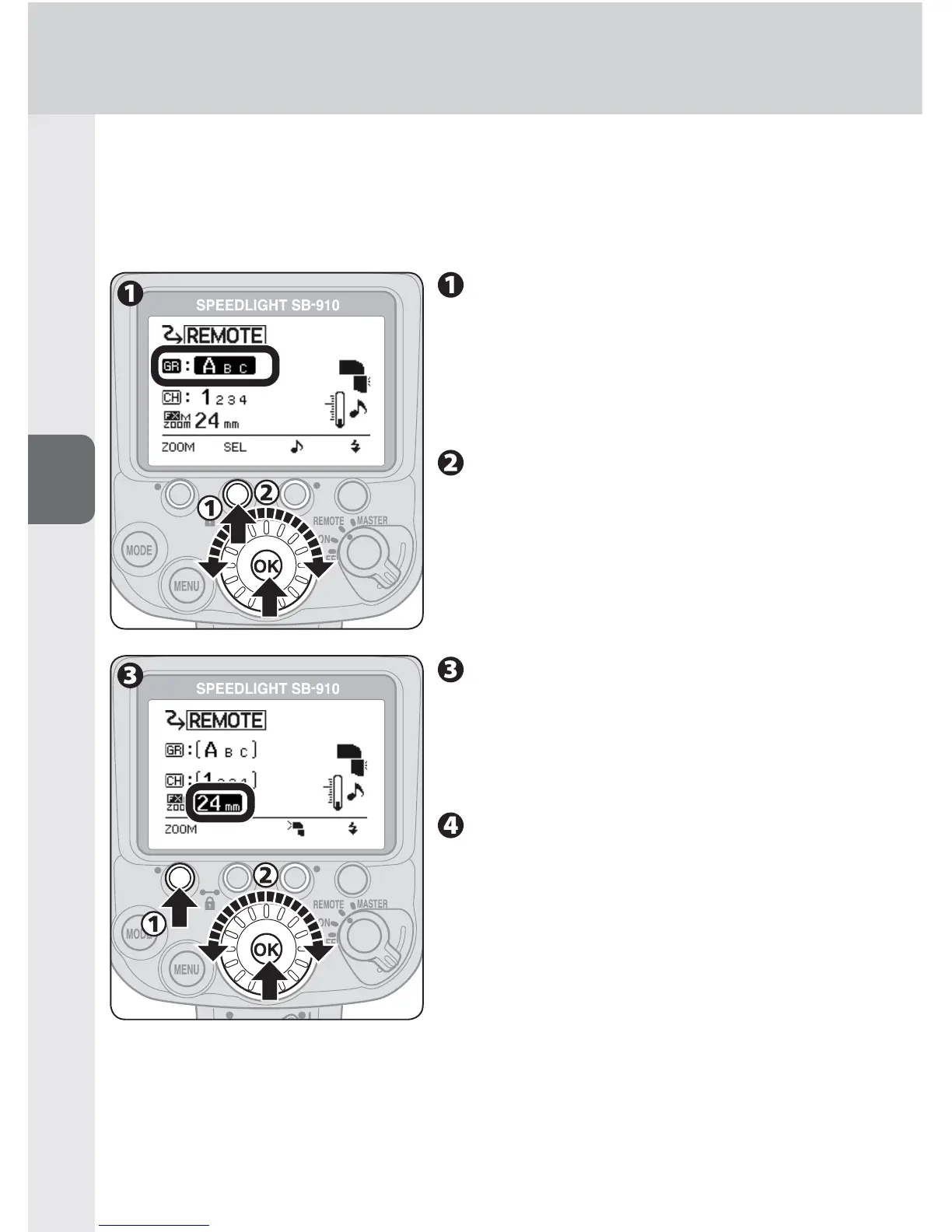
2. Remote flash unit setting (group, channel and zoom head
position)
[Setting group A and channel 1 (example)]
Press function button 2 to
highlight the group, choose “A”
for group with the selector dial,
and then press the [OK] button.
Group name and channel number being •
set appears larger.
Press function button 2 to
highlight the channel, choose
“1” for channel number with
the selector dial, and then press
the [OK] button.
Be sure to choose the same channel •
number as set on the master flash unit.
Press function button 1 to
highlight the zoom head
position, choose a zoom head
position with the selector dial,
and then press the [OK] button.
Confi rm the fl ash-ready
indicator is on, and then shoot.



 To Next Page