E–3
E
Functions
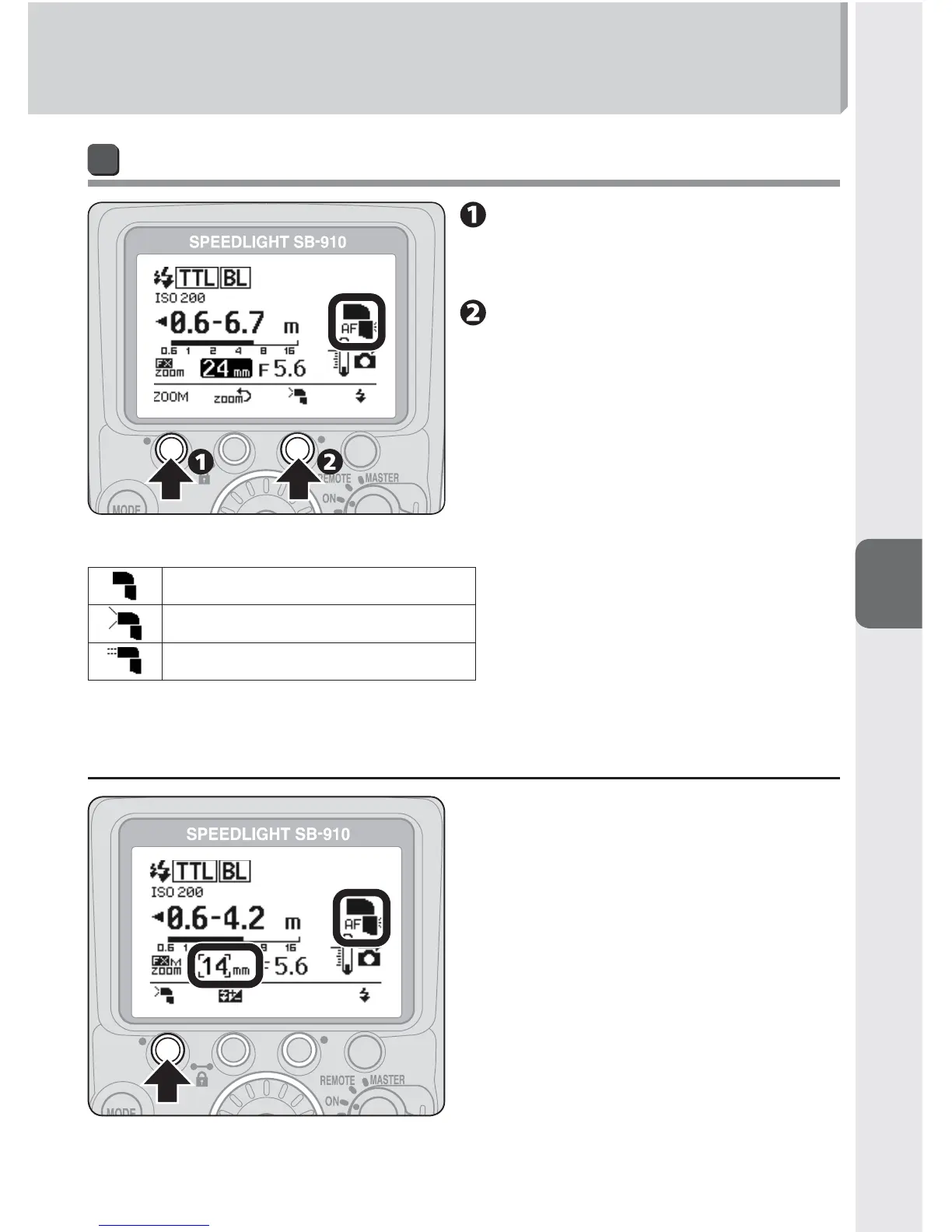
Setting the illumination pattern
Press function button 1 to
highlight the zoom head
position.
Press function button 3
to change the illumination
pattern.
The selected illumination pattern is indicated with an icon on the LCD.•
Standard
Even
Center-weighted
t When the Nikon Diffusion Dome is attached or the built-in wide
panel is in use
Press function button 1 to change the
illumination pattern.
The zoom head position also changes •
in accordance with the illumination
pattern.



 To Next Page