E–16
E
Functions
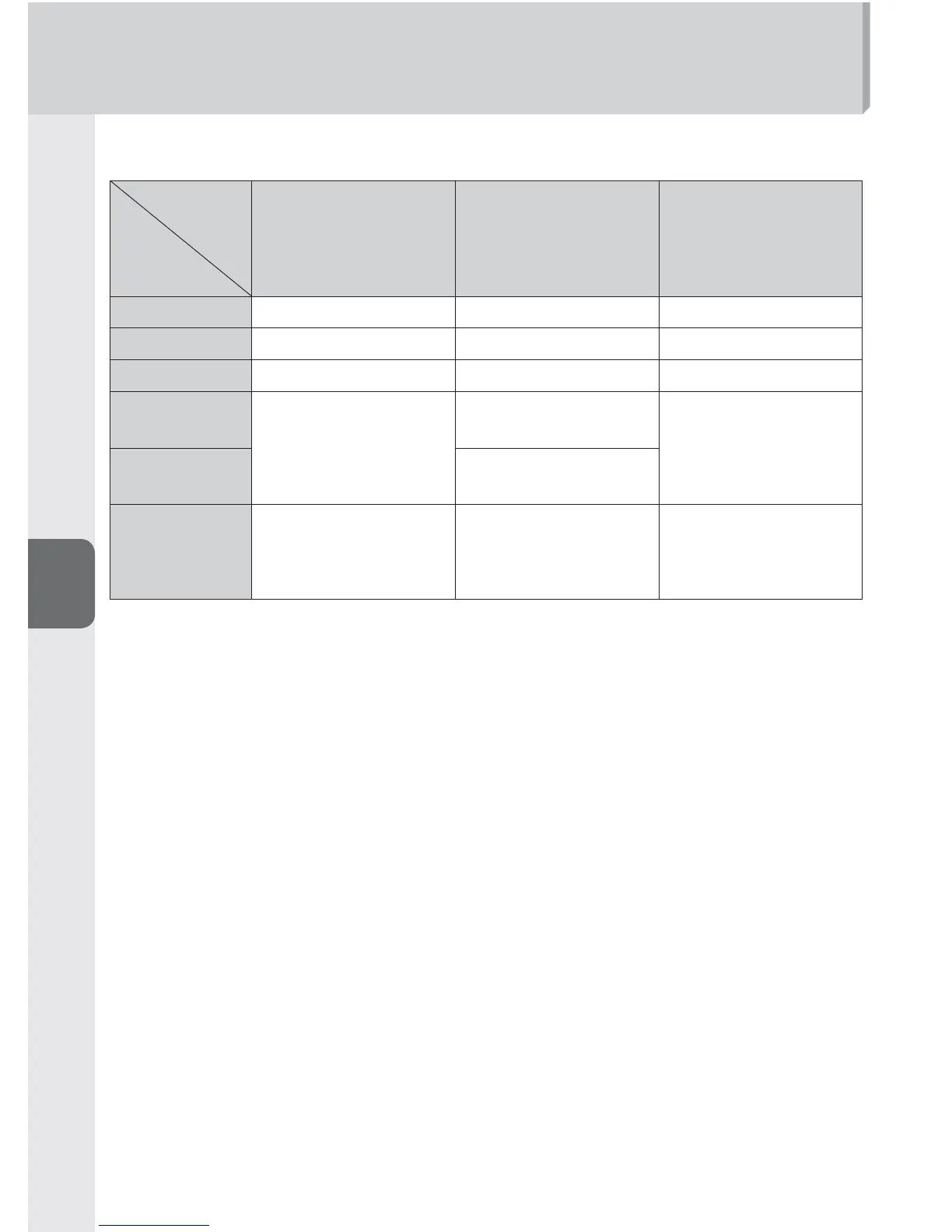
Flash Photography with Color Filters
White balance depends on camera in use ■
Camera
Filter
D3X, D3S, D3
*1
,
D700, D300S, D300
*2
,
D90, D7000, D5100,
D5000, D3100,
D3000
D2 series, D1X, D1H,
D200, D100, D80,
D70 series, D60,
D40 series
D1, D50
SZ-2FL
Auto, fl ash Not recommended Not recommended
SZ-2TN
Auto, fl ash*
3
Incandescent Incandescent
FL-G1, FL-G2
Auto, fl ash Not recommended Not recommended
TN-A1
Auto, fl ash
Incandescent (fi ne
tune +3), +1.0 EV*
4
Not recommended
TN-A2
Direct sunlight (fi ne
tune +3), +0.3 EV*
4
Color fi lters
(RED, BLUE,
YELLOW,
AMBER)
Auto, fl ash, direct
sunlight
Auto, fl ash, direct
sunlight (+0.7 EV*
4
with AMBER)
Auto, fl ash, direct
sunlight (+0.7 EV*
4
with AMBER)
*1 D3 camera with fi rmware A and fi rmware B version 2.00 or later.
*2 D300 camera with fi rmware A and fi rmware B version 1.10 or later.
*3 To match the compensation effects of the SZ-2TN and the TN-A1 or TN-A2, set
auto or fl ash in the camera’s white balance and A6 in the fi ne tuning.
*4 Set the camera’s white balance and fl ash compensation value.
Please check the image results and adjust the flash compensation value and other •
settings accordingly.



 To Next Page