I Preparations
3 Setting Uniblitz Shutter Controller Connection
- 20 -
3
Setting Uniblitz Shutter Controller Connection
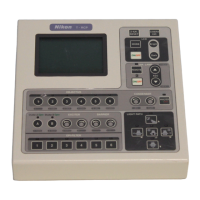
The HUB controller doesn’t automatically detect the Uniblitz shutter controller, unlike other electrical components.
Be sure to set the connection of the Uniblitz shutter controller when using the Uniblitz shutter.
1
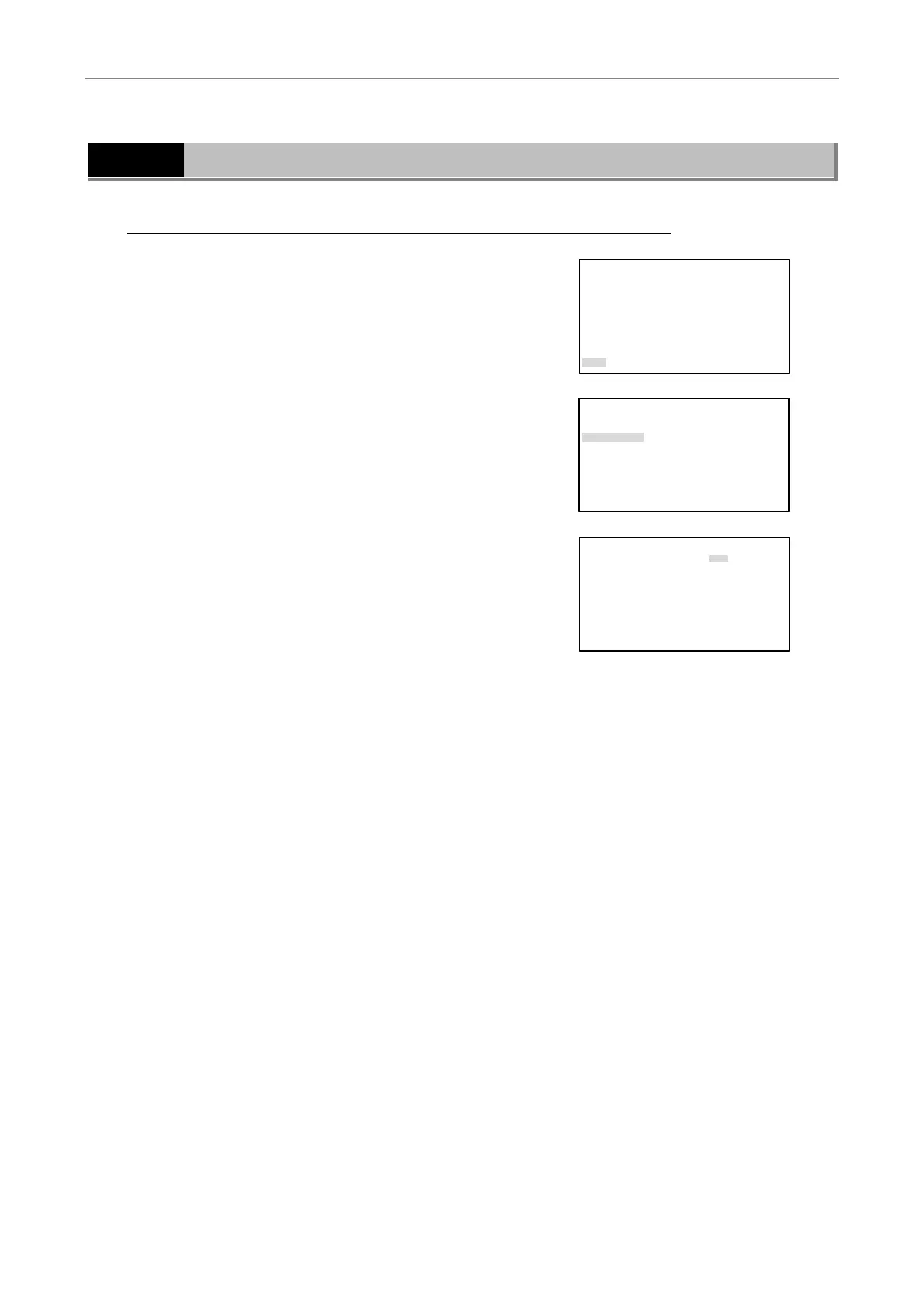
Press the MODE key, and the SETTING MENU screen will
appear on the LCD.
Select “More” using the S key or the T key and then
press the [
] key.
SETTING MENU
Objective
Condenser
Filter
Exciter
Barrier
Combination(Obj.>Condenser)
Combination(Filter>EX/BA)
More
2
Select “Other Unit” using the S key or the T key and then
press the [
] key.
MORE
Rotation Stopper
Focus
Other Unit
Remote Control Pad
Shutter Key
Foot Switch
Communication Delimiter
3
Select “ON” using the PREV or NEXT key.
OTHER UNIT
UNIBlitze Shutter :[ON ]
4
Press the MODE key to end the setting and to return to the
OPERATION screen.


 To Next Page