III Additional Functions
4 Performing Parfocal Corrections
- 37 -
III
(3) Correcting Preset Focus Position
If changing specimens results in a change in focus positions, you can correct focus positions for all objectives with
a single operation. Simply adjust focus and set the correct position for the 10x objective; this will correct
differences in focus positions for all other objectives. Note that these focus position corrections do not apply to
objectives for which no focus positions have been set.
1
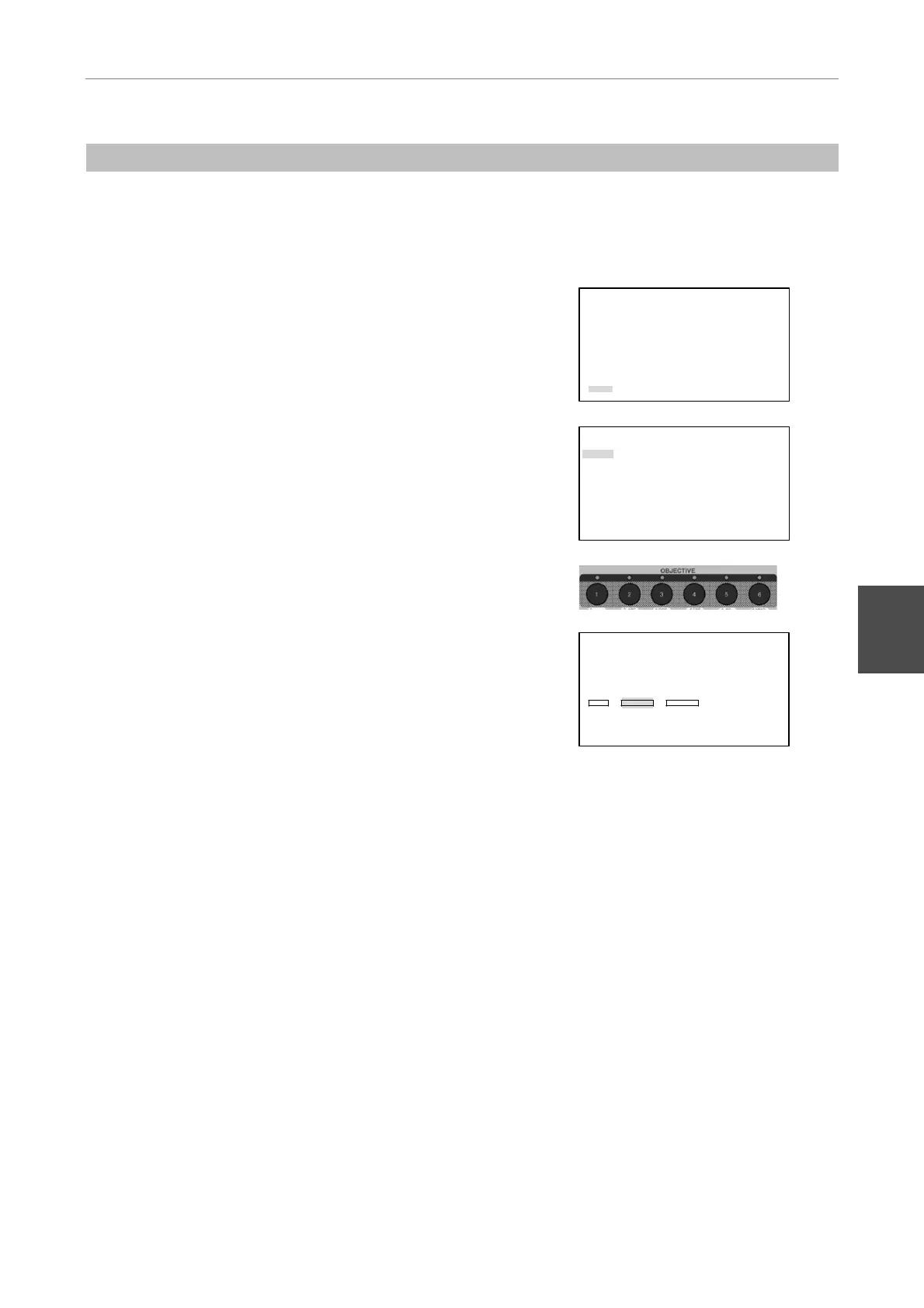
Press the MODE key, and the SETTING MENU screen will
appear on the LCD.
Select “More” using the
S key or the T key and then
press the [
] key.
SETTING MENU
Objective
Condenser
Filter
Exciter
Barrier
Combination(Obj.>Condenser)
Combination(Filter>EX/BA)
More
2
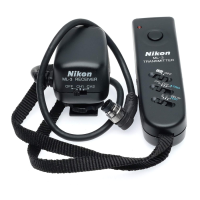
Select "Focus" using the S key or the T key and then
press the [
] key.
MORE
Rotation Stopper
Focus
Other Unit
Remote Control Pad
Shutter Key
Foot Switch
Communication Delimiter
3
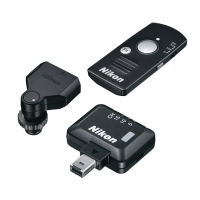
Place the 10x objective in the optical path using the
OBJECTIVE key, and focus on the specimen using the
coarse/fine focus knobs.
4
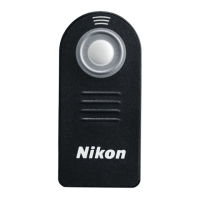
Select "SHIFT" for "FOCUS POSITION" using the S, T,
W, or X key and then press the [
] key.
This sets the focus position for the 10x objective.
The difference between the previous and new focus
positions is added to the focus positions of the other
objectives.
FOCUS KNOB MODE
[Coarse]
FOCUS MODE
[OFF]
FOCUS POSITION
SET SHIFT CLEAR
OBJECTIVE
Series Mag.
[P Fluor ][DL 10x]
5
Press the MODE key to end the setting and to return to the
OPERATION screen.


 To Next Page