OCM Pro CF
page 136 OCM Pro CF - Rev. 09 as of 07.06.2016
9.6 Signal Input/Output Menu (I/O)
This menu includes several submenus which both serve to assess and to check
sensors as well as to control signal inputs and outputs. It allows to indicate vari-
ous values (current values of inputs and outputs, relay conditions, echo profiles,
individual velocities etc.), however does not enable to influence signals or condi-
tions (offset, adjustment, simulation or similar). The menu therefore primarily
serves in order to assess the parameter settings and for error diagnosis.
Fig. 9-123 I/O-submenu
Note
The menu basically allows to indicate any input and output theoretically possi-
ble even if (right as with transmitter type >S4<) it might not be connected or
available.
9.6.1 I/O Menu „Analog inputs ”
Analog input values routed to the transmitter input clamps can be controlled and
checked from here. Values before (in [mA/V]) or after (calculated values) the an-
alog input linearisation can be indicated.
Fig. 9-124 Value selection screen
The function is mostly being used to control current signals from external level /
height measurement units during initial start-up.
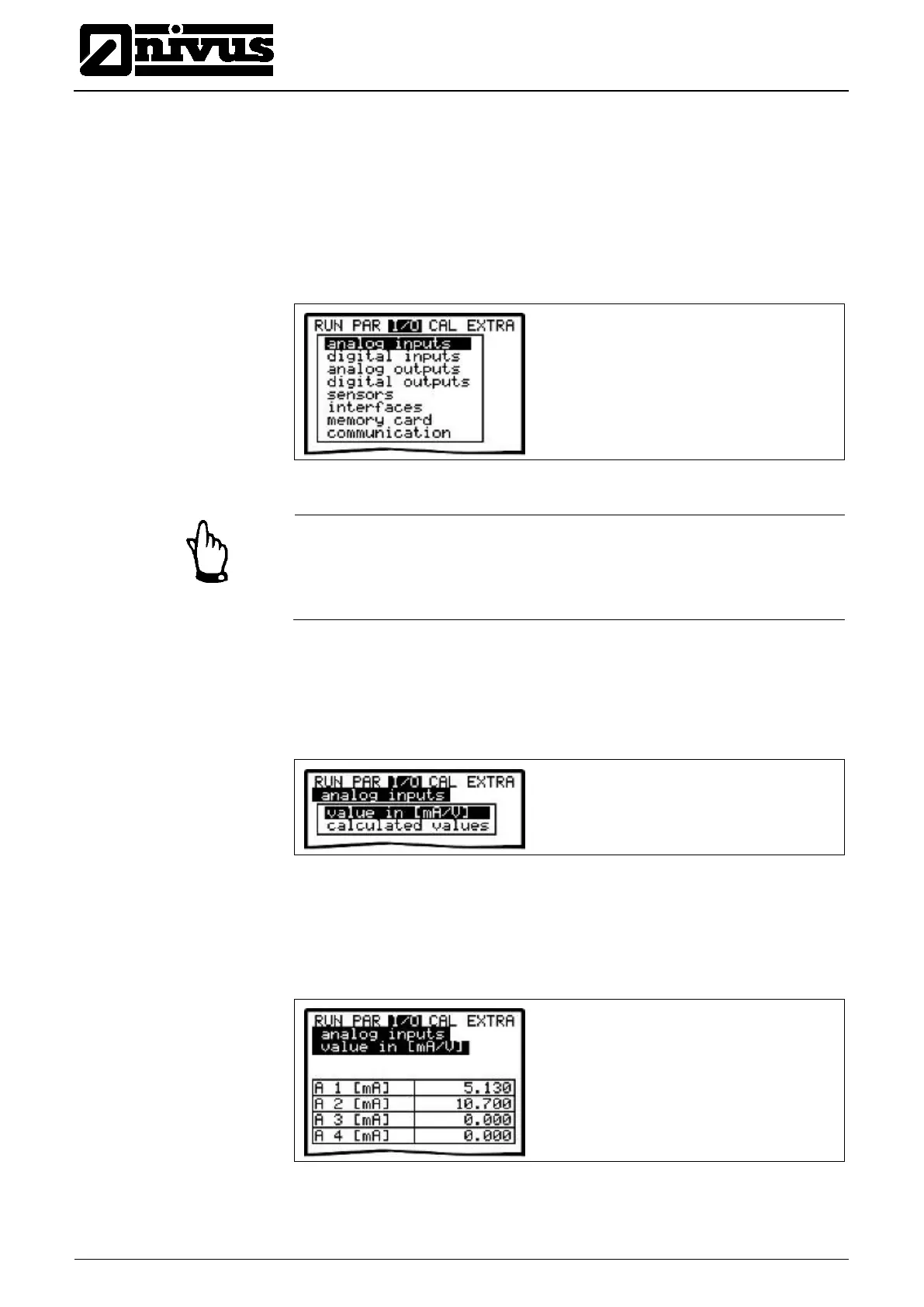
Normally >Values in [mA/V]< will be set. A screen similar to the one below will
come up:
Fig. 9-125 Analog values screen
Setting >Calculated values< without having a signal available (>4 mA) will bring
up the following screen:



 To Next Page