OCM Pro CF
page 98 OCM Pro CF - Rev. 09 as of 07.06.2016
In order to ensure reliable level detection at any time, please observe the hy-
draulic and metrological basic conditions.
With the memory mode enabled and a plugged memory card, all possible set
and measured levels will be saved. Hence, it is possible to verify and to recalcu-
late values at any time.
It is necessary to choose the appropriate level measurement method during the
preliminary stages of project planning.
Important Note
When choosing the measurement method, please observe to connect a suffi-
cient sensor which is equipped with appropriate measurement elements!
Preferably use NIVUS sensors.
Important Note
While setting combi sensors using different level measuring methods in vary-
ing areas, programming errors may arise very easily.
If in doubt please use the assistance provided by our commissioning service
or an expert company authorised by NIVUS!!
9.5.3 Parameter Menu „velocity “
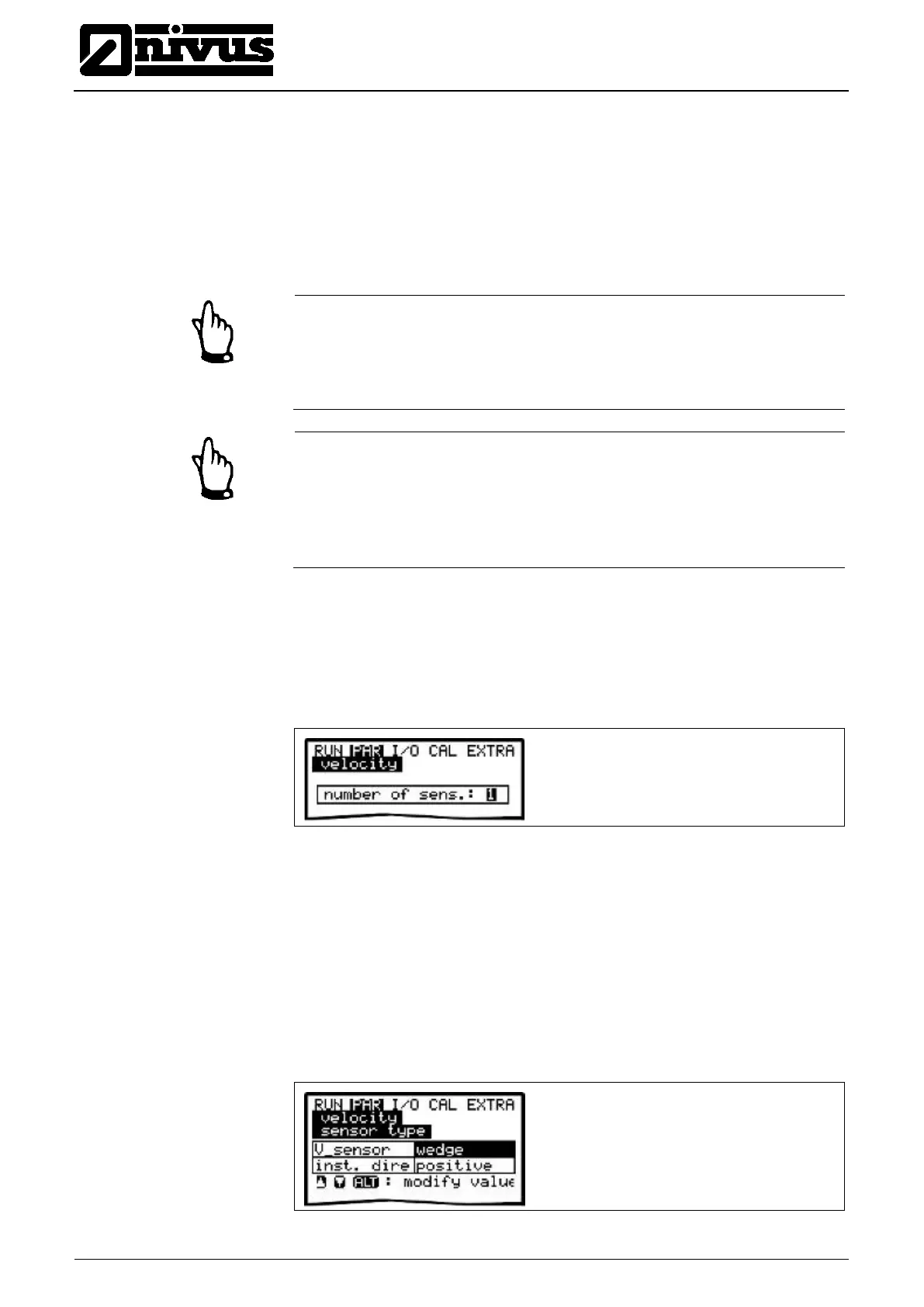
The number of sensors is set to >1< per default. This setting meets the require-
ments of most applications. In case of using multiple sensors (e.g. in subdivided
cross-sections) the number of sensors can be modified by using the "up" or
"down" arrow keys.
Fig. 9-52 Setting the number of sensors
In v-Sensor mode it is possible to change the sensor type using the >ALT< key.
Select the type of sensor construction used.
Installation position of the sensor is set to “positive“ per default. This
parameter should not be modified! It is going to be used only for special
applications where the flow velocity sensor is heading upstream (unlike heading
downstream towards the flow direction as in standard applications) but is to
detect positive velocities however. This is the only case which requires to set
“negative“ here
.
Fig. 9-53 Select sensor type and mounting position



 To Next Page