OCM Pro CF
page 142 OCM Pro CF - Rev. 09 as of 07.06.2016
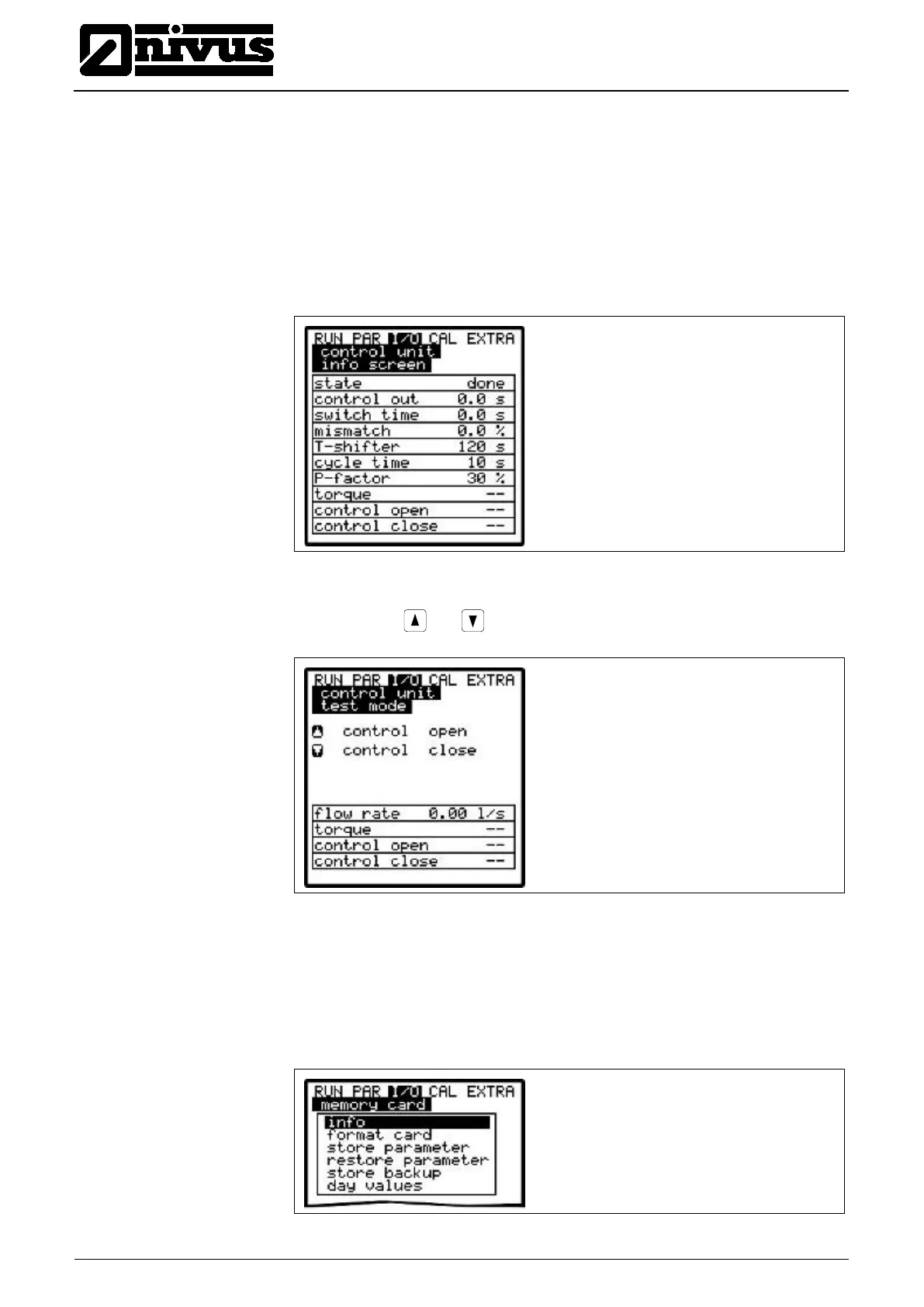
The menu indicates all signals (end switch) and settings (proportionality factor,
slide valve run time, control deviation etc.) which are required for controller
operation. The output signal times (regulating and switching time) are going to
be displayed as well.
Use this info screen to detect missing end switch conditions as well as the
current control deviation, the calculated regulating time, the current controller
condition and more. It provides straightforward diagnostic options if internal
controller errors or problems should occur.
Fig. 9-139 Overview on current controller processes
The slide valve can be manually opened and closed for testing purposes.
The arrow keys and serve as manual control elements.
Fig. 9-140 Control menu for manual controller operation
9.6.8 I/O-Menu "Memory Card"
This menu enables to view various information regarding the memory card. Ad-
ditionally it is possible to save data as well as to read out and to load the param-
eters set.
Fig. 9-141 Memory card menu



 To Next Page