OCM Pro CF
page 86 OCM Pro CF - Rev. 09 as of 07.06.2016
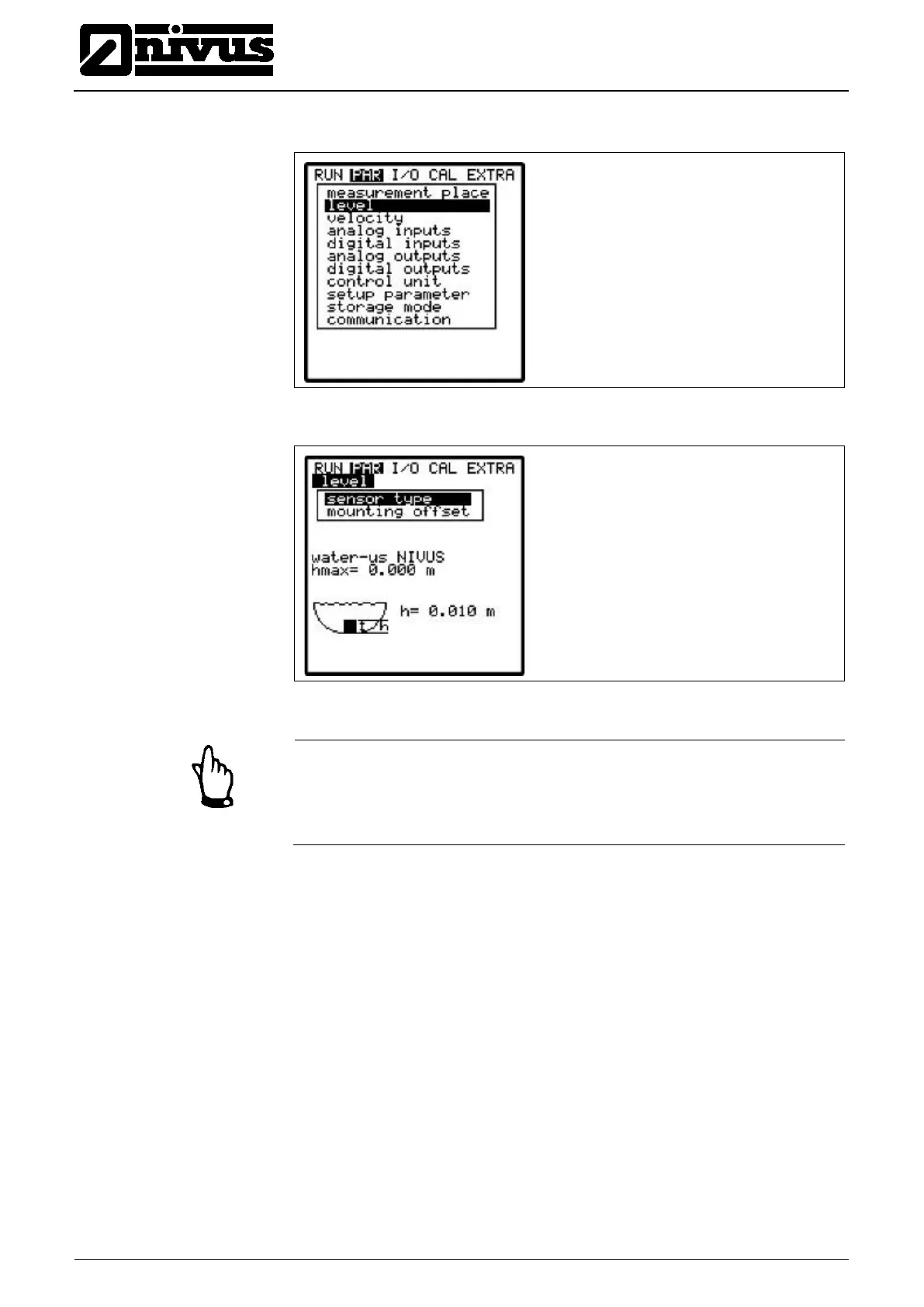
9.5.2 Parameter Menu “Level “
Fig. 9-30 Menu level measurement
Fig. 9-31 Level measurement – submenu
Important Note
The sensor type selection is decisive for the following programming proce-
dure. An incorrect selection may lead to faulty measurements or even meas-
urement failure.
This menu defines all parameters responsible for level measurement. Depend-
ing on the sensor type selected the parameter start page as well as the parame-
ters to enter may vary.
Basically determine sensor type or sensor combination first!
Move the cursor accordingly by using the >up< and >down< arrow keys. Select
or de-select sensors with the >ALT< key. Confirm your selection by pressing
>ENTER<.



 To Next Page