OCM Pro CF
OCM Pro CF - Rev. 09 as of 07.06.2016 page 151
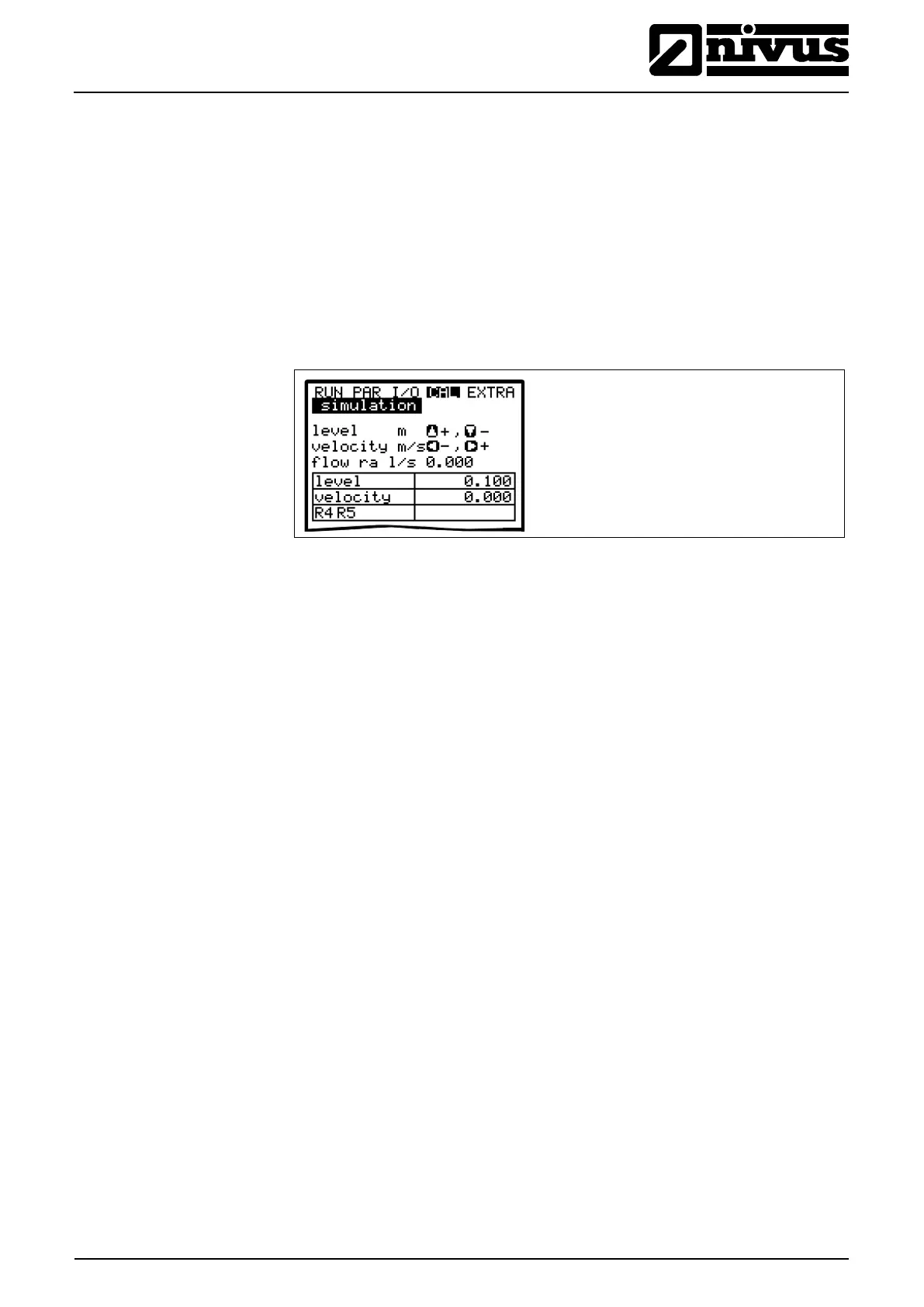
9.7.5 Cal-Menu „Simulation“
This function allows to simulate a theoretical flow by entering supposed level
and velocity values without having these values actually available. The
OCM Pro CF is going to calculate the current flow value by using the simulated
values based on the channel dimensions set. The results are going to be sent to
the respective outputs (analog + digital).
Simulate the desired flow velocity by pressing the >left< or >right< arrow keys.
Using the >up< or >down< keys will simulate the desired flow level.
Both values simulated are going to be indicated in the table. The calculated flow
value can be seen above the table.
Fig. 9-159 Flow measurement simulation



 To Next Page