OCM Pro CF
OCM Pro CF - Rev. 09 as of 07.06.2016 page 73
If older sensors are in use it may not possible to indicate the sensor information
completely.
Important Note
During the final inspection a system reset is performed and the OCM Pro CF
is shipped subsequently. The unit hence is reset to factory defaults. Inde-
pendent from this, we recommend to execute one more system reset
(PAR/Settings/System reset) prior to programming parameters in order to
ensure a defined basic state.
Then parameters can be set.
9.2 Operation Mode (RUN)
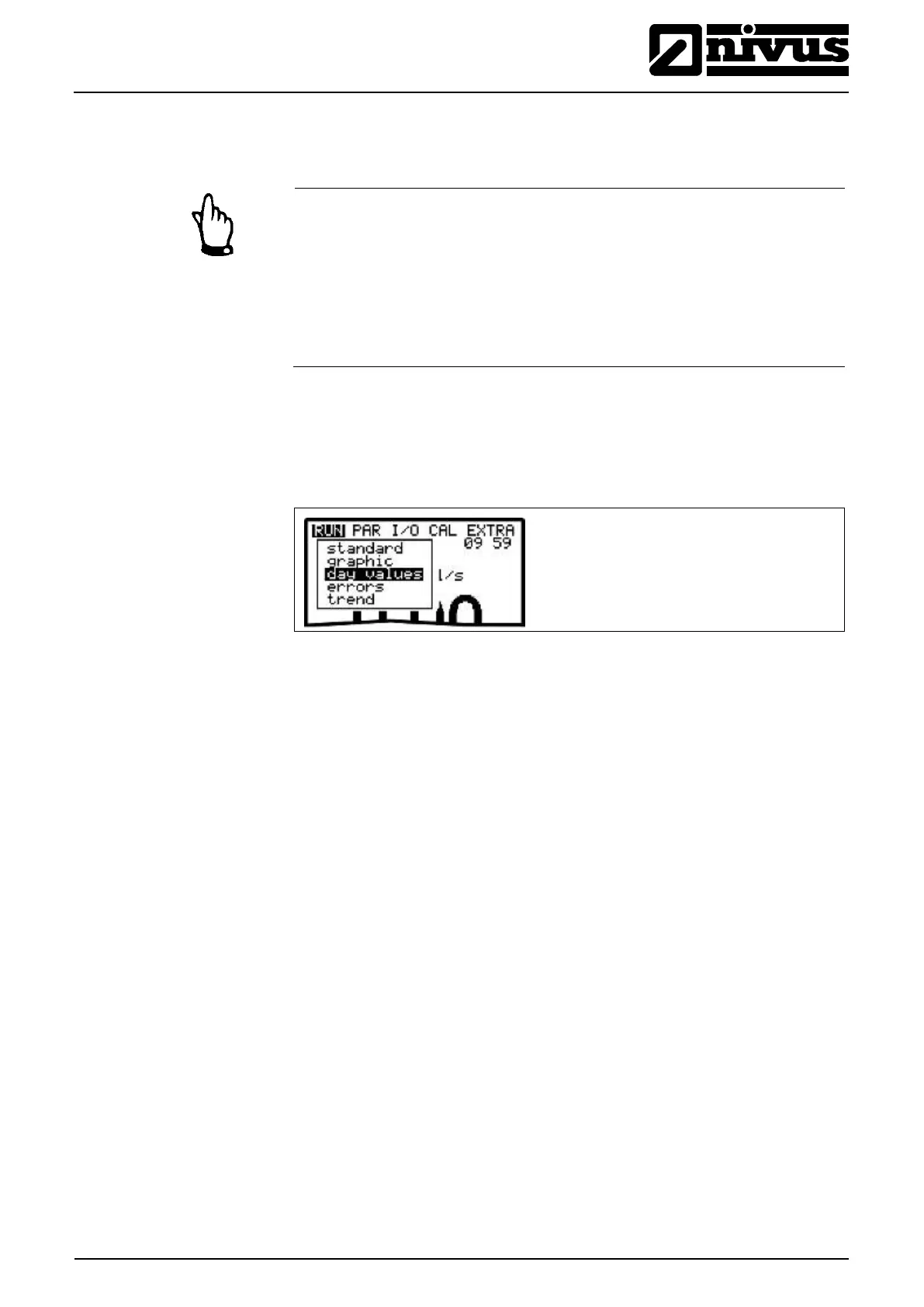
This menu is a display menu for standard operation mode.
The following sub menus are available:
Fig. 9-5 Operation mode selection
Display (basic screen) with information about the name of measurement place,
time, flow quantity, level and average velocity.
Indicates the velocity distribution in a vertical measurement path.
Pressing the "arrow up“ or "arrow down“ keys will move the indicator line
accordingly. The selected height as well as the current velocity can be read from
the bottom line of the display (see Fig. 9-6).
This graphic indication enables to understand the current flow conditions at the
chosen measurement place. The velocity profile should be evenly distributed
and should not have any errors (see Fig. 9-7).
In case of very unfavourable conditions change the position of the flow velocity
sensor. For more details please refer to the "Installation Instruction for
Correlation and Doppler sensors".
Graphics are not availbale if a surface radar sensor is used.



 To Next Page