OCM Pro CF
OCM Pro CF - Rev. 09 as of 07.06.2016 page 79
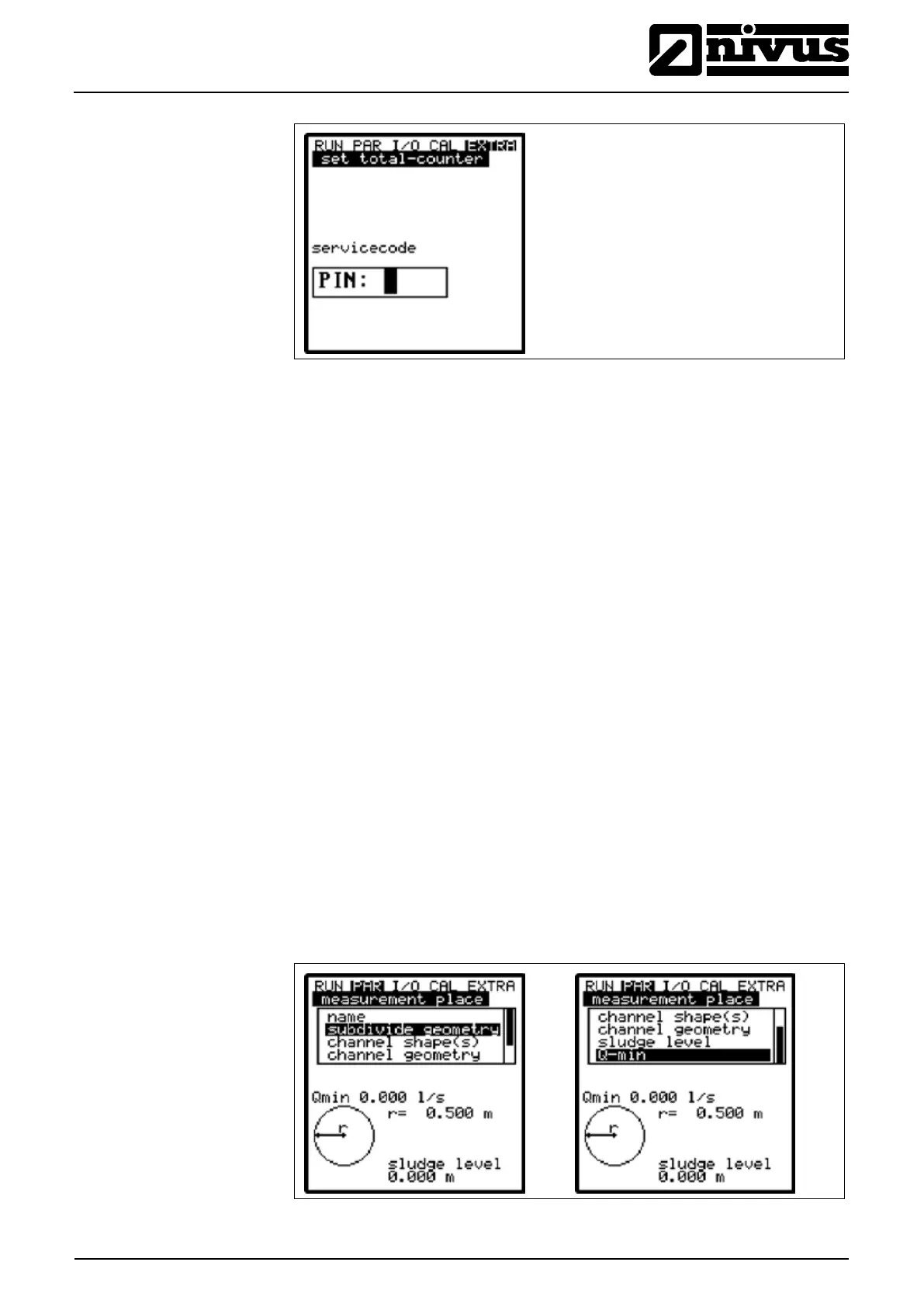
Fig. 9-19 PIN request
9.4 Parameter Menu (PAR)
9.5 Parameter Menu (PAR)
This menu is the most extensive and most important regarding the OCM Pro CF
settings. It nevertheless is sufficient in most cases to set only some essential pa-
rameters, which usually are:
- name of measurement place
- channel profile
- channel dimensions
- flow velocity measurement sensor type
- level measurement sensor type
- analog output (function, measurement range and measurement span)
- relay output (function and values)
All other functions are additions which are required in special cases only (special
channels, regulator mode, storage mode or for special hydraulic applications).
These settings are normally made with the help of our service personnel or by
an authorised expert company.
The parameter menu
>PAR< includes twelve partially very extensive submenus
which are described individually on the following pages.
9.5.1 Parameter Menu "Measurement Place"
Fig. 9-20 Submenu measurement place



 To Next Page