1 Before installation
5
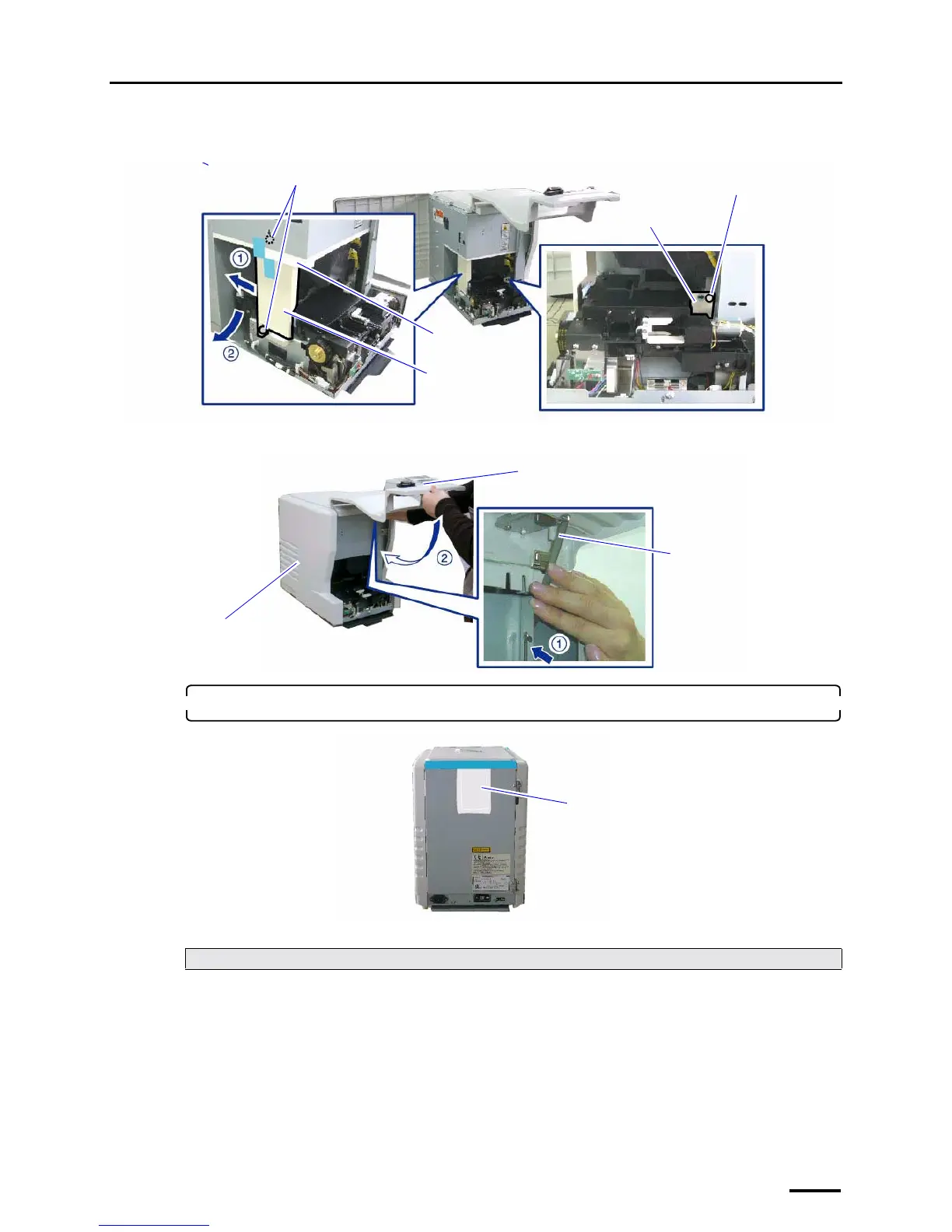
(2) Remove packing material, packing angle bracket 1 (two screws) and packing angle bracket 2 (one
screw).
(3) Press the side cover (left) and the holder, then securely close the front cover.
2. Remove the antirust material from the back of the product.
This completes removing packing angle brackets and antirust material.
Next, go to ☞2 Confirming the component parts.
Packing angle
bracket 2
Screw
Packing angle
bracket 1
Screws
Packing material
G088628
Holder
Side cover (left)
Front cover
G088629
Antirust material
G088441



 To Next Page