8 Configuring various settings
61
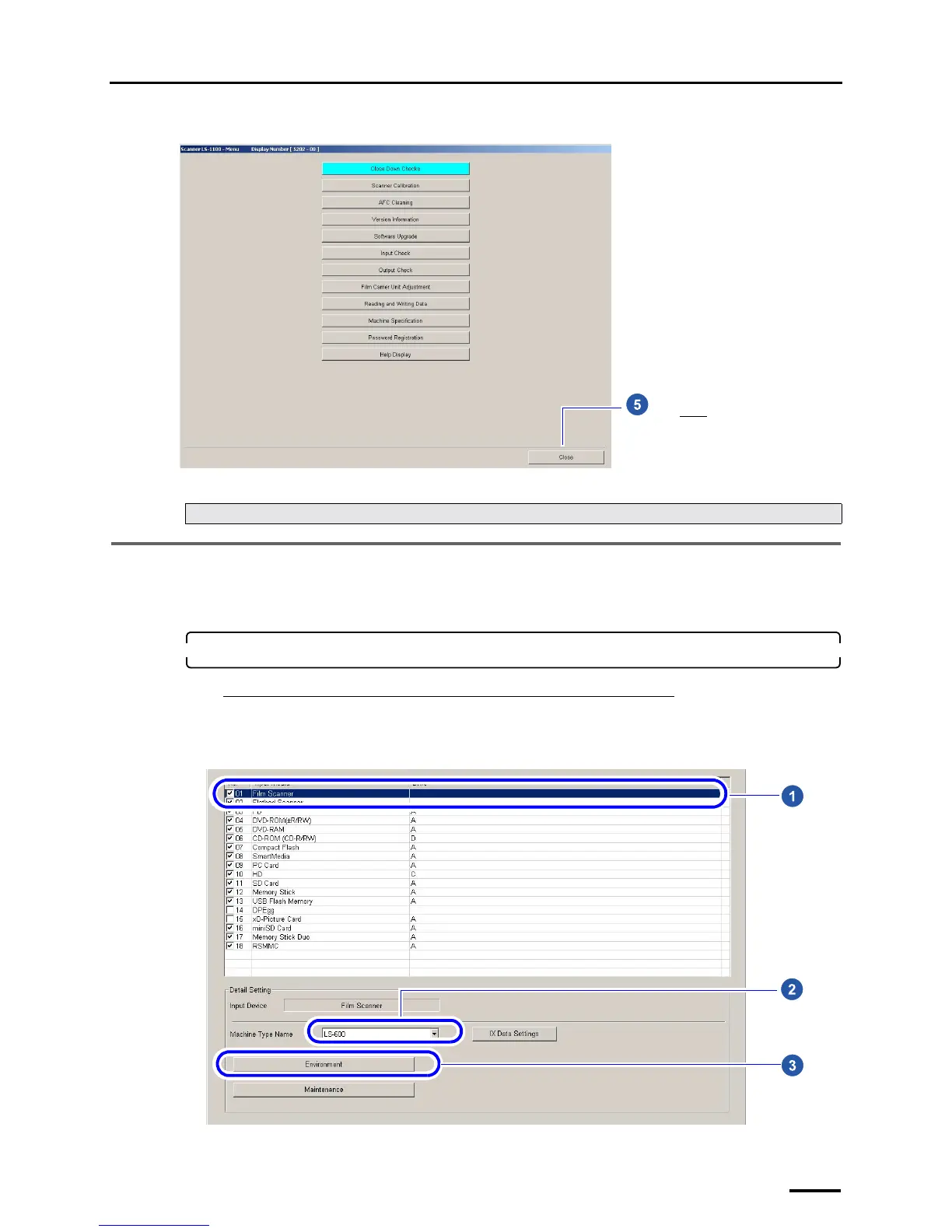
Example: Menu display
This completes configuring the installation date and display settings.
8.3 Configuring the display unit and resolution name settings
This section explains procedures of specifying names of the unit of images and resolution displayed on the Scan Setting
display.
1. Access the Environment display.
If connecting the scanner to the PC on which the controller is installed
Bringing up the display
Select the Film Scanner check box on the Input Media display. → Select the model name. → Click Environment.
Example: Input Media display
Next, go to ☞8.3 Configuring the display unit and resolution name settings.
Click Close.
S5202-00-UM01
S5113-00-UM00



 To Next Page