8 Configuring various settings
60
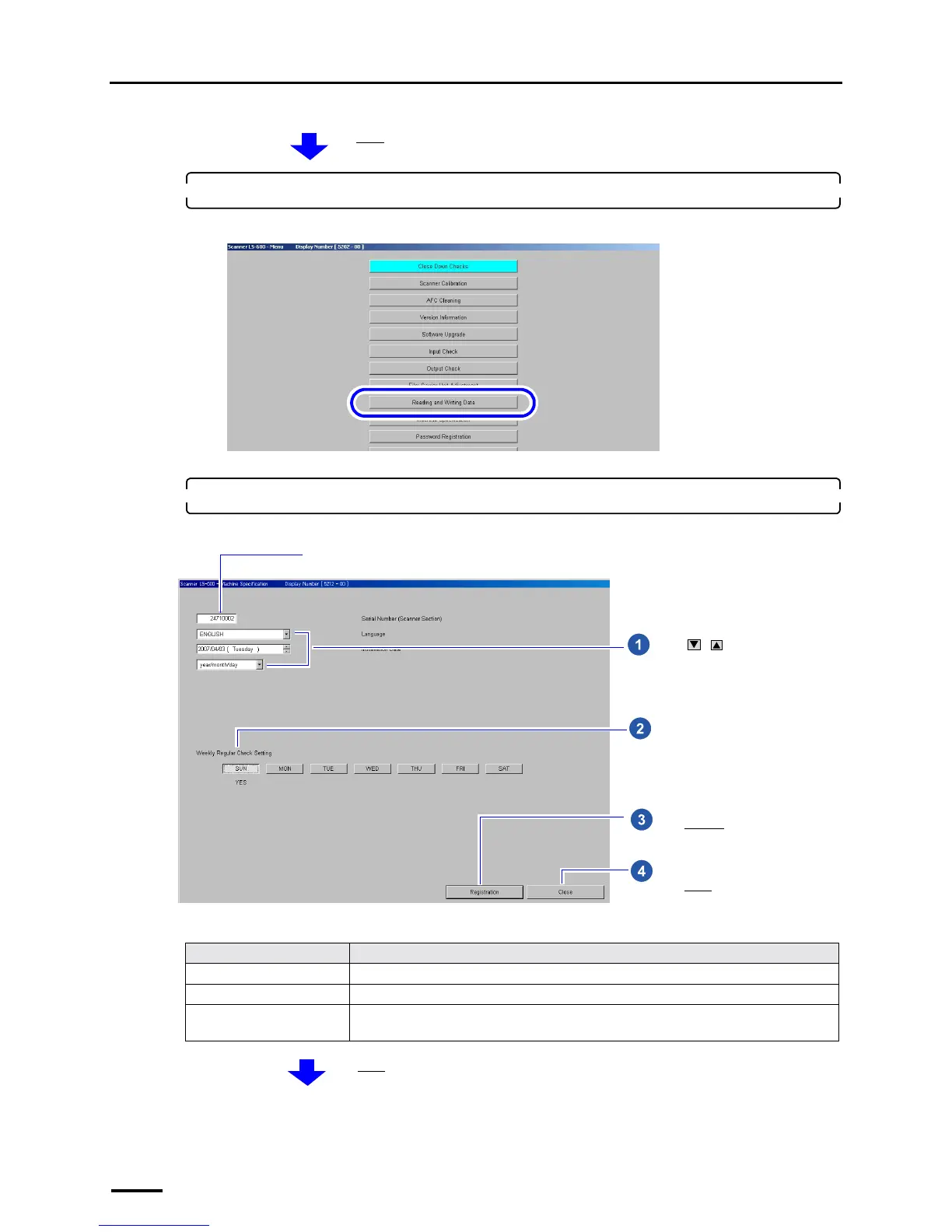
2. Click Machine Specification.
Example: Menu display
The Machine Specification display is shown.
3. Select the language, date and unit to be used for software displays.
Example: Machine Specification display
Item Setting
Language Select a language to be used for software displays.
Installation Date Enter the installation date.
Date and Time Display Select the displayed order of year, month and date.
(This setting can be configured only for the PC that the controller is not installed.)
The Menu display is shown.
S5202-00-UM03
Select the day to perform the weekly
regular check.
Click / to configure each
setting. (See the table below.)
Click Register.
Click Close.
The serial number of this product is shown.
S5212-00-UM01
The Menu display is shown.



 To Next Page