8 Configuring various settings
56
8 Configuring various settings
This section explains minimum required settings to scan films.
For configuring settings other than those explained in this section, see the Operator's Manual as needed.
• For details about how to access the Operator's Manual, see Accessing the HELP display in the Starting Guide.
8.1 Configuring the USB power Management setting
This section uses Windows XP displays, but the procedures are the same for Windows Vista.
If the PC purchased from us is used, this step is not necessary.
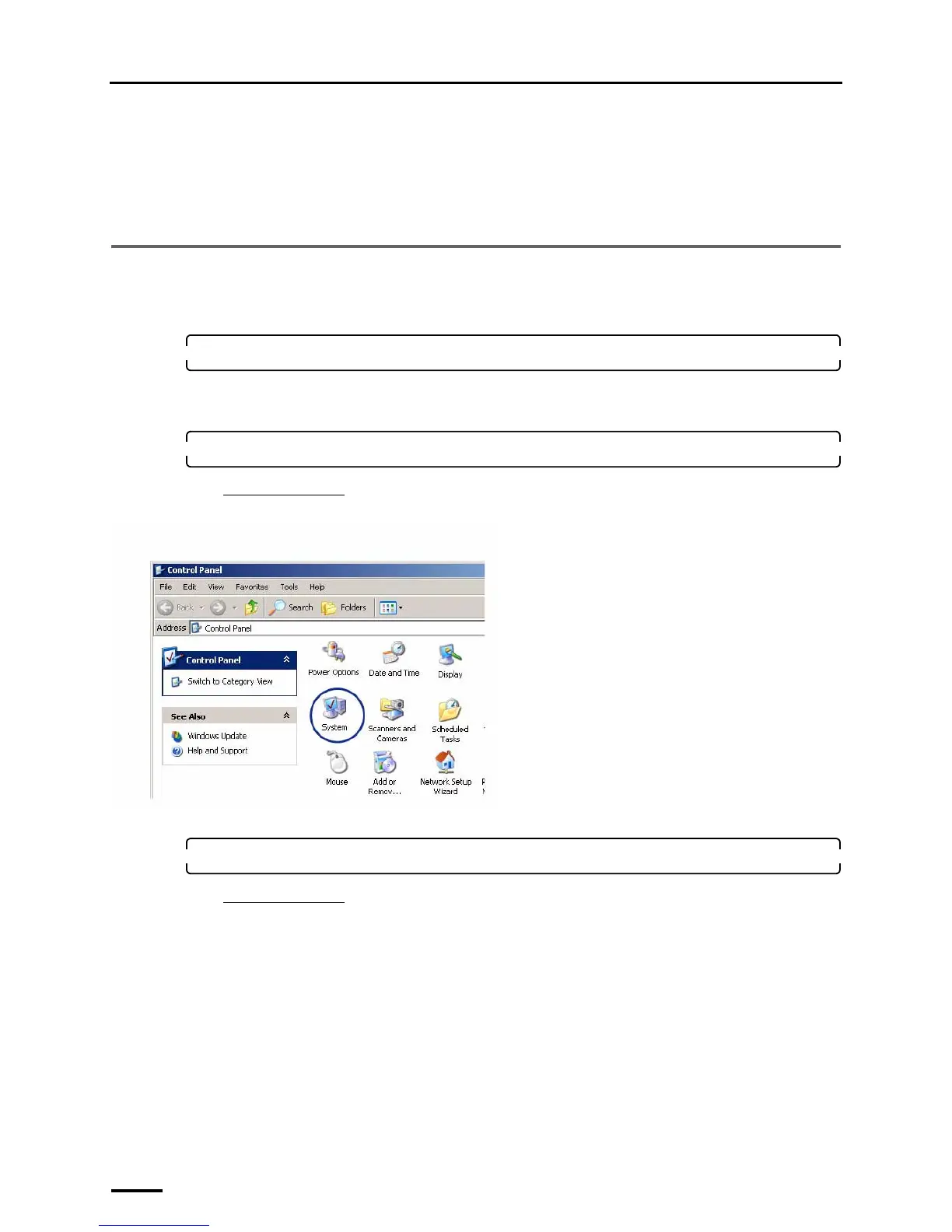
1. Access the Control Panel display.
Bringing up the display
Start → Control Panel
2. Double-click the System icon.
For Windows Vista
Click the System and Maintenance icon.
The System Properties display is shown.
3. Select the Hardware tab and click Device Manager.
For Windows Vista
Click the Device Manager icon.
G089280



 To Next Page