8 Configuring various settings
59
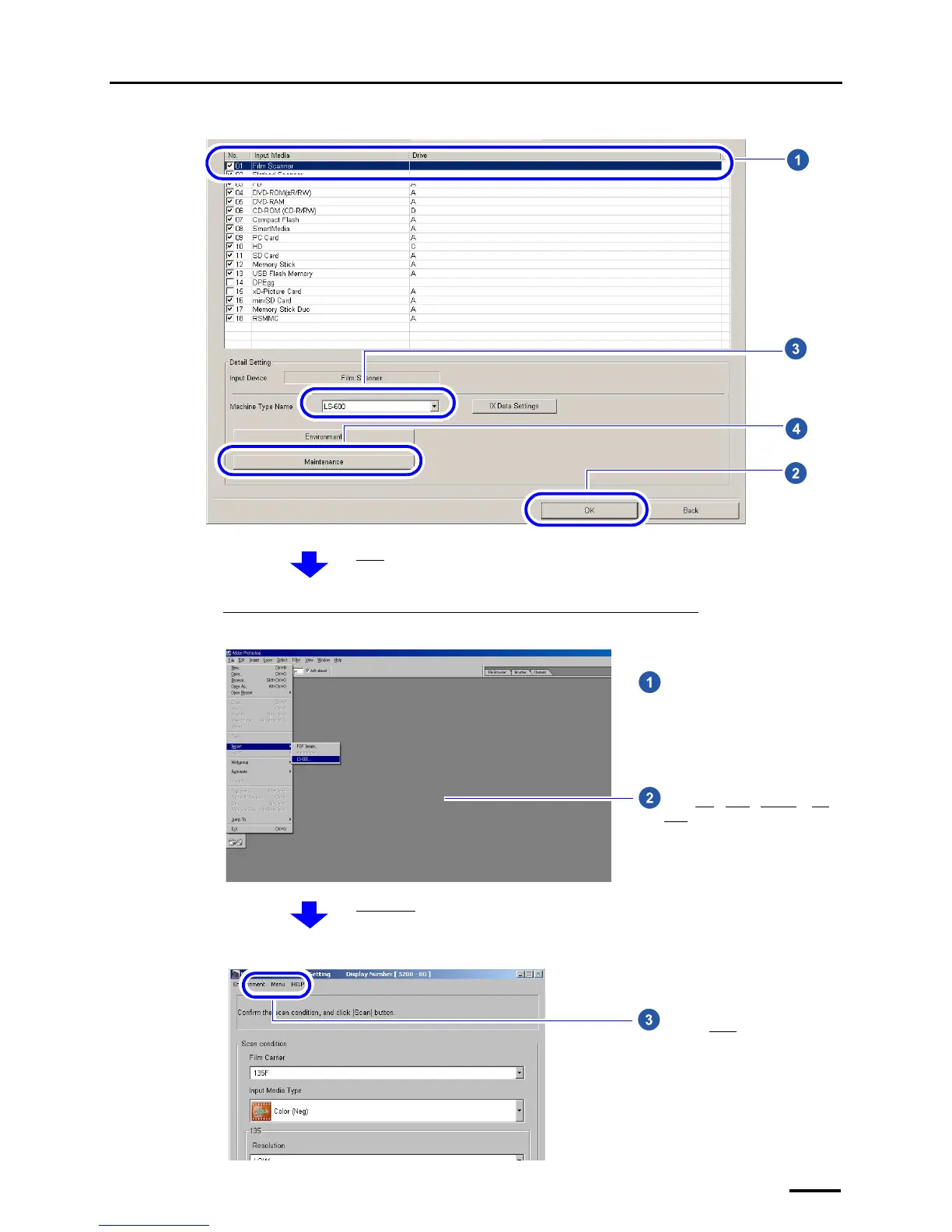
Example: Input Media display
If connecting the scanner to the PC on which the controller is not installed
Example: Adobe Photoshop display
Example: Scan Setting display
S5113-00-UM00
The Menu display is shown.
Go to Step 2.
Start image editing software such as
Adobe Photoshop.
Select File→Read→LS-600 or LS-
1100.
S087590
The Scan Setting display is shown.
Click the Menu tab.
S5200-00-UM01



 To Next Page