Verifying the network Page 285 of 488
Communication Server 1000E Installation and Configuration
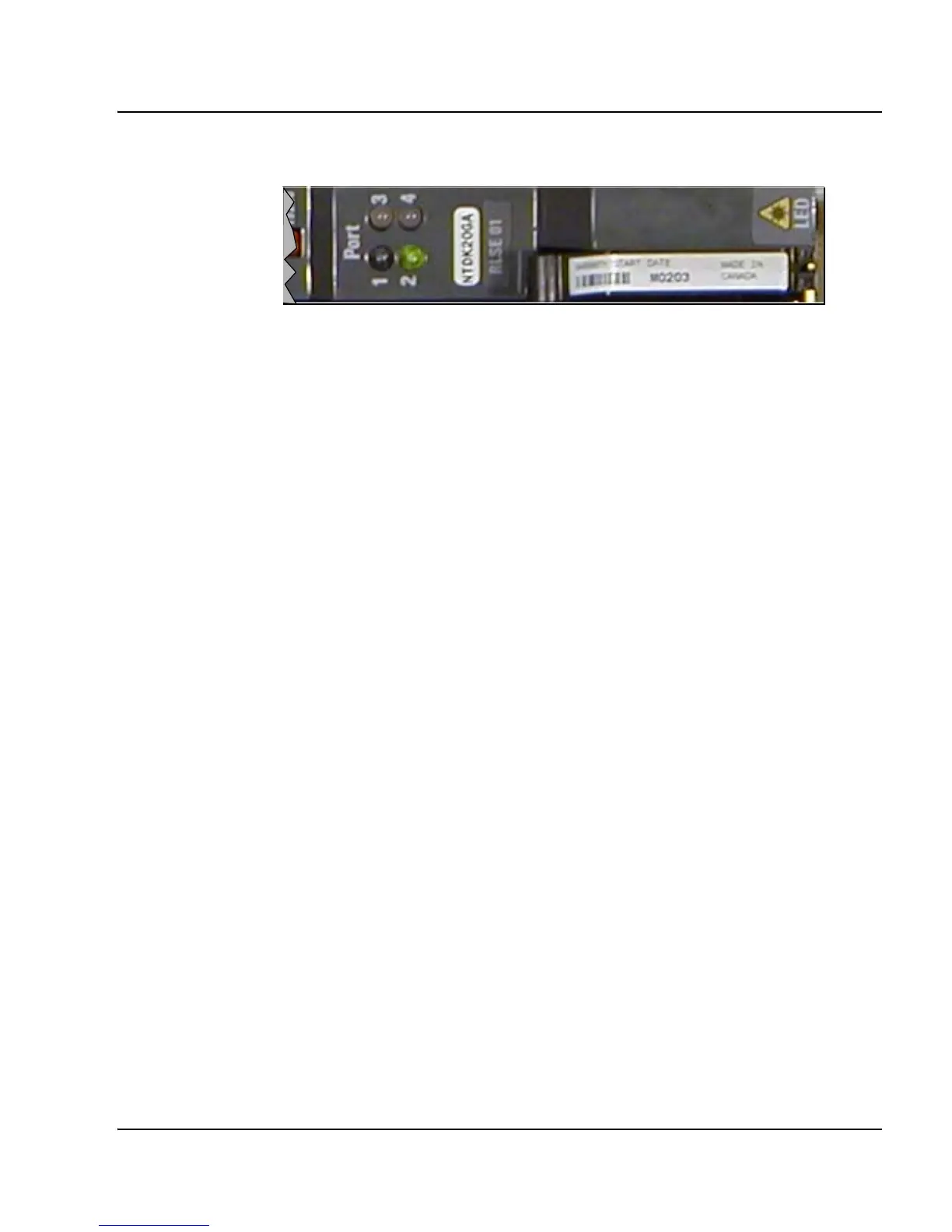
Figure 95
Media Gateways SSC faceplate Port LEDs
3 Observe bootup system messages on system terminals.
SRPT017 OMM: IP link is UP between cab 0 and cab 1
SRPT017 OMM: IP link is UP between cab 0 and cab 2
SRPT017 OMM: IP link is UP between cab 0 and cab 3
SRPT017 OMM: IP link is UP between cab 0 and cab 4
4 Log in to the CS 1000E.
a. Enter the command:
LOGI
System response:
PASS?
b. Enter the default password
0000
5 Access LD 135. Enter the command:
LD 135
6 Display status of 100BaseT links. Enter the command:
STAT IPL
System response:
Media Gateway 1 : LINK UP
Media Gateway 2 : LINK UP
Media Gateway 3 : LINK UP
Media Gateway 4 : LINK UP



 To Next Page