Page 340 of 488 Installing and configuring a Voice Gateway Media Card
553-3041-210 Standard 4.00 September 2007
• Procedure 84: "Displaying the status of one unit on a Voice Gateway
Media Card" on page 347
Procedure 81
Displaying the Voice Gateway Media Card status
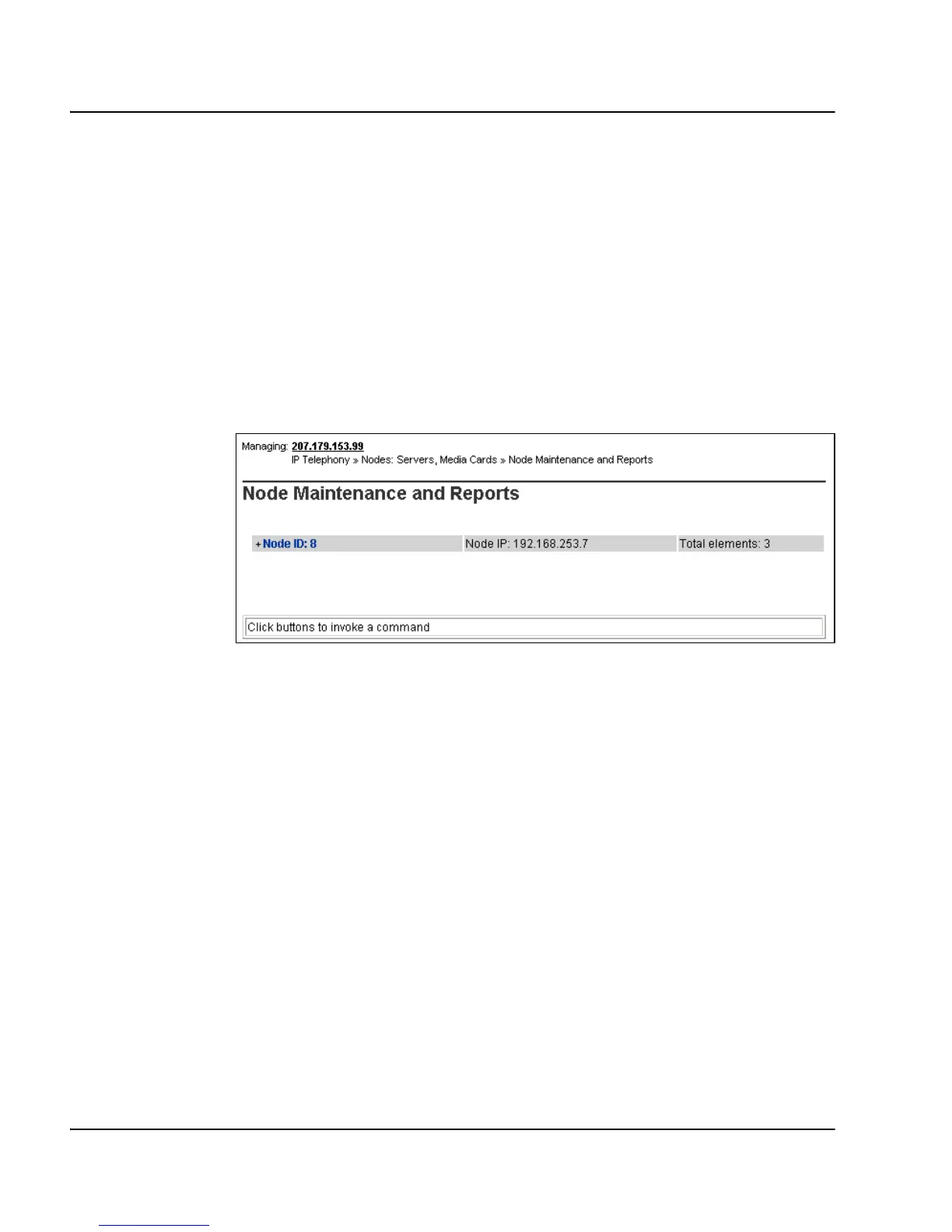
1 In Element Manager, select IP Telephony > Nodes: Servers, Media
Cards > Maintenance and Reports from the navigator.
The Node Maintenance and Reports web page opens, as shown in
Figure 115.
Figure 115
Node Maintenance and Reports web page
2 Open the desired node by clicking on the + next to the Node ID.
This displays the Signaling Servers and Voice Gateway Media Cards
belonging to the node, as shown in Figure 116 on page 341.



 To Next Page