Page 342 of 488 Installing and configuring a Voice Gateway Media Card
553-3041-210 Standard 4.00 September 2007
2 Open the desired node by clicking on the + next to the Node ID.
This displays the Signaling Servers and Voice Gateway Media Cards
belonging to the node, as shown in Figure 116 on page 341.
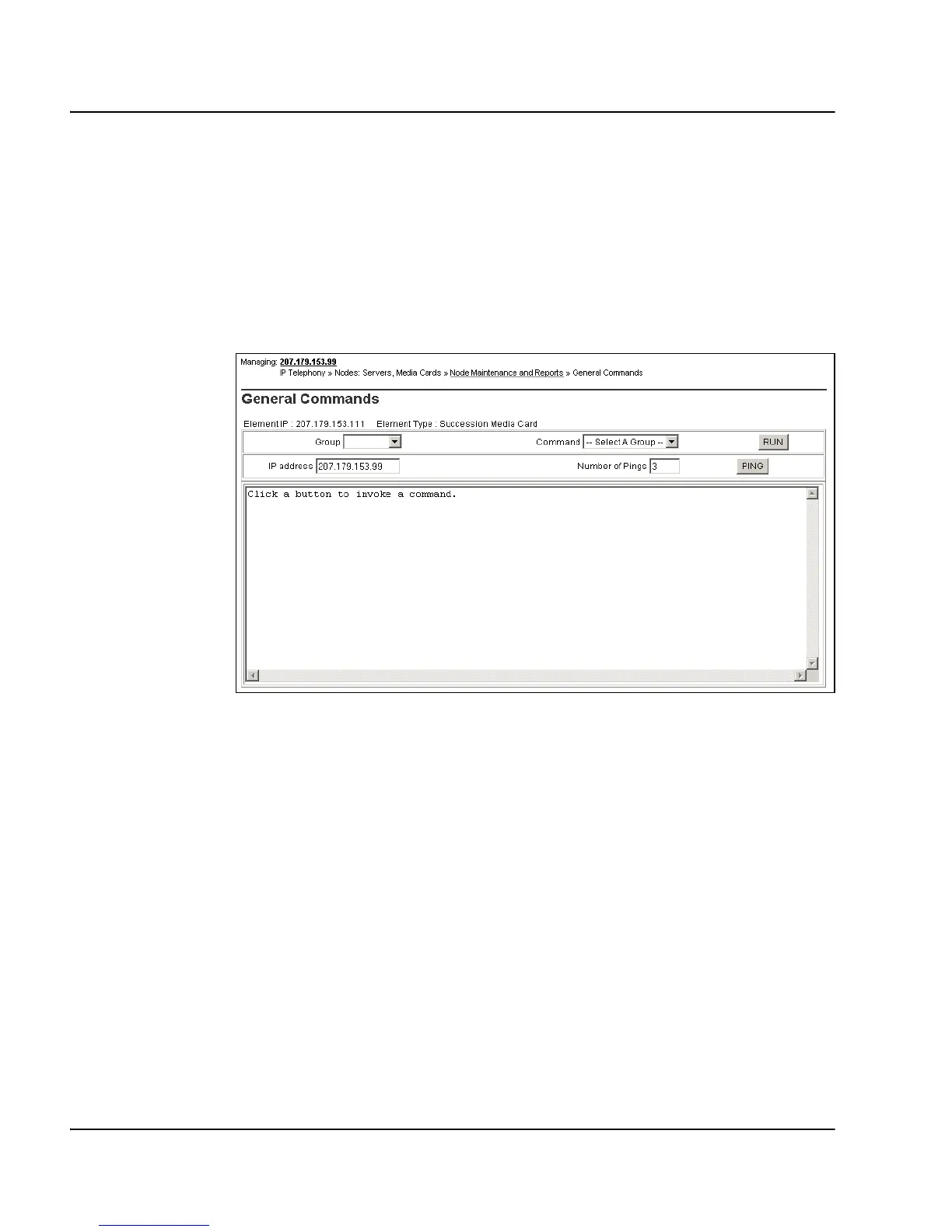
3 Click GEN CMD for the desired Voice Gateway Media Card.
The General Commands web page opens, as shown in Figure 117.
Figure 117
General Commands
4 From the Group drop-down list, select Vgw.
5 From the Command drop-down list, select vgwShowAll.
6 Click RUN.
Figure 118 on page 343 shows the General Commands web page with
the output from the vgwShowAll command. The output shows
information about all the voice gateway channels.



 To Next Page