NTI ENTERPRISE ENVIRONMENT MONITORING SYSTEM
68
More about User Privileges
The root user (or any user with administrator rights) can change the root password and configure how the root user will receive
alert messages. Users with administrative
rights can change all configuration settings except for the root user name.
Users with user
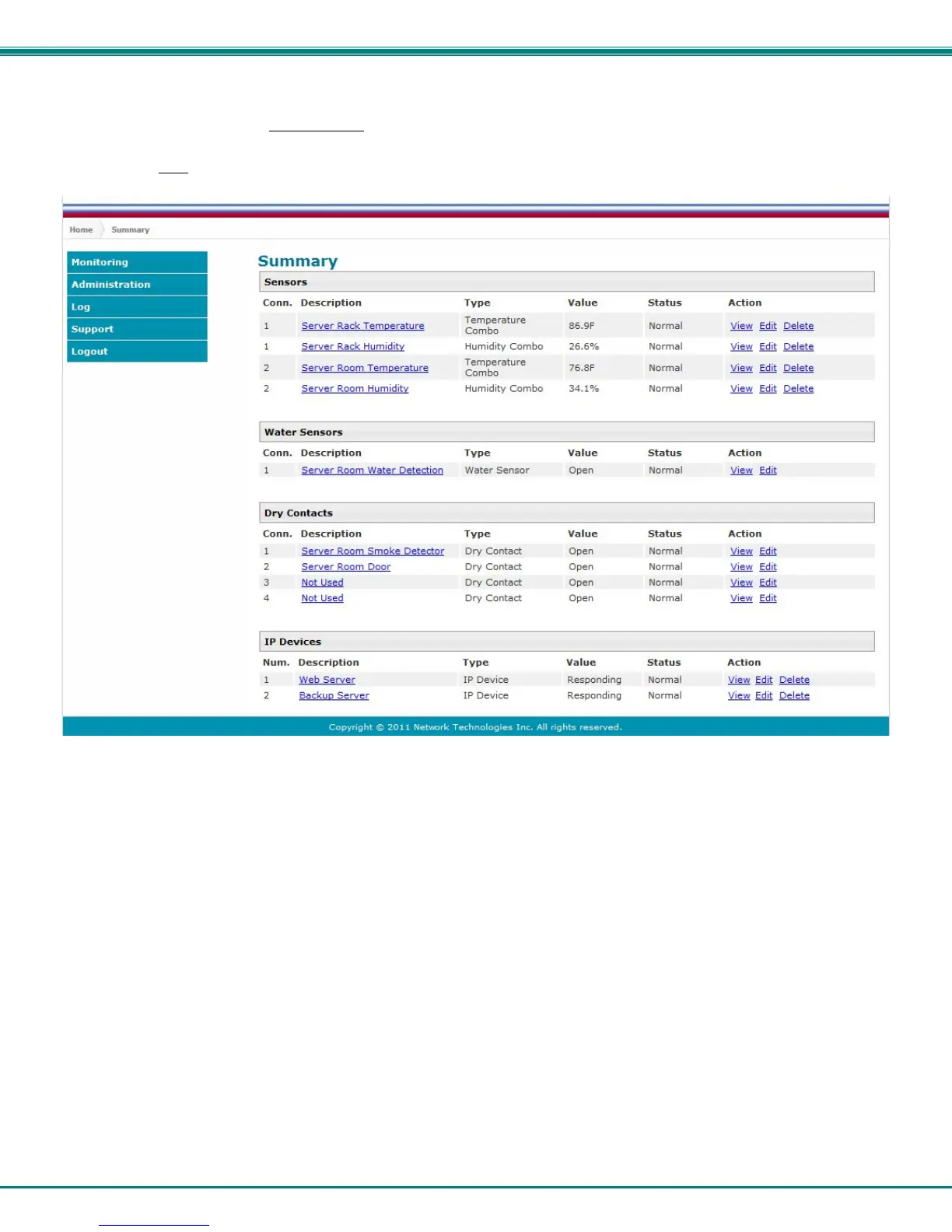
rights can only see the current readings of monitored items and change their own passwords.
Figure 75-Summary page for User without Admin privileges



 To Next Page