12
EN
TECHNICAL OWNER MANUAL
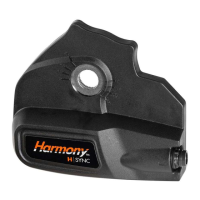
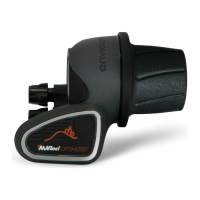
3.4 Installing the Nfinity Hub Interface
1. Remove the anti-shift retainer, if installed
(reference section 3.2)
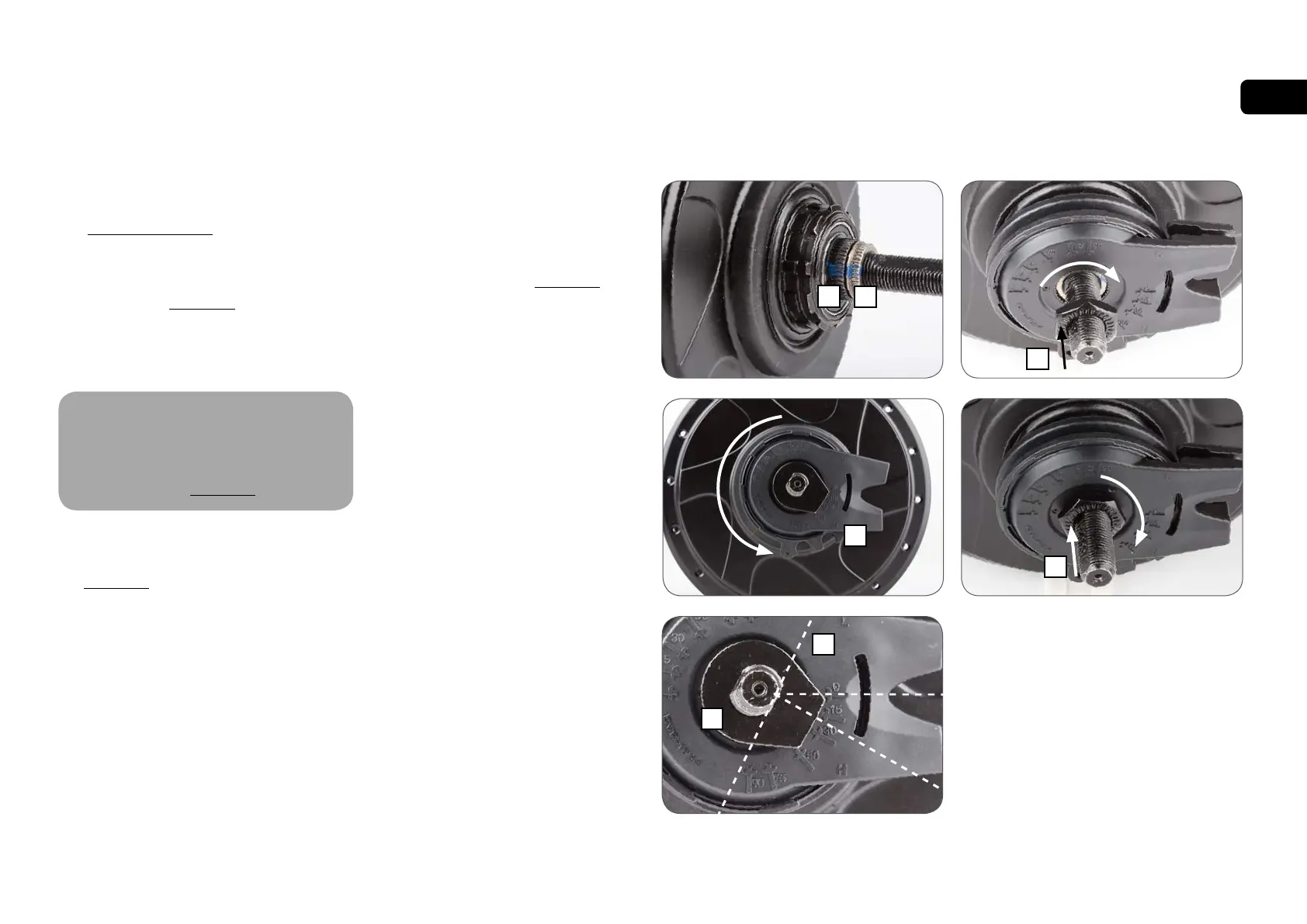
2. Ensure that markings between the splined
nut (A) and the shift driver (B) are aligned.
If not, refer to section 4.2
3. Prior to installation, set the Nfinity Hub
Interface to the full overdrive "H" position
(C).
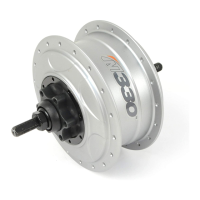
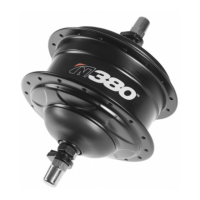
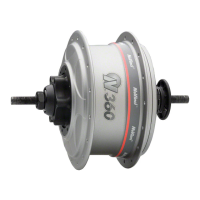
N330 and N360/N380 series
CVPs have different shift driver
configurations, and are compatible
only with the appropriate Nfinity Hub
Interface. Reference section 3.3
4. Suspend the Nfinity Hub Interface over the
right hand axle, and align the axle flats (D)
with the installation angle determined in
section 3.3
• Alternatively, a no-turn washer (E) can be
installed over the Nfinity Hub Interface to
align the installation angle.
5. When the installation angle is aligned,
ensure the Nfinity Hub Interface is set to
full overdrive "H" and seat the Nfinity Hub
Interface fully onto the shift driver and the
spline nut until it is flush with the spline nut,
as shown.
NFINITY ASSEMBLY OF COMPONENTS
6. Thread the r.h. nut (F), serrations facing
outward, onto the axle and tighten to 10-
15 Nm (7-11 ft-lbs).
7. Install the rear wheel per section 2.5
C
D
E
BA
H
F
F
!



 To Next Page