OFITE, 11302 Steeplecrest Dr., Houston, TX 77065 USA / Tel: 832-320-7300 / Fax: 713-880-9886 / www.ote.com 23
b. Autoscale ON/OFF: With this option on, it will t the scale so that all
available data points in the graph can be visible. With it off, the graph
will continue to scroll and the data points outside of the display can
only be visible by manually scrolling.
c. Minor Ticks ON/OFF: Minor Ticks ON will display more grid lines at
smaller increment distance.
d. Major Ticks ON/OFF: Major Ticks ON will display fewer grid lines at a
larger interval distance.
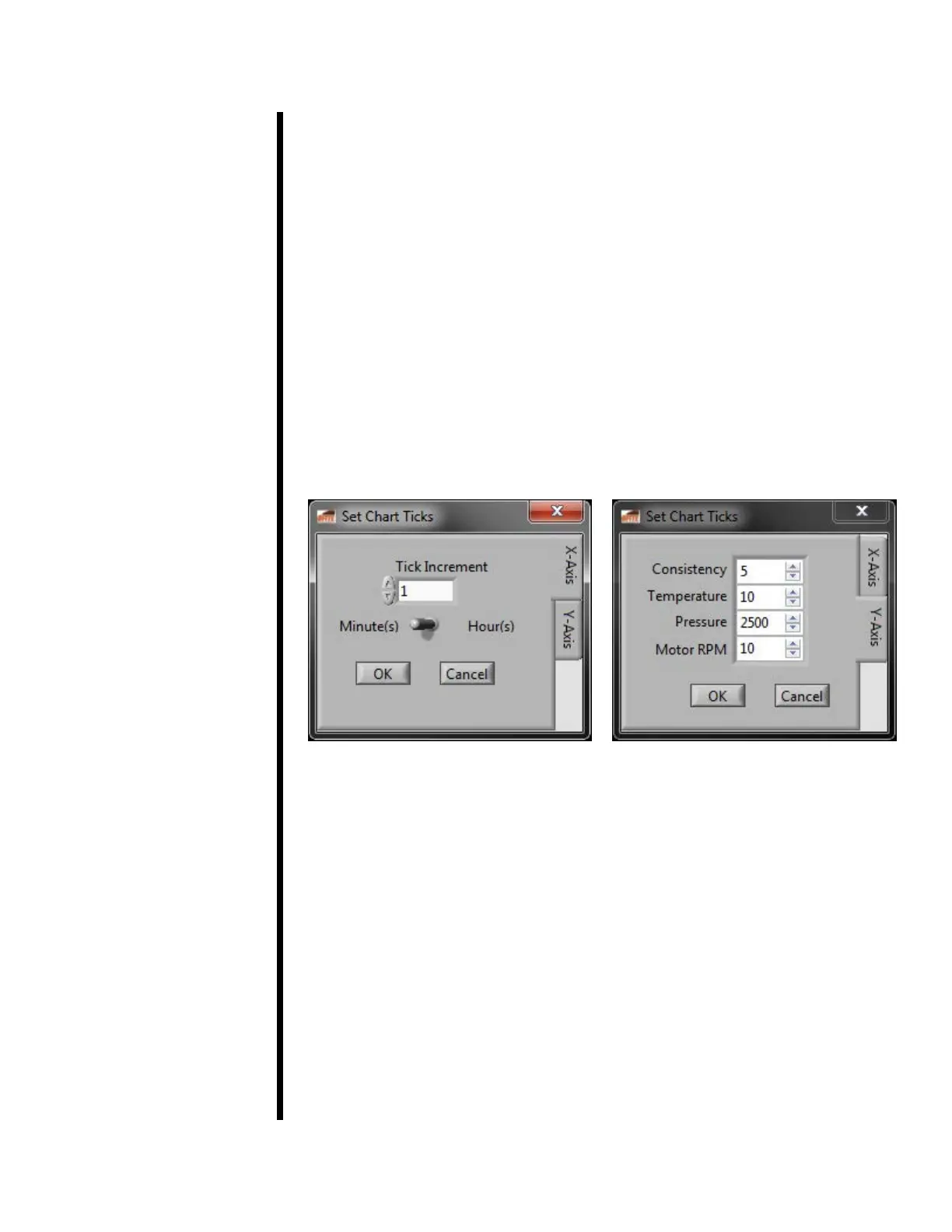
e. Set Chart Ticks:
X-Axis: Allows the user to manually plot the desired data points and
can be toggled between minutes and hours.
Y-Axis: Allows the user to set data points based on increments of:
Consistency, Temperature, Pressure, and Motor RPMs.
Test Prole Index: Here you can select a test to run. Below the list of
test proles you can see the settings of the selected prole. Refer to page
24 for more information about these settings.
Tests can be stored on either the control board inside the Consistometer or
on the hard drive of the computer running the software. In the Test Prole
Index, tests stored on the control board are labeled with “BOARD:”.
Start Test: After selecting a Test Prole, click this button to begin testing.



 To Next Page