OFITE, 11302 Steeplecrest Dr., Houston, TX 77065 USA / Tel: 832-320-7300 / Fax: 713-880-9886 / www.ote.com 24
Software
Onboard Test Prole
Builder
The control board on the Consistometer can hold up to eight test congurations.
Additional test proles can be stored on the computer. With the Onboard Test
Prole Builder, you can create and edit tests on the control board.
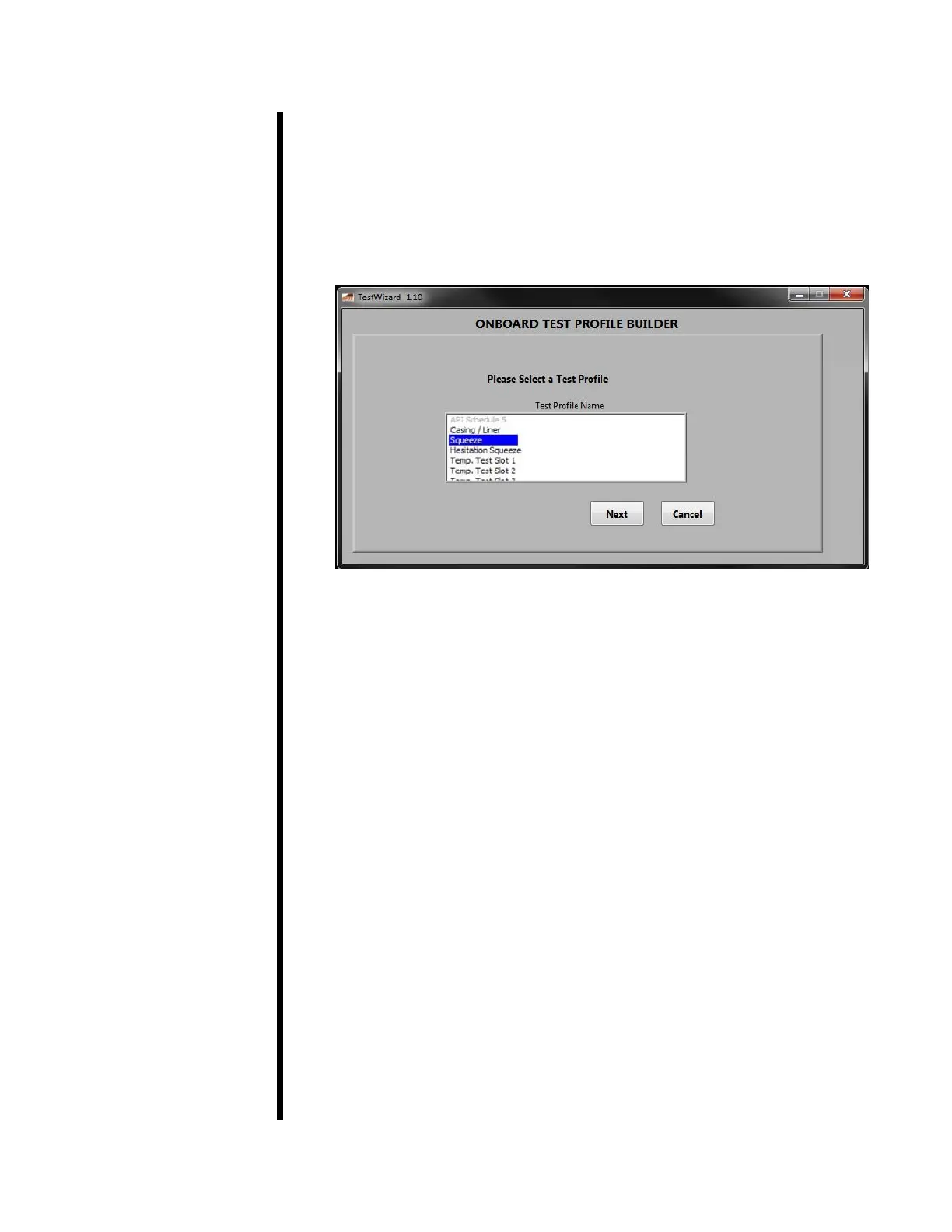
1. Select Utilities → Test Prole Builder → Onboard Test Proles.
2. Select a Test Prole to edit and click Next. The API Schedule 5 test in the
rst memory slot cannot be edited.
3. Enter a name for the Test Prole and click Next.
4. There are two types of tests: normal and hesitation squeeze. The two
types have different parameters. Enter each parameter and click Next.
For normal tests, select “Hesitation Test” off and set the following
parameters:
a. Surface Retention Time - This is a time period before the test
begins. The motor will be on but the heater and pressure will be
off. This will simulate the time cement waits on the surface before
being sent downhole. During this period, the timer on the onboard
control panel will start at a negative value and count up to 0.
b. Starting Temperature: The initial temperature set point for the test.
c. Time to Bottom Hole Temperature: This is the amount of time (in
minutes) the test will take to fully heat and pressurize the slurry.
d. Bottom Hole Temperature: This is the nal test temperature.
e. Start Pressure: The initial pressure for the test.
f. Bottom Hole Pressure: This is the nal test pressure.



 To Next Page