OFITE, 11302 Steeplecrest Dr., Houston, TX 77065 USA / Tel: 832-320-7300 / Fax: 713-880-9886 / www.ote.com 68
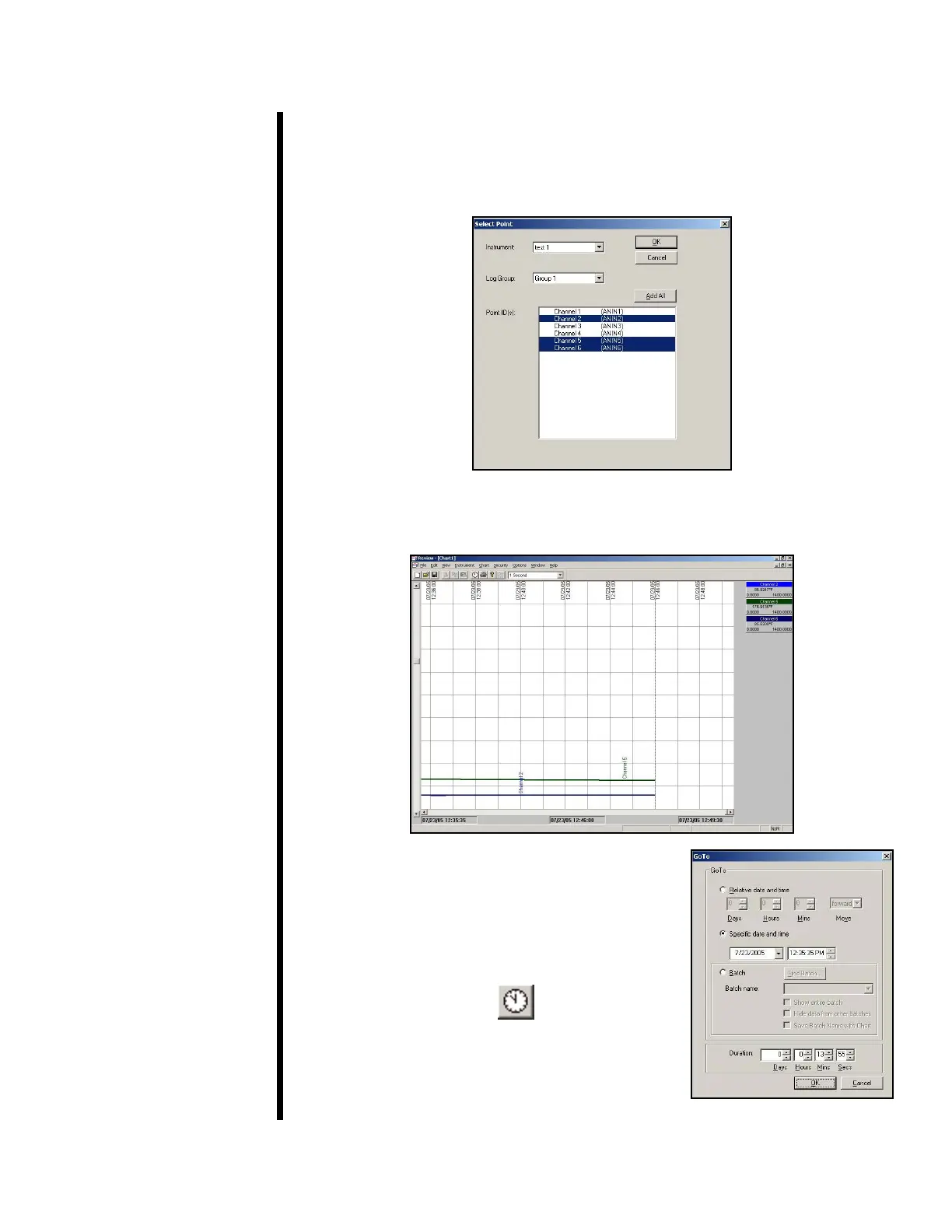
9. Choose “Group 1” from the “Log Group” menu.
10. Now, select the Point IDs you wish to display on the chart. Hold down the
“CTRL” button to select more than one. Click “OK”.
Go To
11. The software will now create the chart based on the data collected from
the test.
12. To jump directly to a specic data point, click
the “Go To” button at the top of the screen.
Choose the data point you wish to view and
click “OK”.



 To Next Page