EN-6 Explorer
Pro
2.3.3 Initial Calibration
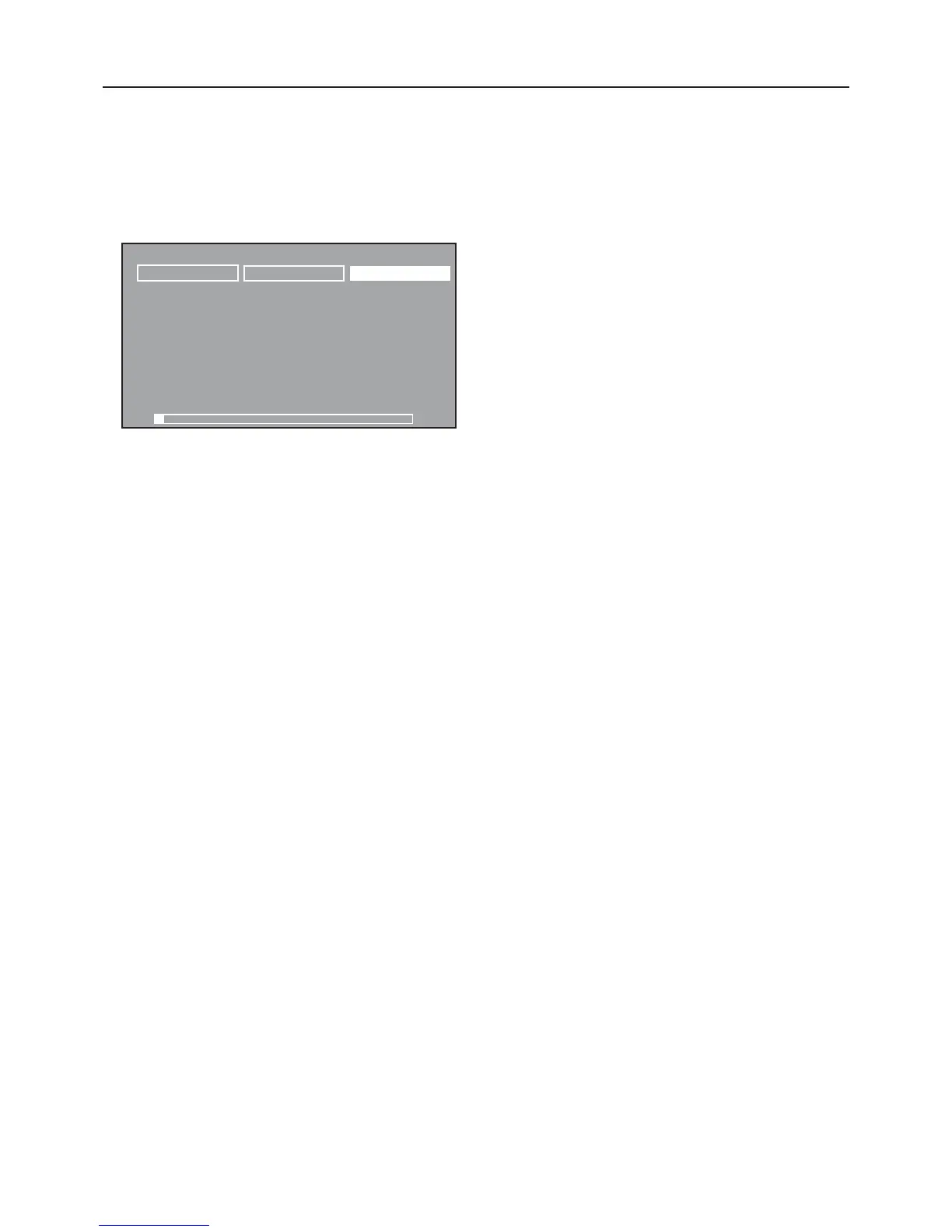
Calibrating from the Weighing Screen
When the balance is first turned on, three soft keys appear on
the weighing screen. The CALIBRATE soft key is highlighted.
This permits calibration immediately without entering the
CALIBRATION menu.
WEIGHING 01/01/03 03:05:45: PM
U
NIT
S
2nd
U
NIT
S
CA
L
IB
R
ATE
0.00
g
*
0.00g
0g
6100g
Press the Enter button with the CALIBRATE soft key highlighted.













 To Next Page