Explorer
Pro
EN-9
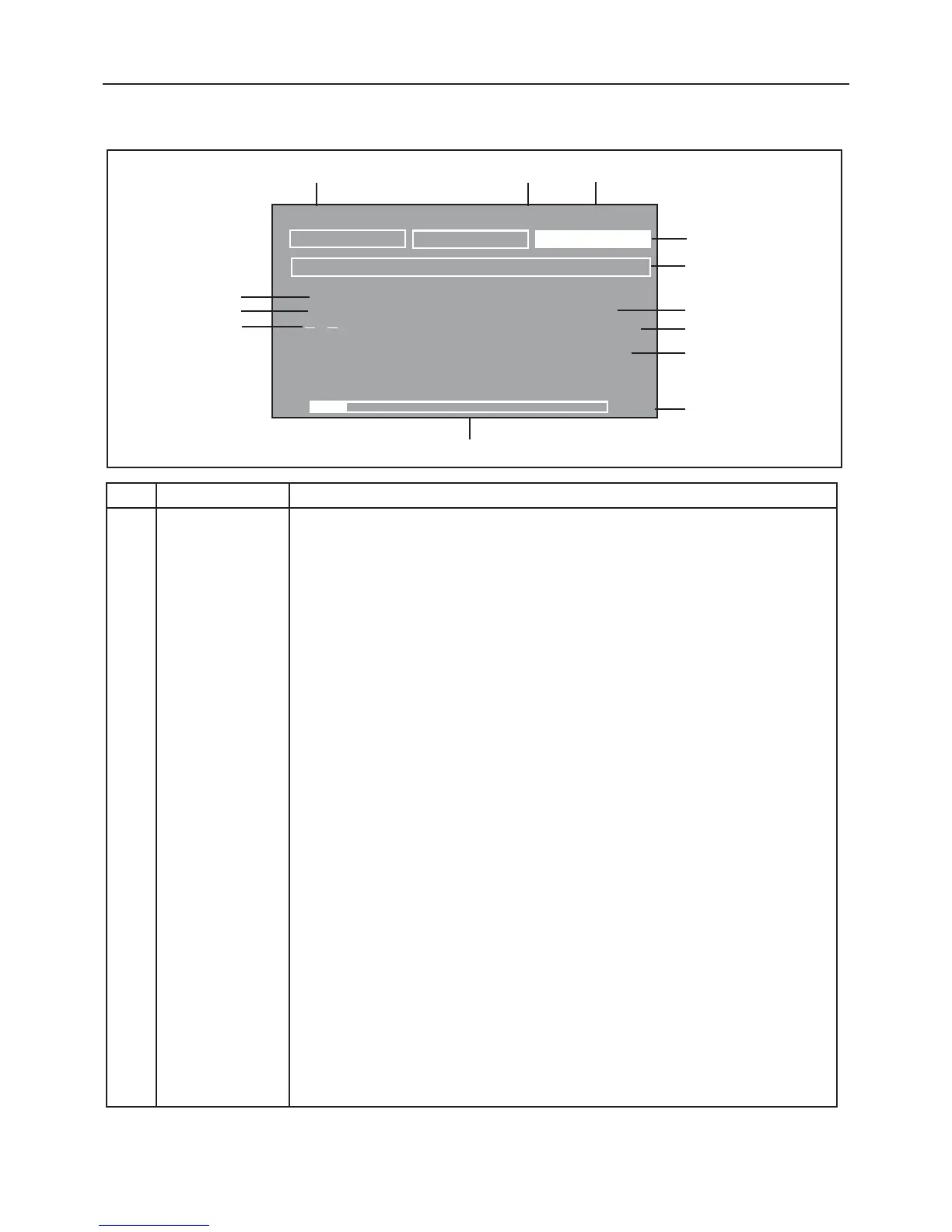
3.2 Overview of Display Indicator
WEIGHING 01/01/03 03:05:45: PM
U
NIT
S
2nd
U
NIT
S
CA
L
IB
R
ATE
Message
L
ine
200.0000
dwt
*
-
R
esult
L
ine
R
esult
L
ine
R
esult
L
ine
R
esult
L
ine
R
esult
L
ine
R
esult
L
ine
0g
6100g
>0<
1 Application Indicates the active application by function or library name.
2 Date Indicates current date when properly set.
3 Time Indicates current time when properly set.
4 Soft Keys Three Soft-keys are displayed in the upper display area. Depending on the application mode
selected, the functionality changes. A Soft-key can be selected by using the left and right
arrow buttons. Pressing the Enter button on a highlighted soft-key will activate the
function.
5 Message Line Contains instructional messages.
6 Numerical Display Indicates primary weight/load.
7 Unit of measure Indicates active unit of measure.
8 Result Lines 1-6 Six lines that contain balance results.
9 Capacity Indicates full balance capacity.
10 Bar Graph Shaded area indicates capacity used for, under, accept, over for check weighing application,
or target values for filling application.
11 ->0<- Indicates center of zero (only active in legal for trade).
12 Indicates negative value.
13 Stability indicator.
No. Designation Function
12
3
4
5
6
7
8
9
10
11
12
13
-
*













 To Next Page