6. SETUP
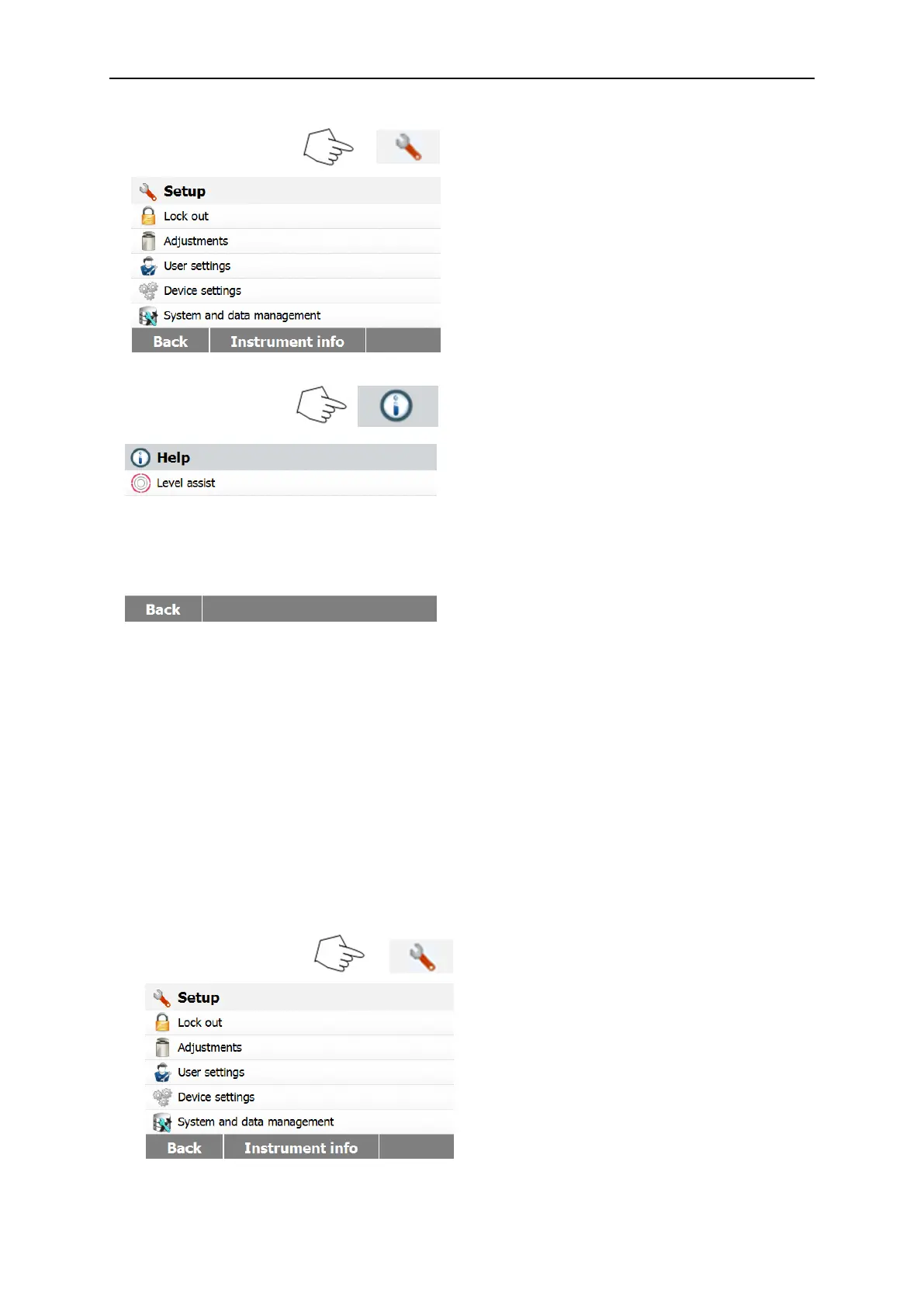
The setup menu is activated by pressing the Setup button. The menu contains: lock out,
weight and temperature adjustment, user settings, device settings, system and data
management. Please review this entire section and the rest of the manual before making
changes to the Analyzer. A description of each menu item and procedure follows:
6.1 Lock Out
Selecting this entry, then setting Lock Out to ON locks out all changes from the Method
Library, Result, Setup, method and system data management. You would use this function
after the Analyzer has been put into operation, and you do not want to change any of the
test or analyzer setup parameters. "Lock Out" is intended to protect against accidental menu
changes.
Press Setup button to access the Setup
menu.
Press Back to return to Home screen.



 To Next Page