MB95 EN-45
10.1 RS232 Command Table
Output Formats
Data output can be initiated in one of two ways:
1. By pressing the Print button;
2. Using the Print Interval feature;
RS232 Commands
All communication is accomplished using standard ASCII format. Only the characters
shown in the following table are acknowledged by the Moisture Analyzer. Invalid
command response "ES" error indicates the Moisture Analyzer has not recognized
the command. Commands sent to the Moisture Analyzer must be terminated with a
Line Feed or carriage return-line line feed (CRLF). Data output by the Moisture
Analyzer is always terminated with a carriage return-line feed (CRLF).
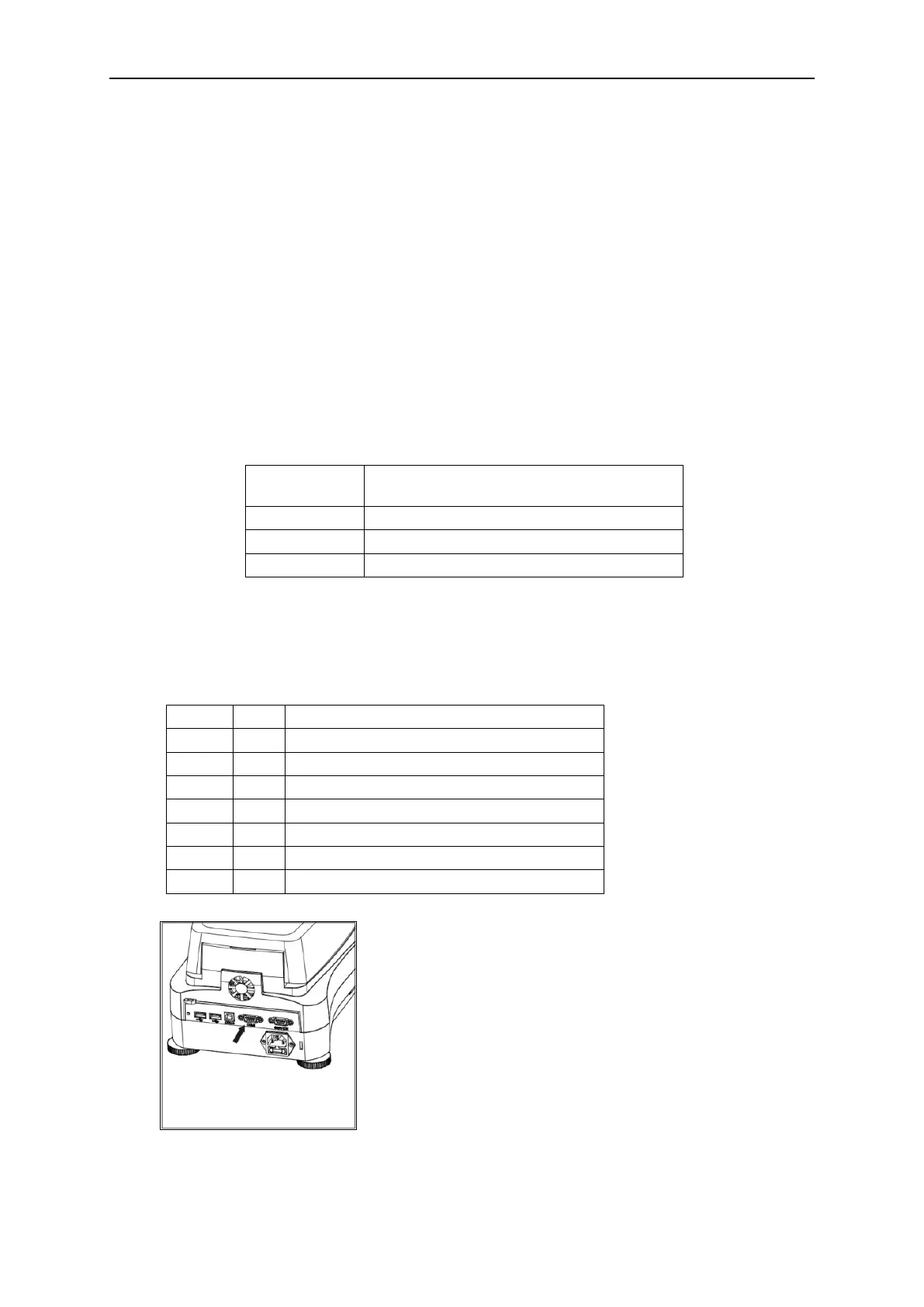
RS232 COMMAND TABLE



 To Next Page