MB95 EN-43
9. HELP INFORMATION
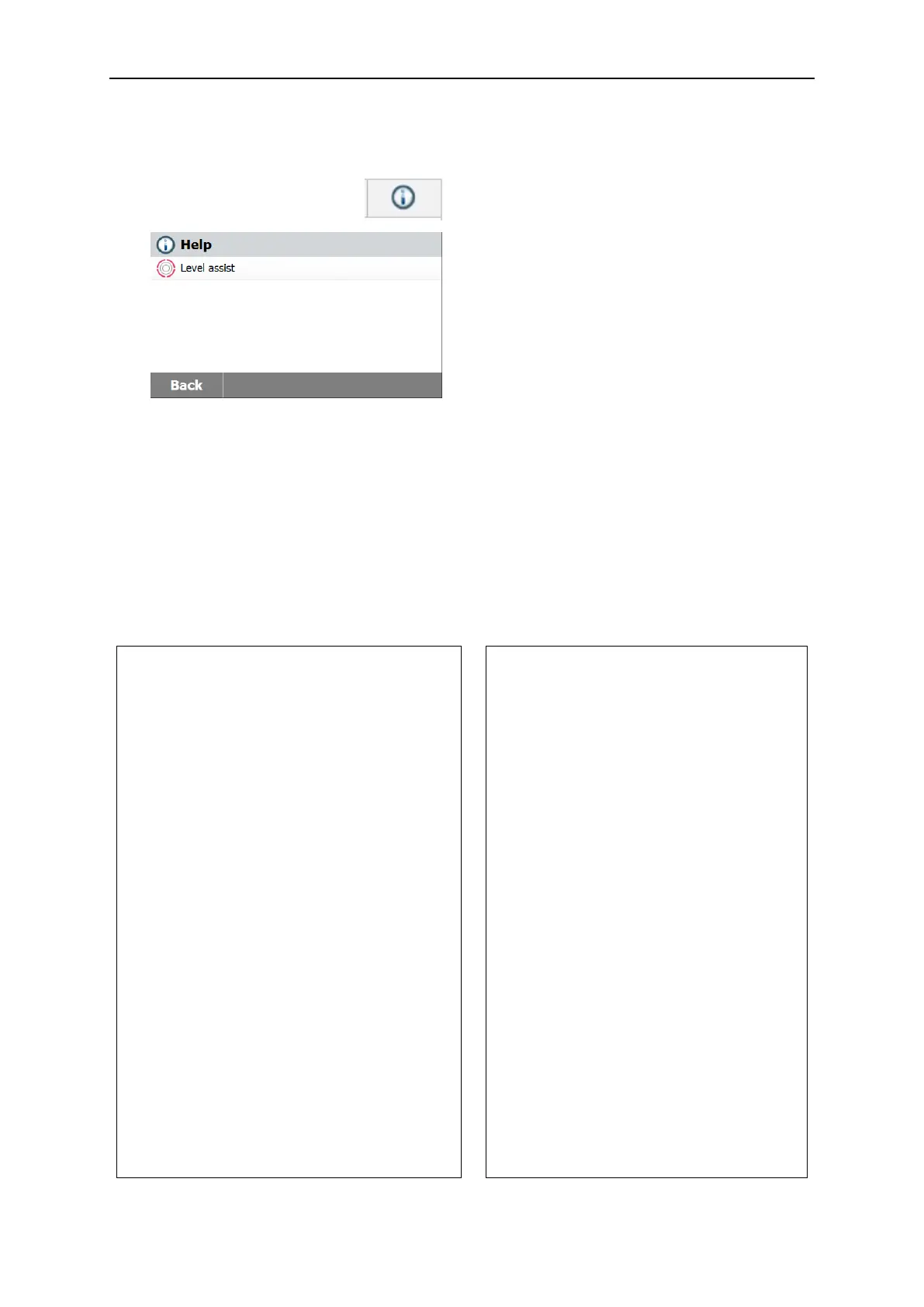
Level Assist
Press Help button on the Home screen to
access the help information menu.
Select Level Assist button to access it.
Please adjust the level feet accordingly.
Press screen to exit.
10. PRINTING TEST DATA
Printing data to an external computer or printer requires the communication parameters be
set first.
Printing to an external printer or computer will occur each time the Print button is pressed. If
the Print Interval is set in the Test Menu, printing can occur in a continuous fashion at
specified intervals.
Samples of weight adjustment, temperature adjustment and test data are shown as follows:
Weight adjustment printout
Temperature adjustment printout
WEIGHT ADJUST EXTERNAL
Weight Adjustment end 19.Dec 2017 11:20
Type MB95
SNR 1234567
Nominal Weight 50.000 g
Actual Weight 50.001 g
Difference 0.001 g
Cell Temperature 27.19 °C
Adjustment Done
Weight ID:
............................................................
Signature:
............................................................
------------END---------------
-TEMPERATURE ADJUSTMENT-
Temperature Adjustment end 19.Dec
2017 17:00
Type MB95
SNR 1234567
Temp1 target 100.0 °C
Temp1 actual 100.0 °C
Temp2 target 160.0 °C
Temp2 actual 166.0 °C
Adjustment Done
Temp Kit ID:
......................................................
Signature:
.....................................................
------------END----------------



 To Next Page