Configuration 23
Setup Menu
In this menu, the following items can be selected:
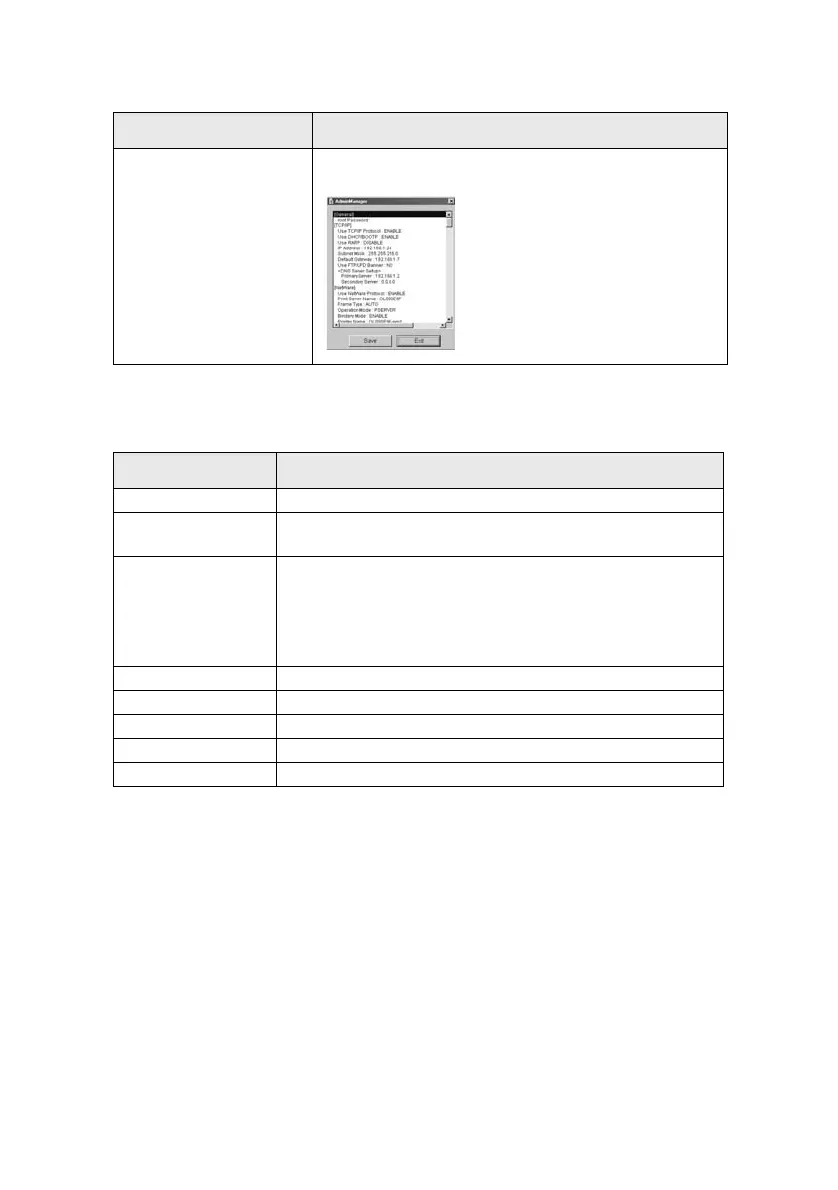
List of Configuration Items Displays current configuration. Configuration data can be
saved as log file.
Item Function
Oki Device Setup Configure the OkiLAN.
Setup by HTTP Launch the default browser in your environment to access the
selected printer’s web page.
Setup by TELNET Launch TELNET application in your environment to access the
selected printer’s TELNET port.
Note: The TELNET application is not included as part of the
OkiLAN package. Install the TELNET package on to your system.
For further information, see your Windows manual.
Create NetWare Queue Create a NetWare queue.
Delete NetWare Object Delete NetWare object.
Reset Reset the selected network interface card.
Test Print Print self-diagnostic test pages.
IP Address Setup Set static IP address of network interface card manually.
Item Function



 To Next Page