- 48 -
Installing the Device
AppendixPrinting
3
Setting Up
2
Before use
1
Basic Device Operations
4
Index
3
Place the image drum that has been
removed on a at surface covered with
paper, etc., and then orient the (orange)
stopper in the direction of the arrows (
) to remove ( ).
4
Align the (red) arrow labels on the
image drum with the arrows on the
device, and gently insert into the slot
and push in rmly all the way while
being careful not to touch the green
cylinder with your hands.
Note
Be careful not to touch or scratch the image drum
(green cylinder).
5
Close the slot cover.
Reference
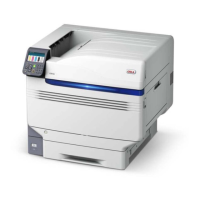
Model C941/ES9541dn requires the Spot Color kit to be set.
For details, see the "Separate Volume Spot Color Guide".


 To Next Page