179 Maintenance
Media Rollers
The accumulation of paper dust and other debris on the media rollers can cause
media-feeding problems.
Cleaning the Media Feed Roller
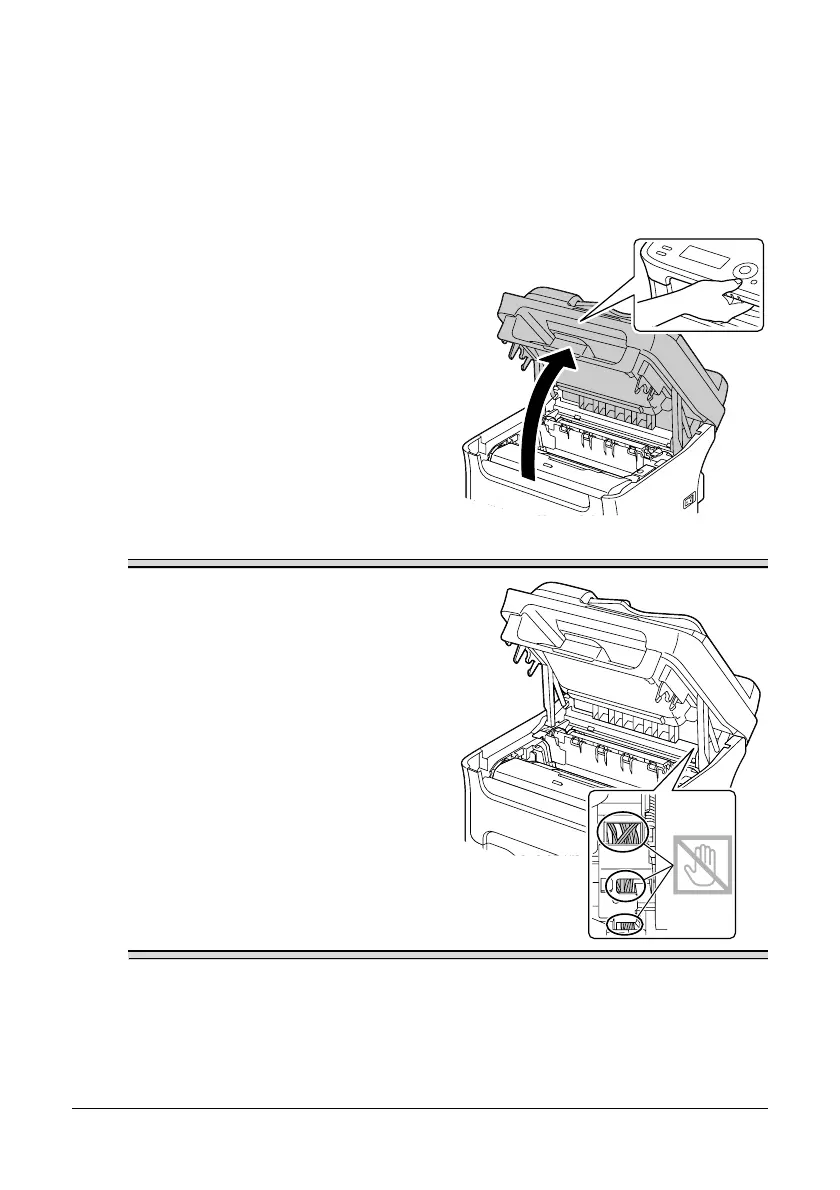
1 Open the scanner unit.
" If there is paper in the output
tray, remove it, and then fold
up the output tray before
opening the scanner unit.
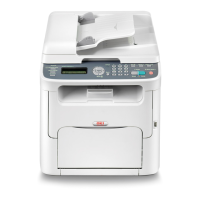
Note
Do not touch the wires and flat cable
shown in the illustration.





 To Next Page