44473001TH Rev.1
106 /
Oki Data CONFIDENTIAL
4.REPLACEMENT OF PARTS
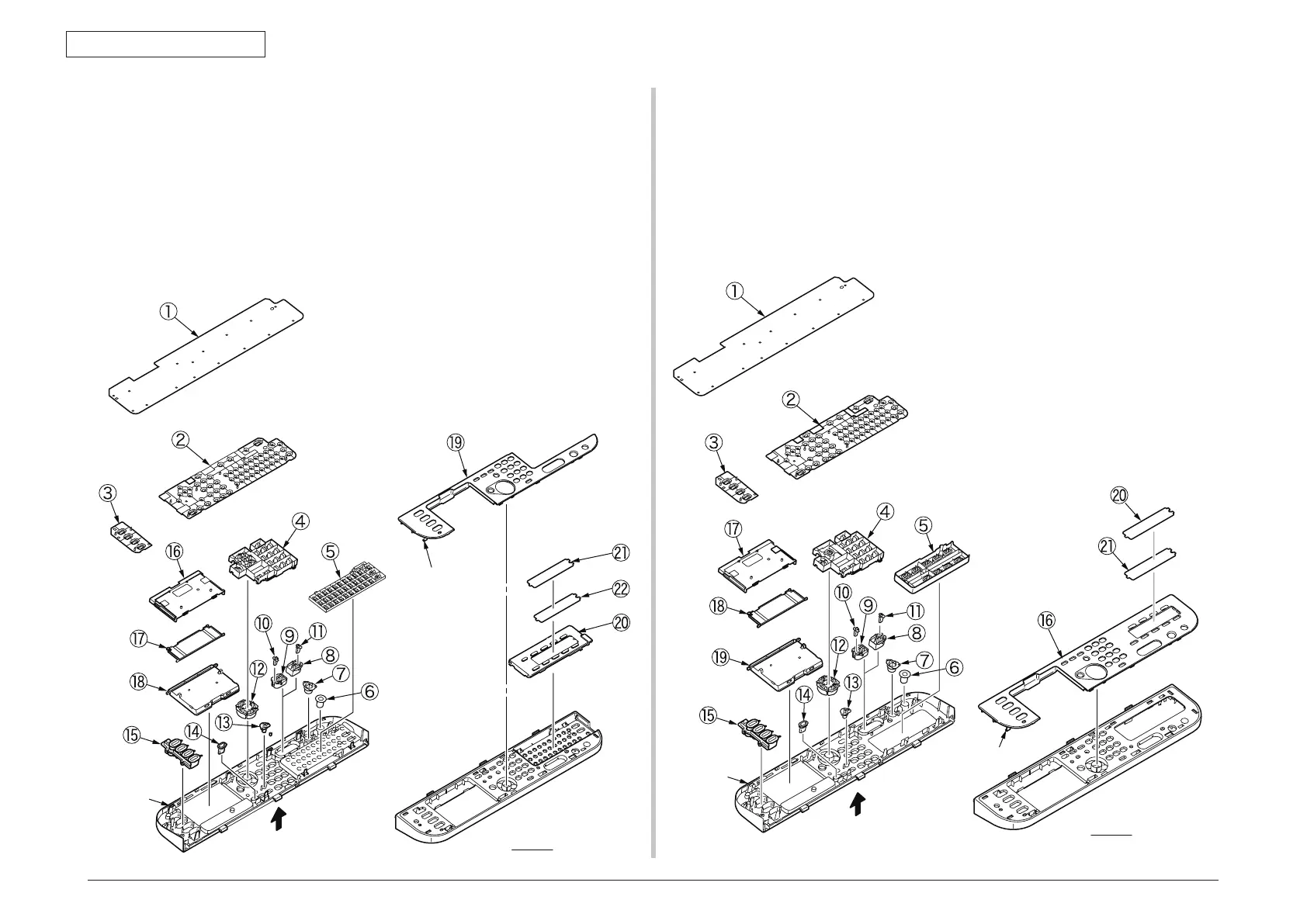
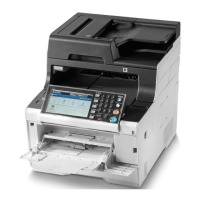
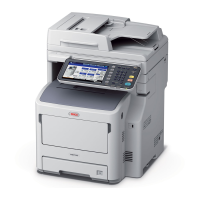
4.2.7.11 Frame-OP-panel / OPE board (MC561)
(1) Remove the eight claws to remove the OPE board
①
.
(2) Remove the rubber-pad (R)
②
and rubber-pad (L)
③
.
(3
) Remove the button and lens
④
to
⑮
.
(4
) Remove the cover bottom
⑯
and cover-cable
⑰
and LCD-assy
⑱
.
(5
) Remove the eight latehes to remove the cover-op-panel
⑲
.
(6
) Remove the cover-KB-assy
⑳
.
(7
) Remove the film-one-touch
㉑
and sheet-one-touch
㉒
.
8 × claws
ViewA
ViewA
8 × Latches
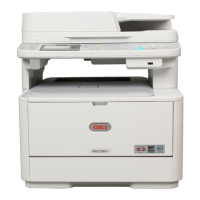
4.2.7.12 Frame-OP-panel / OPE board (MC361)
(1) Remove the eight claws to remove the OPE board
①
.
(2) Remove the rubber-pad (R)
②
and rubber-pad (L)
③
.
(3
) Remove the button and lens
④
to
⑮
.
(4
) Remove the eleven latehes to remove the cover-op-panel
⑯
.
(5
) Remove the cover bottom
⑰
and cover-cable
⑱
and LCD-assy
⑲
.
(6
) Remove the film-one-touch
⑳
and sheet-one-touch
㉑
.
8 × claws
11 × Latches
ViewA
ViewA


 To Next Page