- 103 -
3. Basic Operations
Setting a Document
This chapter describes how to set the document on this machine.
• About Documents That Can be Set
• Setting in the ADF
• Setting on the Document Glass
• About Where to Set a Document
Set a document in the ADF or on the document glass when copying, scanning, or
faxing.
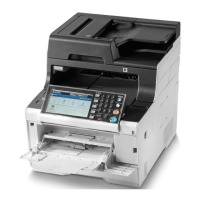
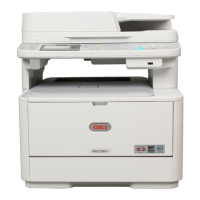
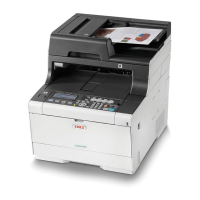
• ADF
• Document glass
Duplex scan is not available for A6.
For documents on which adhesives, ink, or correction fluid is used, make sure that they have completely dried before
setting.
• About Documents That Cannot be Set in the ADF
You cannot set the following documents in the ADF. Set the document on the
document glass.
• Documents with holes or tears
• Documents folded or damaged
• Documents with fold lines or badly curled, or rolled documents
• Damp documents
• Documents that are stuck together due to static electricity
• Carbon-backed documents
• Cloth, metal sheets, OHP films
• Stapled, clipped, taped documents or documents with sticky notes
• Documents that are pasted each other, or documents with glue
• Glossy documents
• Coated documents
About Documents That Can be Set
Scannable size
A4, A5, A6, B5, B6, Letter, Legal 13/13.5/14, Executive, Statement, 8.5 SQ, Folio
Paper capacity
50 sheets (80 g/m
2
) or maximum rise of 5 mm (0.2 inches)
Paper weight
60 to 105 g/m
2
(16 to 28 lb)
Scannable size
A4, A5, A6, B5, B6, Letter, Executive, Statement, 8.5 SQ
Document thickness
Up to 20 mm


 To Next Page