As
you
can
see,
the keyboard
is
divided into three sections:
• a column of ten function keys to the left of the keyboard
•
an
alphanumeric section similar
in
most respects
to
a normal
typewriter. keyboard
• a numeric keypad, incorporating some additional command
keys,
and
the cursor control keys
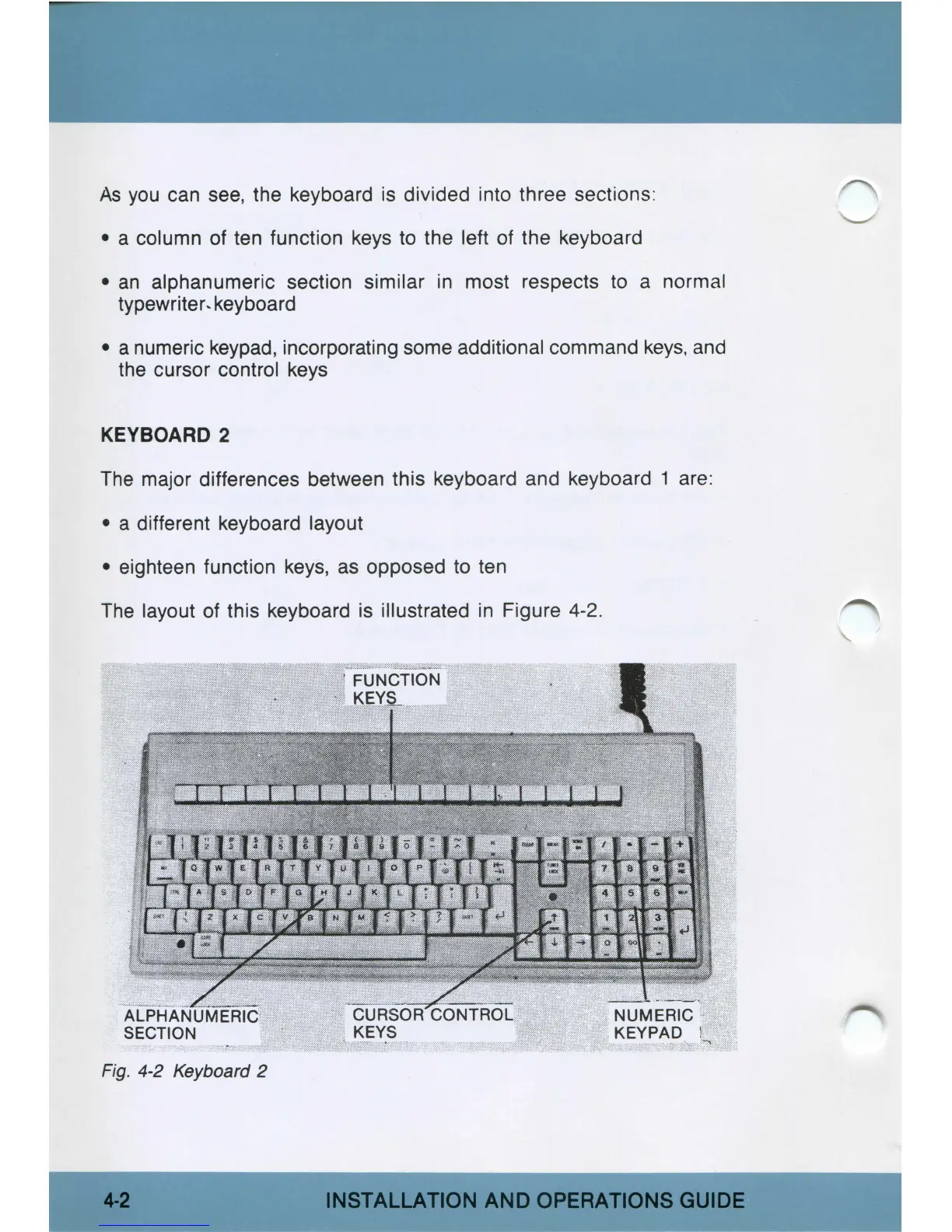
KEYBOARD
2
The
major differences between this keyboard and keyboard 1 are:
• a different keyboard layout
• eighteen function
keys,
as
opposed to ten
The
layout of this keyboard is illustrated
in
Figure 4-2.
Fig.
4-2 Keyboard 2
4-2
INSTALLATION
AND
OPERATIONS
GUIDE



 To Next Page