to
be
placed
in
the drive(s). When you have done this press
CR
CUSTOMER
TEST will then start
to
run the various diagnostic tests
on
the installed hardware.
CUSTOMER
TEST will display messages during execution. These
messages indicate the success or failure of the individual tests.
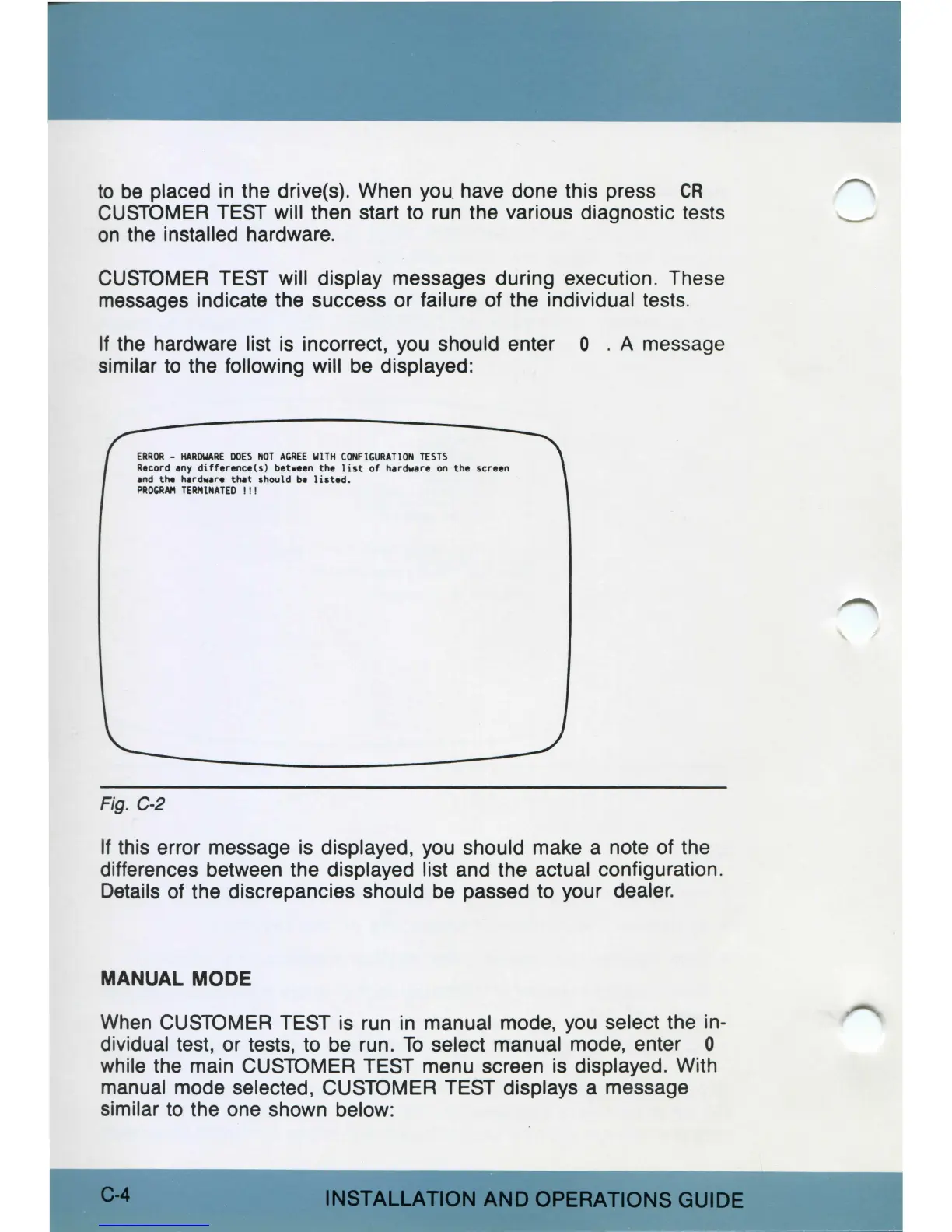
If the hardware list
is
incorrect, you should enter O . A message
similar
to
the following will be displayed:
ERROR
-
HAROWARE
DOES
NOT
A,REE
WITH
CONFI,URATION
TESTS
Record
any
difference(s)
between
the
list
of
hardware
on
the
screen
and
the
hard••r•
that
should
be
listed
.
PAOGAM
TERHlNATED
! ! !
Fig.
C-2
If
this error message
is
displayed, you should make a note of the
differences between the displayed list and the actual configuration.
Details of the discrepancies should be passed to your dealer.
MANUAL MODE
When
CUSTOMER TEST is run
in
manual mode, you select the in-
dividual test, or tests, to be run.
To
select manual mode, enter O
while the main CUSTOMER TEST menu screen is displayed. With
manual mode selected, CUSTOMER TEST displays a message
similar
to
the one shown below:
C-4
INSTALLATION
AND
OPERATIONS
GUIDE



 To Next Page