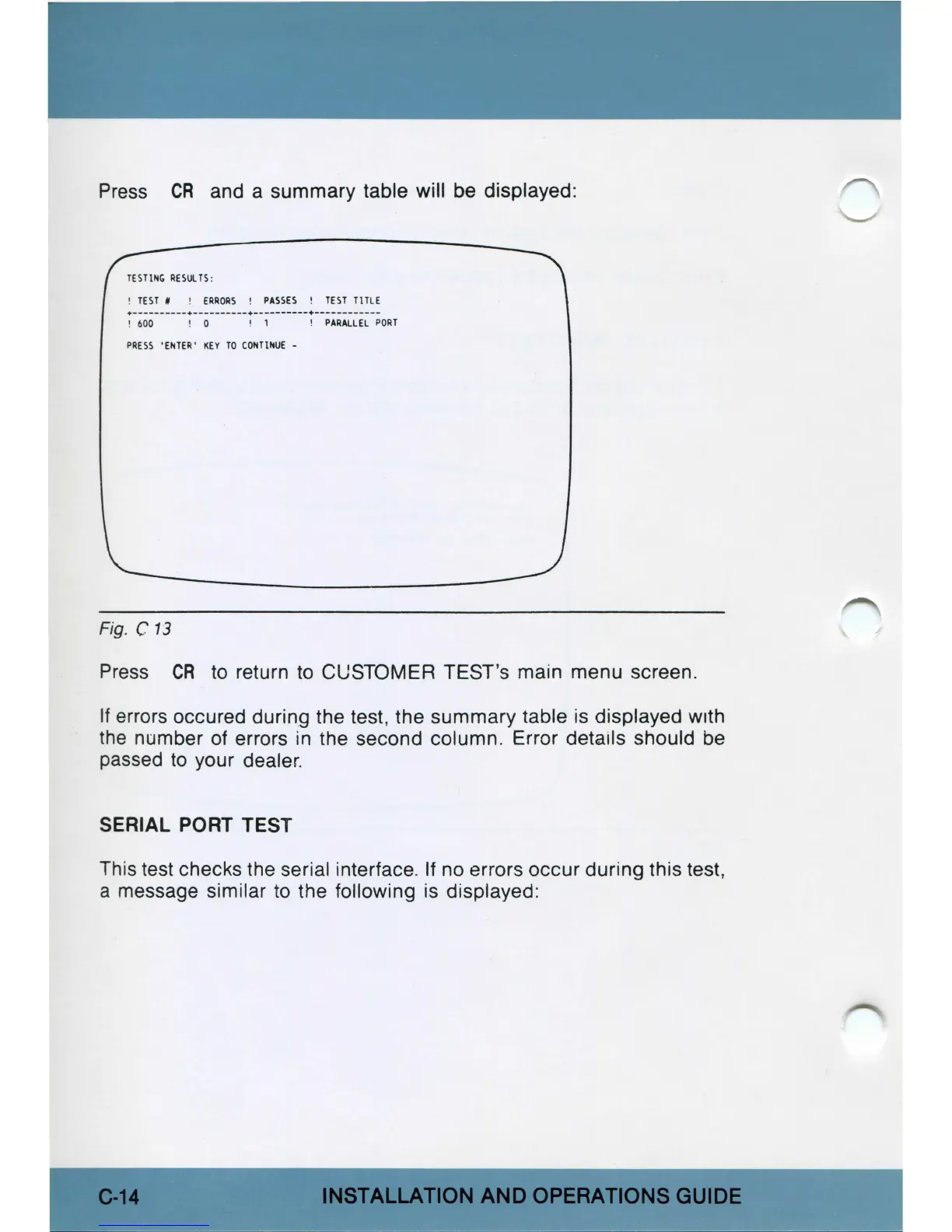
Press
CR
and a summary table will be displayed:
TESTI
NG
RE
IU
LT
I :
! TE
ST
# !
ERR
ORS !
PASSES
!
TEST
TlTL E
• - -
----
- -
--
•--
-
---
-
---
•
---
- -
---
-
-•-----
-
--
---
-
!
600
! 0 ! 1 !
PARALLEL
PO
RT
PRESS
'ENTE
R'
K
EY
TO
C
ON
Tt
JrtUE
-
Fig. C
13
Press
CR
to
return
to
CUSTOMER TEST's main menu screen.
If errors occured during the test, the summary table is displayed with
t
he
number of errors in the second column. Error details should be
passed
to
your dealer.
SERIAL PORT TEST
This test checks the seri
al
interface. If no errors occur during this test,
a message similar
to
the following is displayed:
C-
14
INSTALLATION
AND
OPERATIONS
GUIDE



 To Next Page