VIDEO TEST
The
video test displays a series of images
to
test various video func-
tions. The following tests require a response from you:
• character set
• color/shades of gray
• character attributes
If the displayed image
is
correct, enter 1 . If the displayed image
is incorrect, enter 0
Pressing
CR
causes the video test
to
move from one screen image
to
the next. If the video test
is
successful, a message similar
to
the
following wi
ll
be
displayed:
---
NO
ERRORS
IN
VIDEO HARDWARE TEST ---
PRESS 'ENTER' KEY
TO
CONTINUE
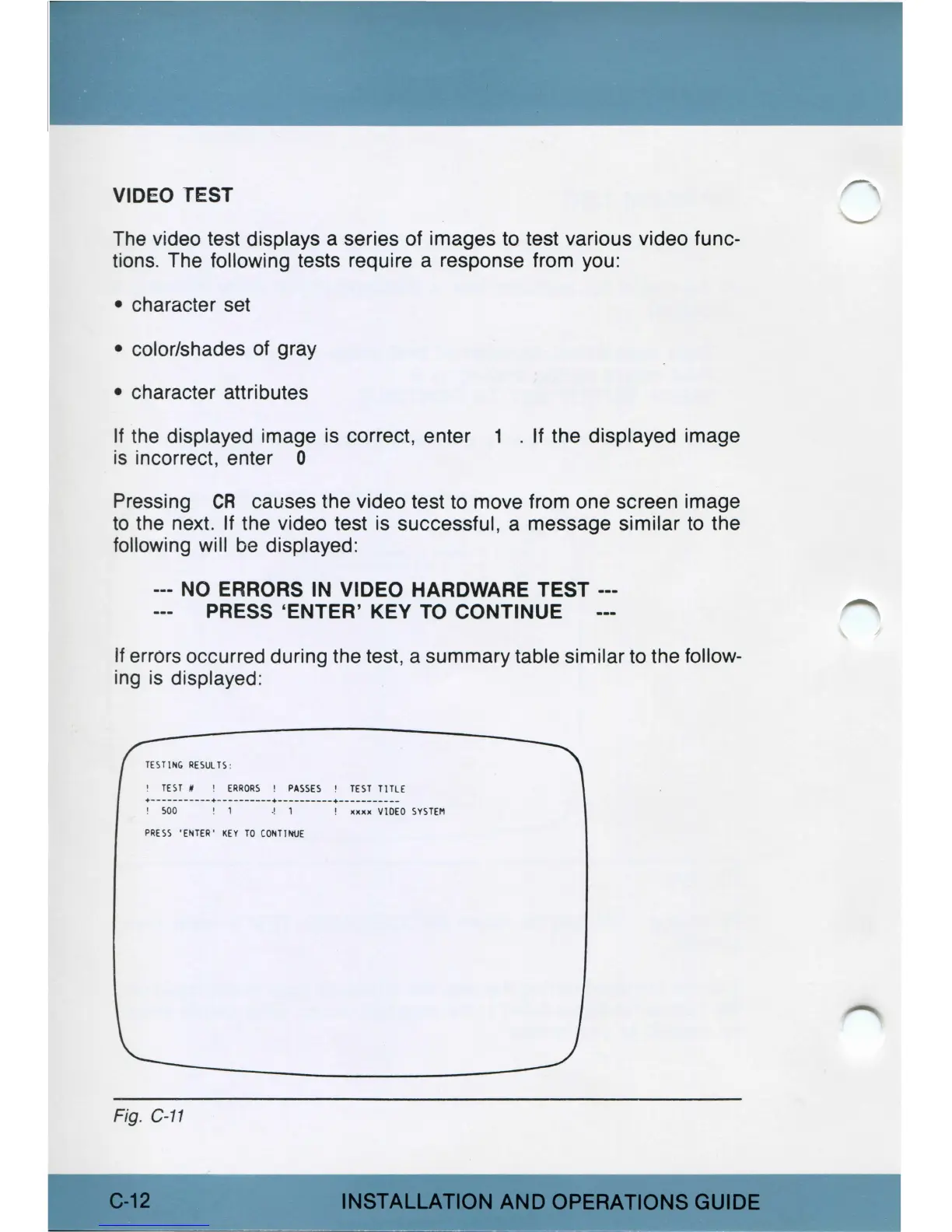
If errors occurred during the test, a summary table similar
to
the follow-
i
ng
is
displayed:
TES
TING
RE
SUL
TS
:
!
TEST
# !
ERRORS
!
PASS
ES !
TE
ST
TITLE
1
soo
' 1
•!
1 ! JOOOC
VIDEO
SYST
EM
PRESS
'EtHER'
KEY
TO
CO
N
TI
"rt.l
E
Fig. C-11
C-12
INSTALLATION
AND
OPERATIONS
GUIDE



 To Next Page