ADDITIONAL
TESTING
FACILITIES
AUTOMATIC MODE
In automatic mode, CUSTOMER TEST tests the installed hardware,
m
ovi
ng
from test
to
test automatically.
To
run
CUSTOMER TEST
in
automatic mode, you should enter 1
Wi
th
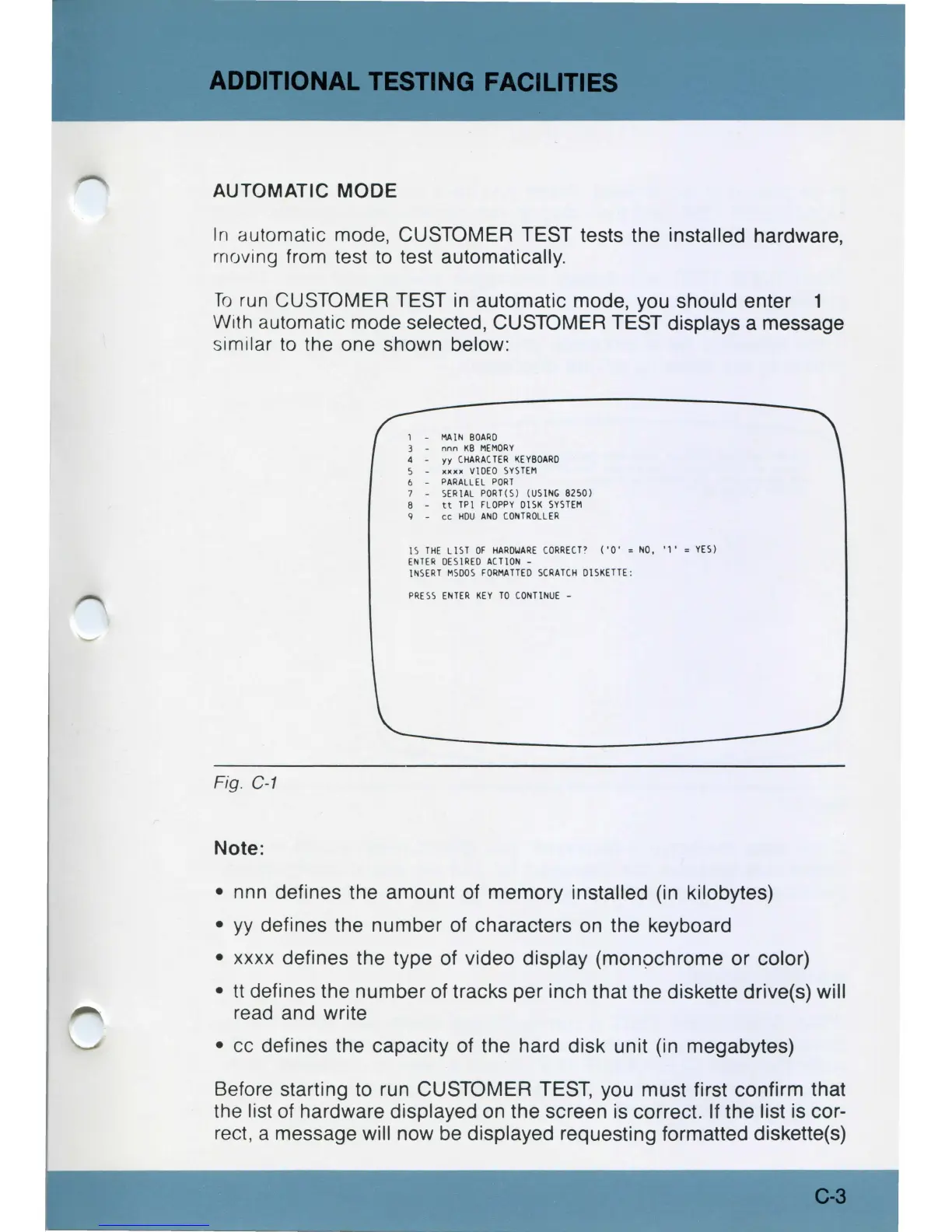
automatic mode selected, CUSTOMER TEST displays a message
s
im
ilar
to
the one shown below:
Fig. C
-1
Note:
MAIN
BO
A
RD
nnn
KB
M
EMORY
yy
C
HA
RA(
TER
l(E'f80
AR
D
10011e
VIDEO
SYSTEM
PARALLEL
PORT
SERI
AL PORT{S) (U5
1N
G 8250)
tt
TPI
FLOPPY
015K
SYS
TE
M
cc
HOU
ANO
CO
N
TROLLER
IS
THE
LIST
OF
H
ARDW
A
RE
CORR
E
CT?
(
'O'
= N
O,
' 1 ' = YES)
ENTER
DESIRED
ACTlO
N -
INSERT
MSOOS
FOR
MA
TTED
SCRATCH
DI
SKETTE:
PRESS
ENTER
KEY
TO
CO
NTIN
UE
-
• nnn defines the amount of memory installed (in kilobytes)
•
yy
defines the number of characters
on
the keyboard
• xxxx defines the type of video display (monochrome or color)
•
tt
defines the number of tracks per inch that the diskette drive(s) will
read and write
•
cc
defines the capacity of the hard disk unit (in megabytes)
Before starting to run CUSTOMER TEST, you must first confirm that
th
e list
of
hardware displayed
on
the screen is correct. If the list is cor-
rect, a message wi
ll
now
be
displayed requesting formatted diskette(s)
C-3



 To Next Page