ADDITIONAL
TESTING
FACILITIES
KEYBOARD TEST
The keyboard test routine does not require the user to do anything.
At
the end of the keyboard test, a message similar to the following is
displayed:
Tests
completed. Number of test loops run = x
Total
errors during testing = 0
PRESS 'ENTER' KEY
TO
CONTINUE
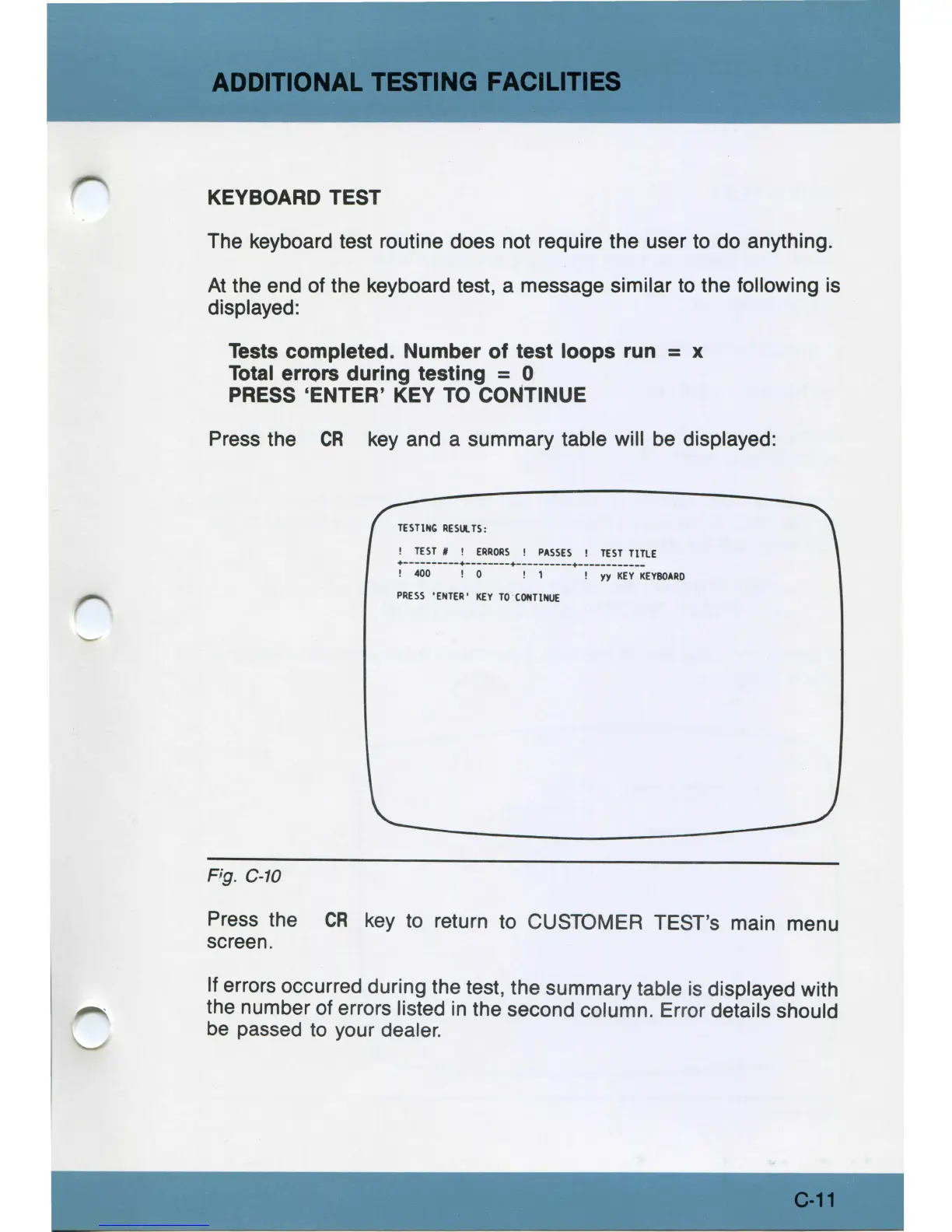
Press the
CR
key
and a summary table will
be
displayed:
TESTIN,
RESll.
TS
:
!
TEST
# !
ERRORS
!
PASSES
!
TEST
TtTLE
+----------+--------+----------•------------
!
400
! 0 ! 1 ! yy
KEY
KEYBOARD
PRESS
'ENTER'
KEY
TO
CONTINUE
Fig.
C-10
Press the
CR
key
to return to CUSTOMER TEST's main menu
screen.
If errors occurred during the test, the summary table
is
displayed with
the number of errors listed
in
the second column. Error details should
be
passed to your dealer.
C-11



 To Next Page