ADDITIONAL
TESriri,
'J:
ACILITIES
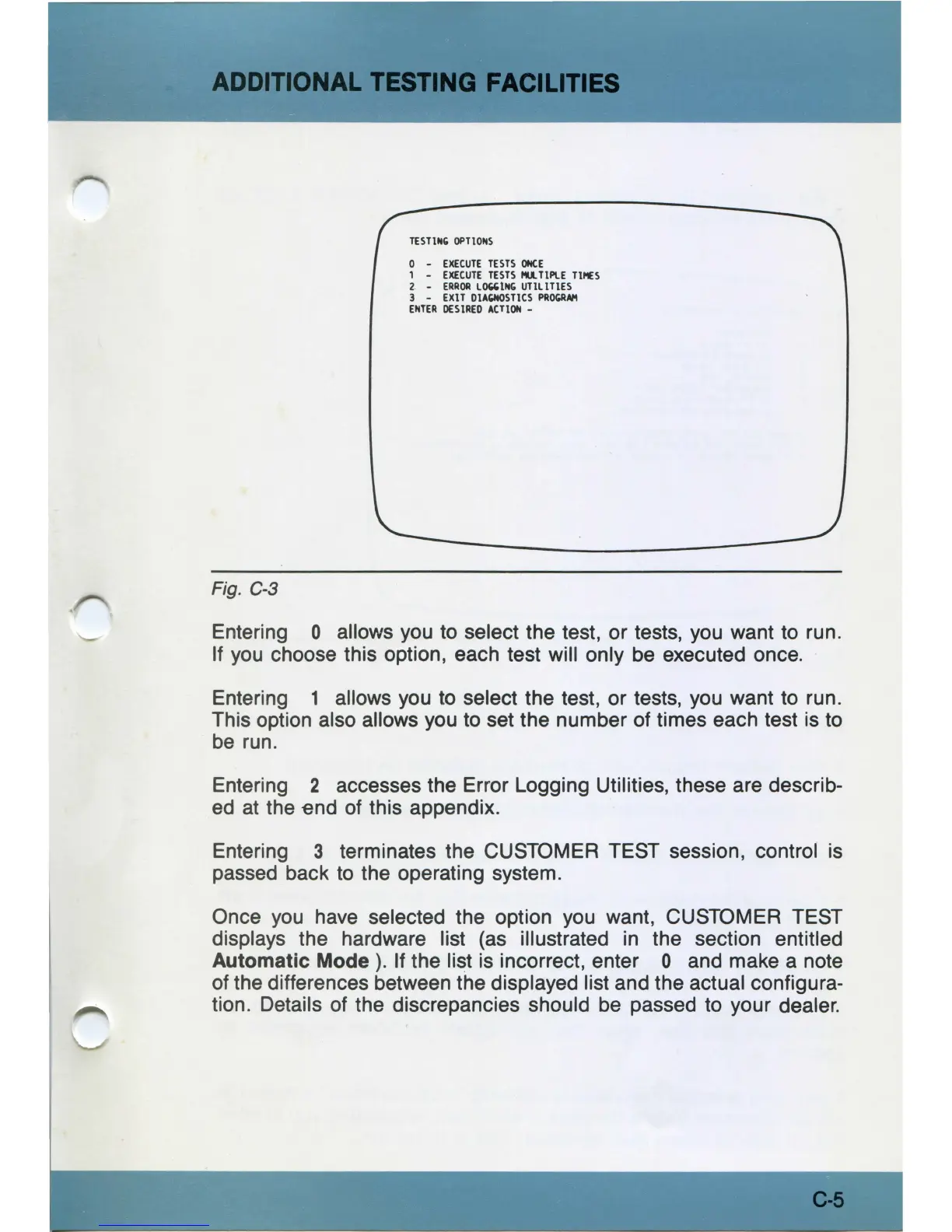
Fig. C-3
TESTING
OPTIONS
0 -
EXECUTE
TESTS
ONCE
1 -
EXECUTE
TESTS
Mil.
TIPLE
mu
2. -
ERROR
LClG'ING
UTILITIES
3 -
EXIT
DIAGNOSTICS
PROGRAl1
ENTER
DES
IRED
ACTION
-
Entering O allows you to select the test, or tests, you want to run.
If
you
choose this option, each test will only
be
executed once.
Entering 1 allows you to select the test, or tests, you want to run .
This option also allows you to set the number of times each test is to
be
run.
Entering 2 accesses the Error Logging Utilities, these are describ-
ed
at the end of this appendix.
Entering 3 terminates the CUSTOMER TEST session, control is
passed back to the operating system.
Once
you
have selected the option
you
want, CUSTOMER TEST
displays the hardware list
(as
illustrated in the section entitled
Automatic Mode
).
If the list is incorrect, enter O and make a note
of the differences between the displayed list and the actual configura-
tion. Details of the discrepancies should
be
passed to your dealer.
C-5



 To Next Page