4-22 Epson TM-U950 Commands
Notes:
- The command is enabled only when input at the beginning of the line.
-
If n is out of the range, this command is ignored.
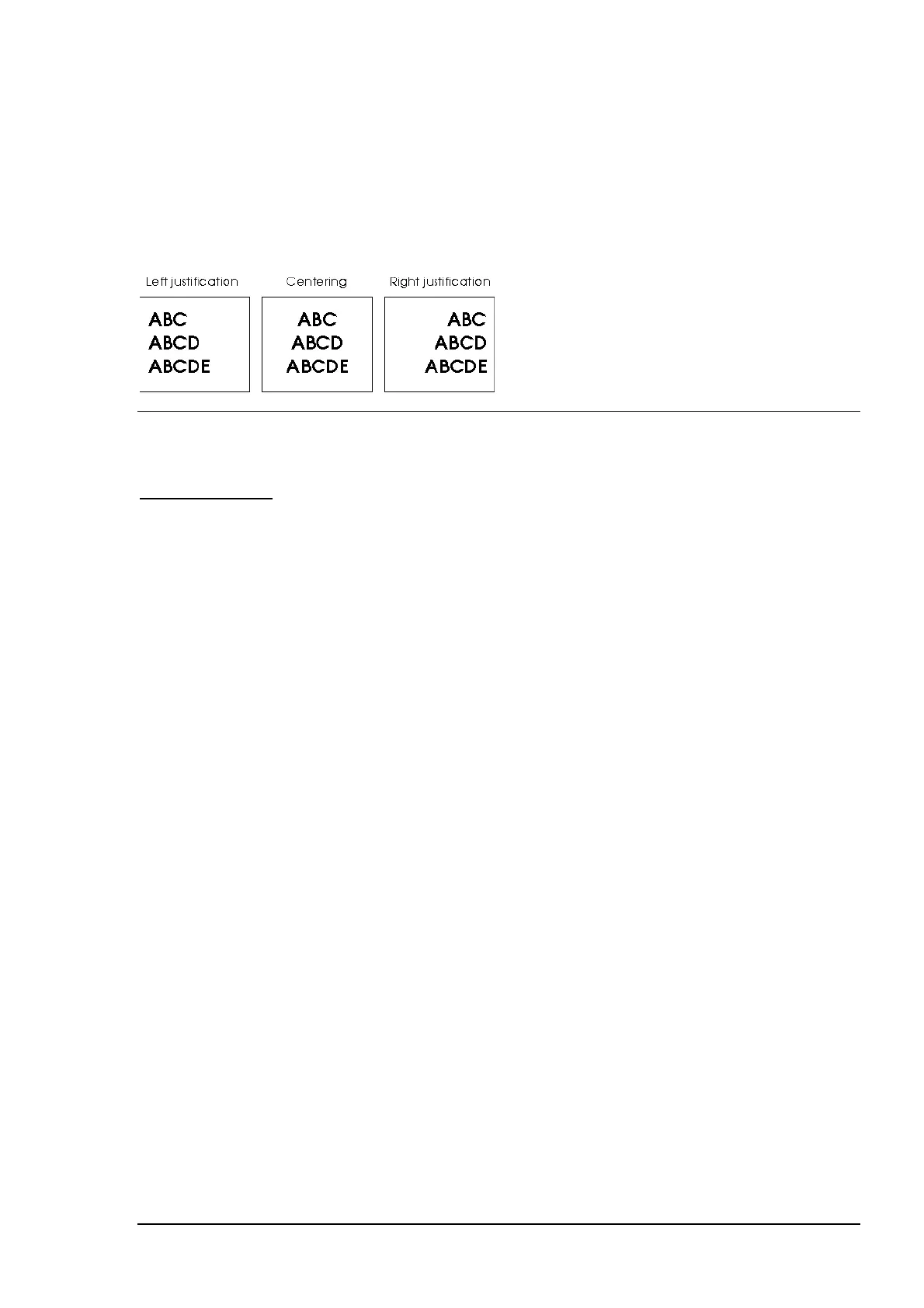
- Spaces set by ESC $ and ESC \ are all justified.
Default:
n = 0
Example:
ESC c 0 n
Select paper type(s) for printing
Hexadecimal code: 1B 63 30 n
Range:
n = 1-4
Selects the type of paper for printing, using n as follows:
Bit Off/On Hex Decimal Function
0 Off 00 0 Journal paper roll disabled.
On 01 1 Journal paper roll enabled.
1 Off 00 0 Receipt paper roll disabled.
On 02 2 Receipt paper roll enabled.
2 Off 00 0 Slip paper disabled.
On 04 4 Slip paper enabled.
3-7 - - - Undefined.
Notes:
- The command is available only when input at the beginning of a line.
- Slip paper and paper roll cannot be selected simultaneously.
- When this command is input, the printer executes the following:
. If either paper roll is selected, previously selected slip paper is cancelled and ejected.
. If slip paper was previously selected and is selected again, no operation is executed.
. If either paper roll was previously selected and slip paper is then selected, the printer
waits for the slip paper to be loaded.
- If the value of n is out of the specified range, the printer ignores this command.
Default:
n = 3















 To Next Page