5/621/6400 (04) Operation
15
Operation
■ Training mode
It is possible to execute the functions described in this chapter „Operation“ without the
operations and results being stored (registered).
Key position: Training mode
Note: The OWP key is required for this.
All the functions which are available in the operating mode R can be performed.
■ Registrations
The cash register provides easy to use repeat and multiplying functions to simplify
operations, e.g. when registering the same price in the same department.
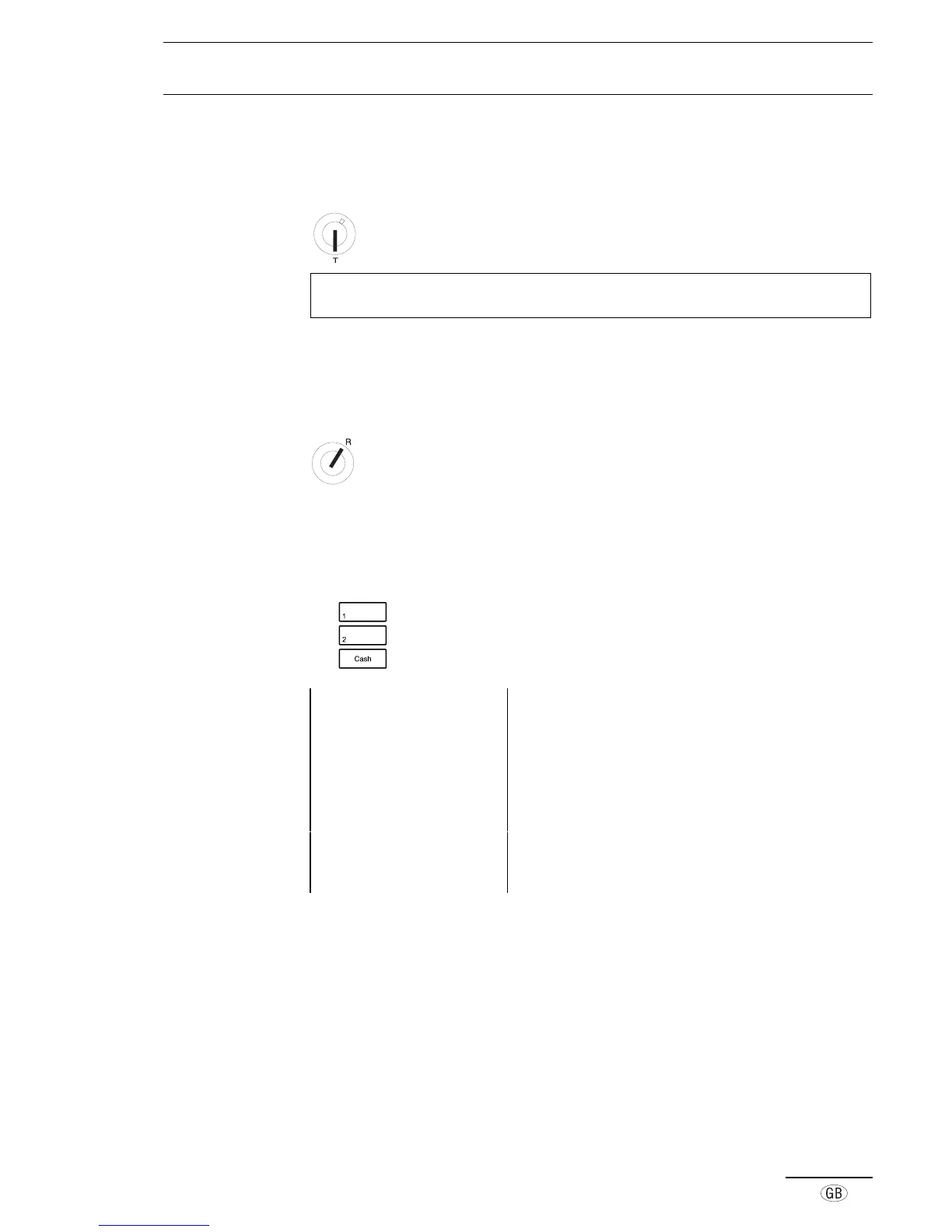
Key position: Registration. All the following types of
registration can be carried out with the key in this
position.
■ Department registration (Programmed price)
Use the department keys to register programmed prices.
e.g.
Press the required department key (Department 1)
e.g. Press the required department key (Department 2)
e.g. Press the relevant tender key (Cash)
Example printout 14-04-2000 Date
09-21 0017 Time, Receipt no.
·01 10·00* Dept. 1 fixed price, including tax
·02 20·00* Dept. 2 fixed price, including tax
1·38TX 1 Amount of tax 1 included
8·62 TA Amount taxed
1·31TX 2 Amount of tax 2 included
18·69 TA Amount taxed
30·00ST Subtotal of registration
30·00CA Cash payment



 To Next Page