5/621/6400 (04) Operation
21
■ Premium and discount
During registration, premium and discount operation can be performed for an item
and/or subtotal according to programmed or manual percentage rates. In addition,
variable amounts can be deducted.
■ Premiums, as a percentage
If a surcharge needs to be added, e.g. at five percent, it can be registered using the
Premium key.
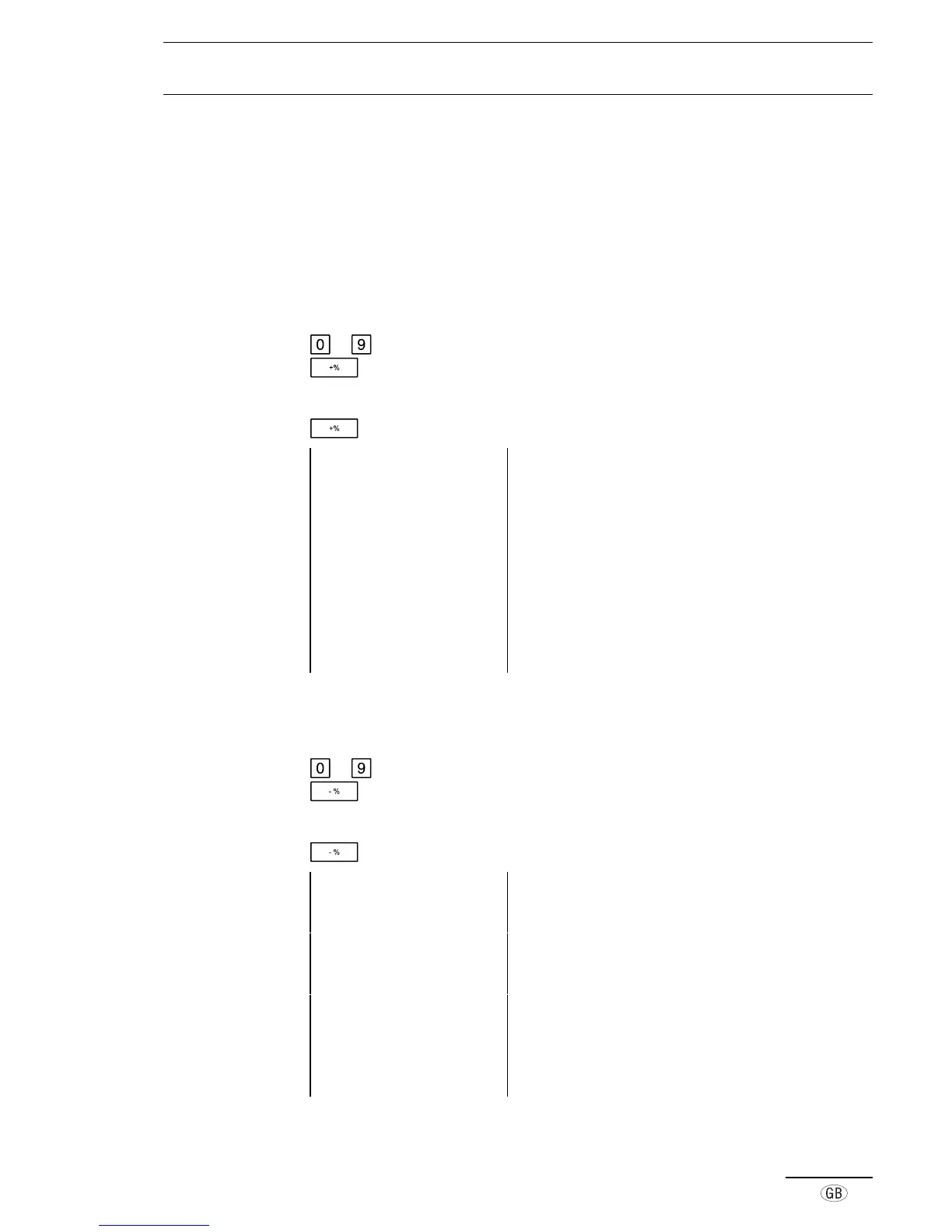
to Enter the percentage value (e.g. 500 for 5%)
Register the manually entered premium
or
Register the fixed rate premium percentage
Example printout 29-03-2000 Date
13-14 0012 Time, Receipt no.
·01 100·00* Registered amount, including tax
·01 50·00* Registered amount, including tax
150·00ST Subtotal
5·00 %+ Percentage
7·50 Amount of premium, tax free
20·69TX 1 Amount of tax 1 included
129·31 TA Amount taxed
157·50ST Subtotal of registration
157·50CA Cash payment
■ Discounts, as a percentage
If a discount needs to be deducted, it can be registered using the Discount key.
to Enter the percentage value (e.g. 300 for 3%)
Register the manually entered discount
or
Register the fixed rate discount percentage
Example printout 14-04-2000 Date
09-48 0024 Time, Receipt no.
·01 100·00* Registered amount, including tax
·01 50·00* Registered amount, including tax
150·00ST Subtotal
3·00 %- Percentage
-4·50 Amount of discount, tax free
20·69TX 1 Amount of tax 1 included
129·31 TA Amount taxed
145·50ST Subtotal of registration
145·50CA Cash payment



 To Next Page