Starting up 5/621/6400 (04)
8
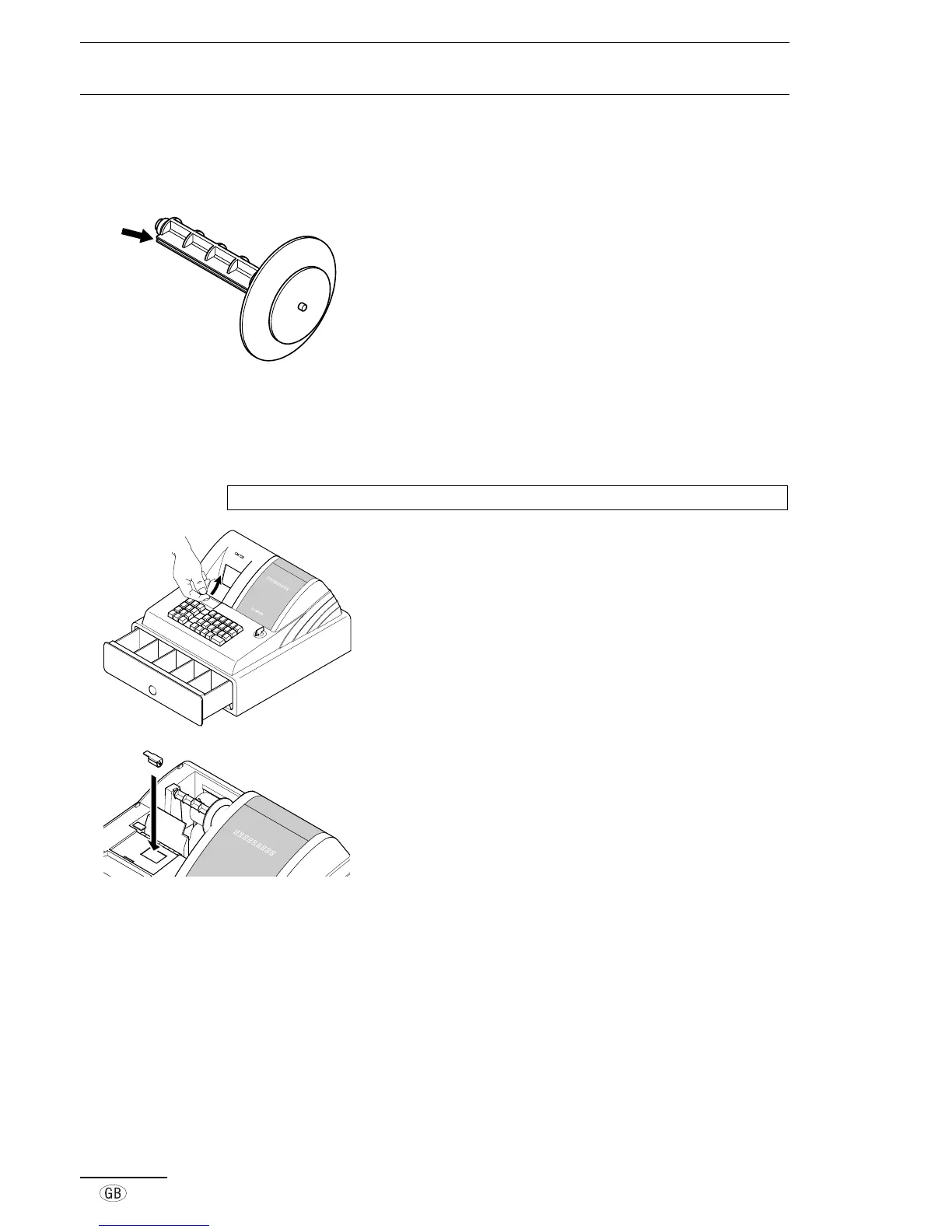
■ Paper reel
The paper reel is required when the paper should be rolled onto it.
1. Open the printer lid.
2. Remove the paper reel.
3. Thread the end of the paper in the slit in the paper reel.
4. Insert the paper reel in the hollows provided for it.
5. In order to remove the journal paper after it has been rolled
up on the reel, remove the paper reel and pull the journal
paper roll off.
6. Reinsert the paper reel.
7. Close the printer lid.
■ Change ink roller
Note: Only use original ink rollers.
1. Open the printer lid.
2. Pull the ink roller up and out using the grip (on the left).
3. Insert new ink roller on the guides.
4. Close the printer lid.



 To Next Page