Operation 5/621/6400 (04)
22
■ Discounts, manually entered amounts
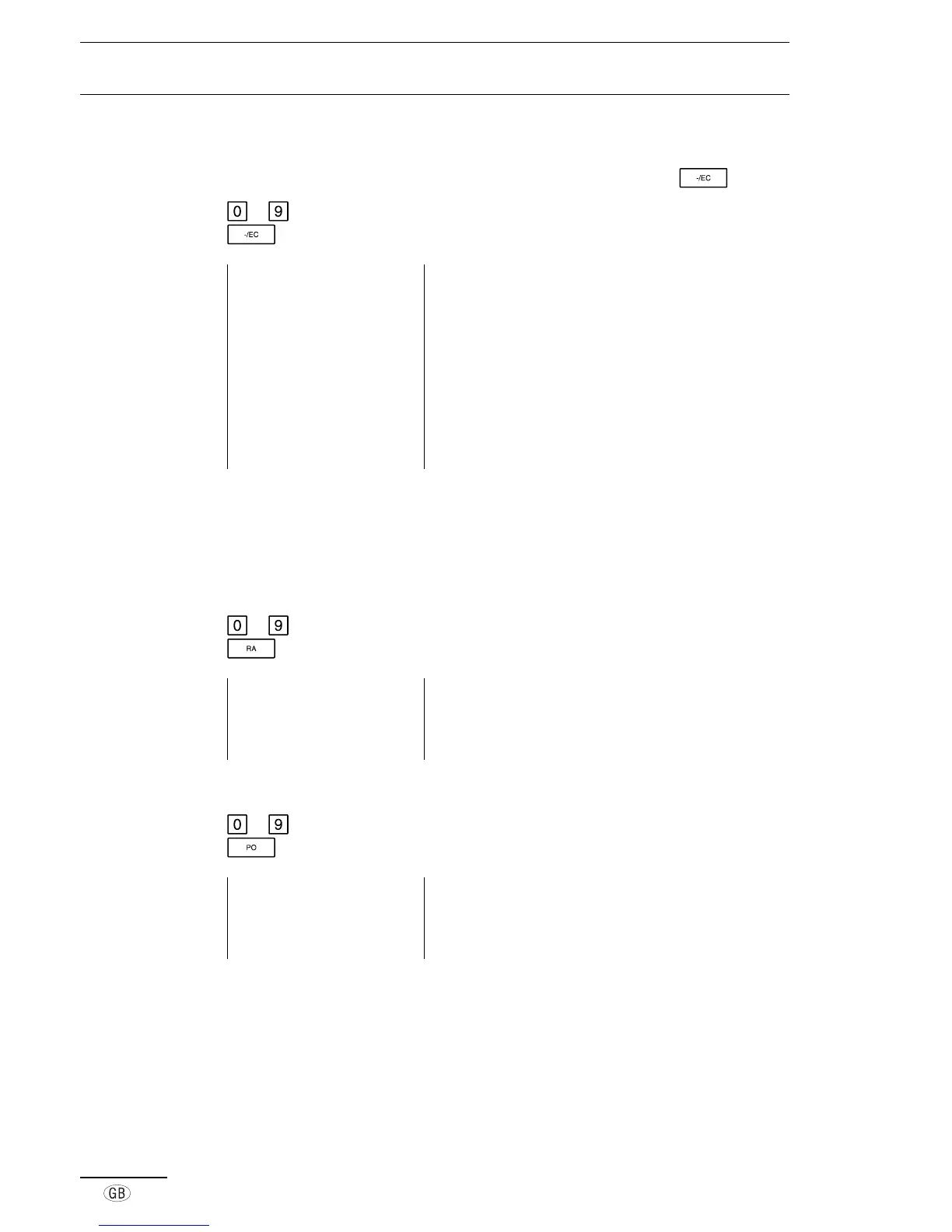
Manually entered amounts can be subtracted from sums by using the key.
to Enter discount amount (e.g. for 10.00)
Register the discount
Example printout 29-03-2000 Date
13-29 0015 Time, Receipt no.
·01 6·00* Registered amount, including tax
·01 7·00* Registered amount, including tax
·01 8·00* Registered amount, including tax
-10·00 - Amount of discount, tax free
2·90TX 1 Amount of tax 1 included
18·10 TA Amount taxed
11·00ST Subtotal of registration
11·00CA Cash payment
■ Payments received on account and paid out
In addition to the „standard“ registration procedures, it is also possible make direct
payments in and out using cash.
■ Received on account
to Enter the amount
Amount is registered and the cash drawer opens
Example printout 08-05-2000 Date
10-10 0006 Time, Receipt no.
100·00 RA Received amount, cash
■ Paid out
to Enter the amount
Amount is registered and the cash drawer opens
Example printout 08-05-2000 Date
10-50 0009 Time, Receipt no.
-60·00 PO Amount paid out



 To Next Page