Machine view 5/621/6400 (04)
10
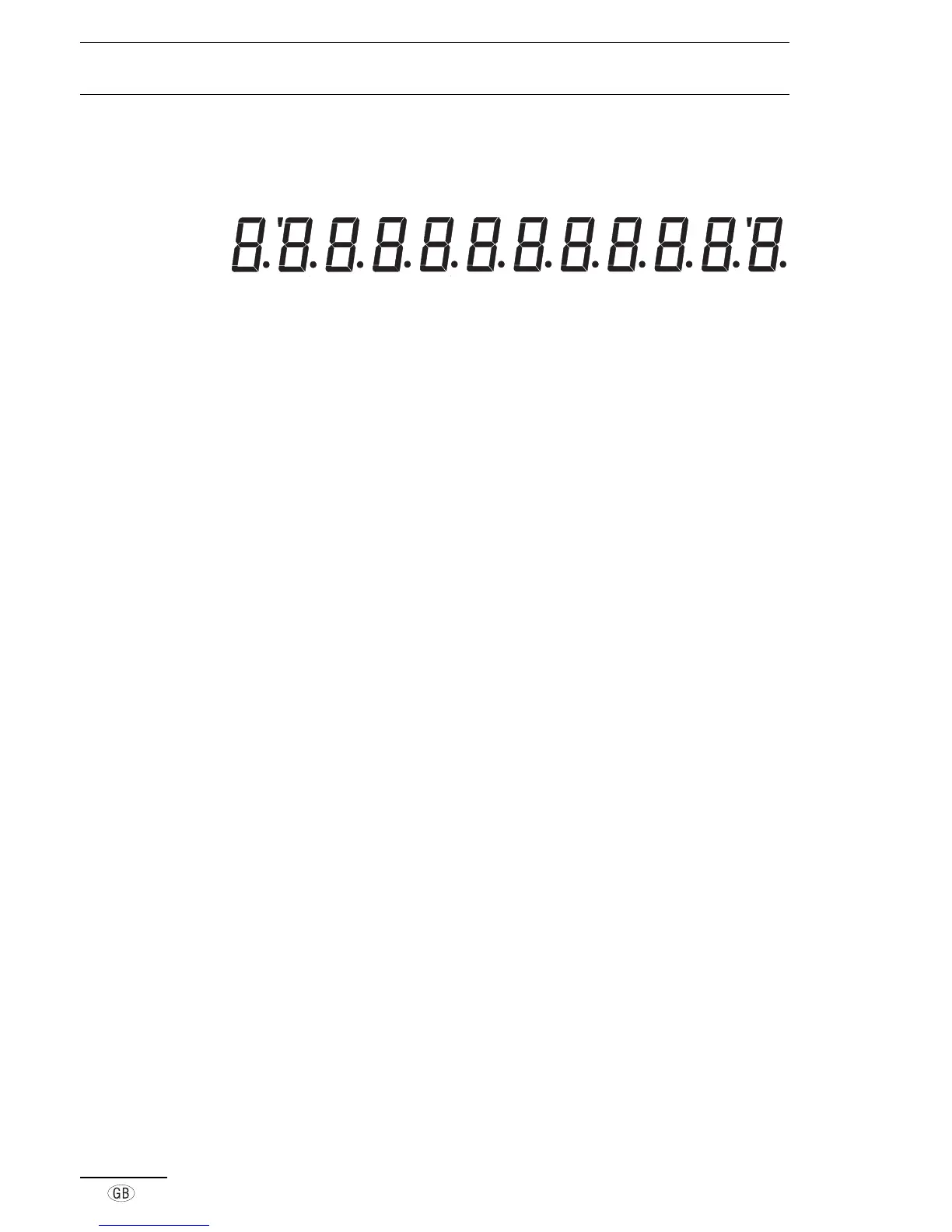
■ Display
SHIFT
RFD
DPT/PLU AMOUNT
The respective amount appears flush to the right in the display, to the left is the
number of repetitions in cases where several registrations are made for one
department or PLU. DPT/PLU indicates the currently active department or PLU.
The upper part of the display indicates the following by means of illuminating marks:
Shift 2
nd
department level is activated
RFD Refunds
Displays
In Positions „R“ and „T“
¼»¼ Total amount
ËǾ Subtotal
Department number
PLU number
In Position „T“
Training mode
In Position „P“
º¸»½ Programming mode
º Department price
Á Department flag
º PLU price
Á PLU flag
Á¿¹ Exchange rate
À»¼ Currency flag
¿ÅκÅǸº¼
Print PLU and Z reports
before deleting the full
report
¿Å¸½¸ÊÆÀ¼¼
Before changing flag
delete full report
¹ Error
¸Ê¼¹ Tax rate (1-4)
¾Ê˹ Basic tax rate (1-4)
¼¹Ë¼¾¹½ÃÆ
Start self-test
ÀÃ˺ÅÊÉ
Display test
º¸ÃƼ¹¸
Printer test
¾ÇÎι¸
Buzzer tone test
À¸Ê Cash drawer test
Ϲɾ»Ê¸À
Keypad test
¿»À¹ Display keypad code
ϹÉÅ»¿Ï
Key-operated switch test
Positions „X“ and „Z“
и¹º»¸¼
X-report
θ¹º»¸¼
Z-report
¿Ê Total amount in cash
register
¼¼ Total amount in PLU
report
¹ Error



 To Next Page