5/621/6400 (04) Programming
31
■ Programming the basic program
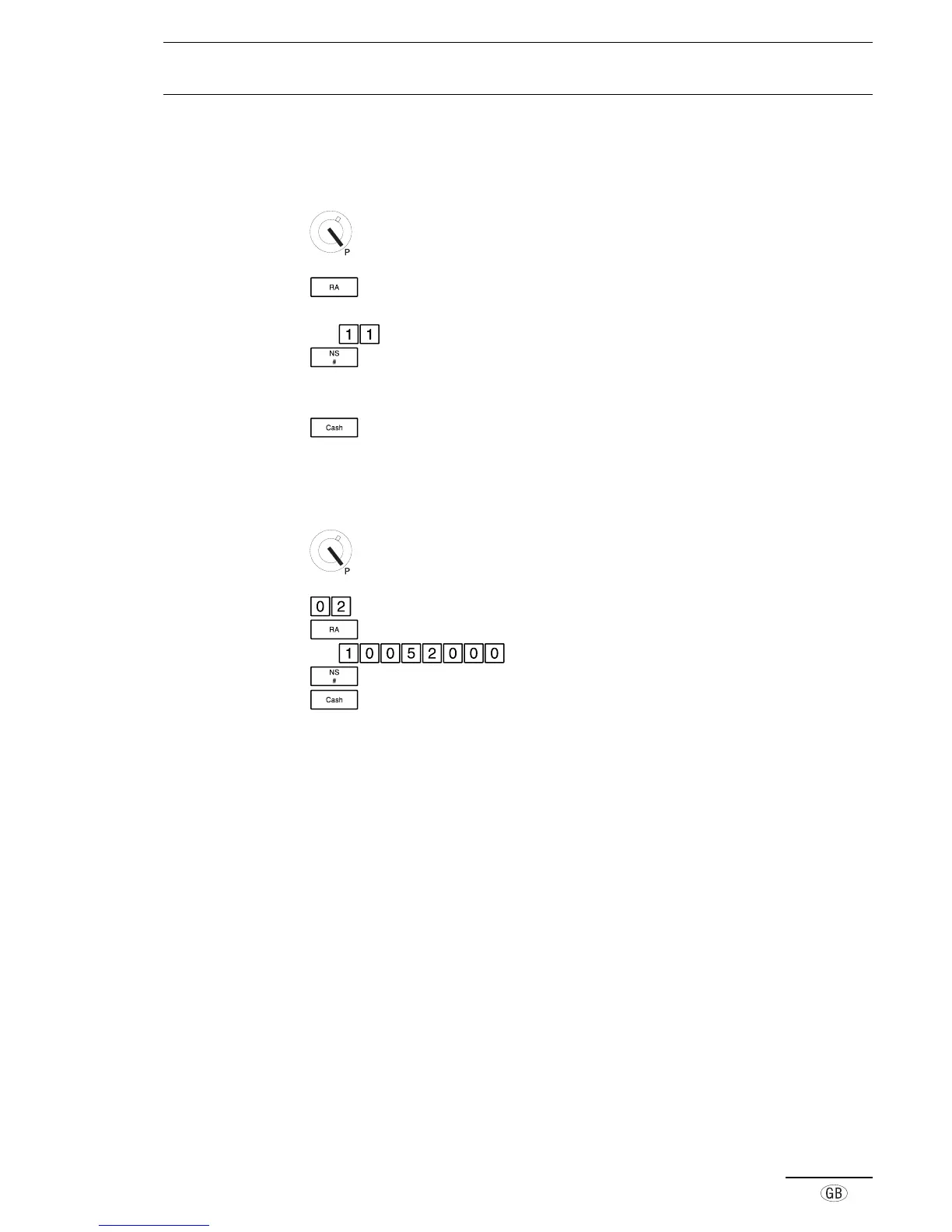
In order to set the individual flags, carry out the steps described below.
Set the key to position P
The basic program is activated.
‘01’ appears on the left side of the display for Flag 01
e.g.
Enter the required digits
Store the setting and move on to the next flag
‘02’ appears in the display, indicating Flag 02
Program the other flags in the same way
Conclude programming and exit Programming mode
■ Modifying a single flag
Each flag can be selected directly, e.g. Date.
Set the key to position P
Enter the flag number for setting the date
Open the basic program for the date flag
e.g. Enter the data
Store the setting
Conclude programming and exit Programming mode



 To Next Page