67
5
Playback
Viewing still pictures
5 Playback
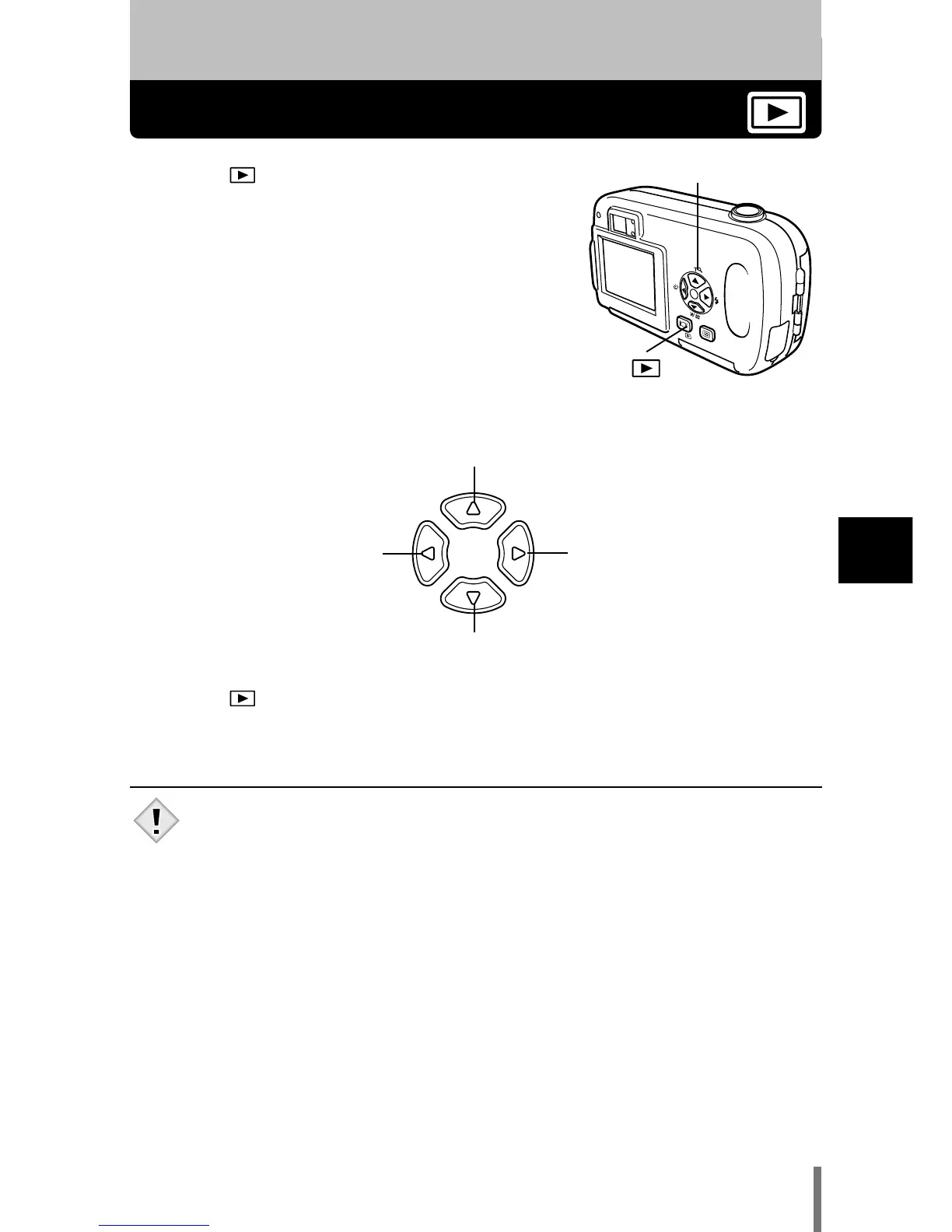
1 Press with the lens barrier closed.
• The monitor turns on and displays the last picture
taken. (Single-frame playback)
2 Use the arrow pad to play back other pictures.
3 Press to cancel playback.
• The monitor and camera turn off.
Close-up playback (Ñ) (P. 69)
Index display(
ñ) (P. 70)
Displays the next
picture. (í)
Displays the previous
picture. (
É)
• If the camera is not used for over 3 minutes, it turns off
automatically.







 To Next Page